About Change Management Tracker
Change work can become scattered across announcements and meetings. A tracker helps preserve the plan and the questions still unresolved. Make sure each action has an owner and record what people need to understand before expecting a new process to stick.
What’s included
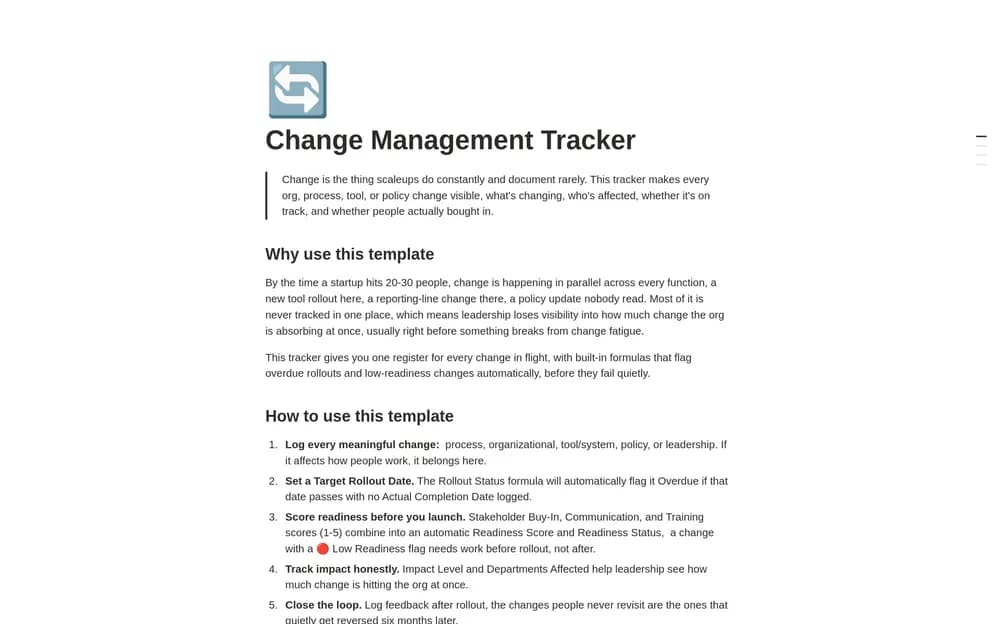
- A change register with type, affected departments, sponsor, impact, and dates
- Readiness scoring from stakeholder buy-in, communication, and training
- Rollout status, countdowns, a watchlist, and calendar or impact views
How to use it in practice
Add one current change and assess readiness using evidence behind each score. Record the communication and training still needed before rollout. Review the watchlist across changes affecting the same team so competing demands become visible. After rollout, confirm completion with the people involved and retain lessons for the next change.
Set it up in your workspace
- Open the original Notion Marketplace listing and add the template to your chosen workspace while signed in. Keep its example records until you understand how the pages connect.
- Choose one current change and list the people and actions involved. Agree on when you will review progress.
- Try one complete example before adding a large backlog. Check that its views and any calculations show what you expect, then replace the sample content with your own.
Who it suits and what to consider
Teams coordinating a change in how they work. Useful for coordinating several changes. The formula highlights dates and entered readiness scores; it depends on people keeping those assessments honest and current.