About Coach Client Tracker
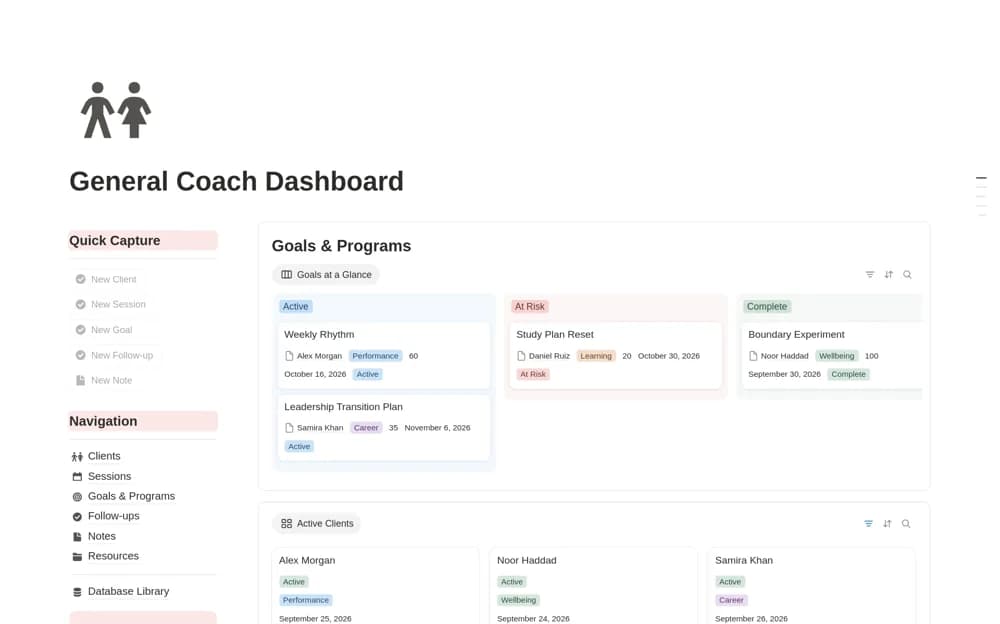
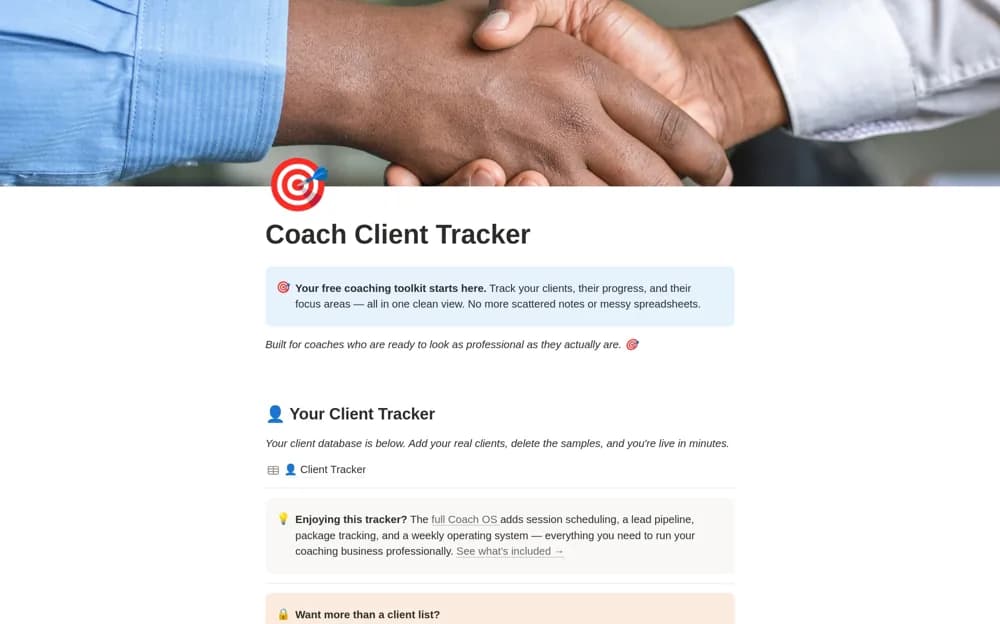
Track coaching clients and session counts in Notion, with focus areas, next-session dates, and a filtered active-client list.
What’s included
- Client contacts, status, and coaching focus
- Previous and upcoming session dates
- Completed and remaining session counts
- Active-client view with example records
How to use it in practice
Keep one sample client as a reference, then add a current coaching engagement. Enter the focus area and session allowance, record the last session, and set the next date. Review active clients before the week begins and update counts after each appointment.
Set it up in your workspace
- Open the original Notion Marketplace listing and add the template to your chosen workspace while signed in. Keep its example records until you understand how the pages connect.
- Keep one sample client as a reference, then add a current coaching engagement.
- Try one complete example before adding a large backlog. Check that its views and any calculations show what you expect, then replace the sample content with your own.
Who it suits and what to consider
Independent career and business coaches who need a straightforward client and session register. This free database covers client and session tracking. Programs, discovery-call pipelines, tasks, and worksheets belong to the creator’s paid Independent Coach OS.