 Free
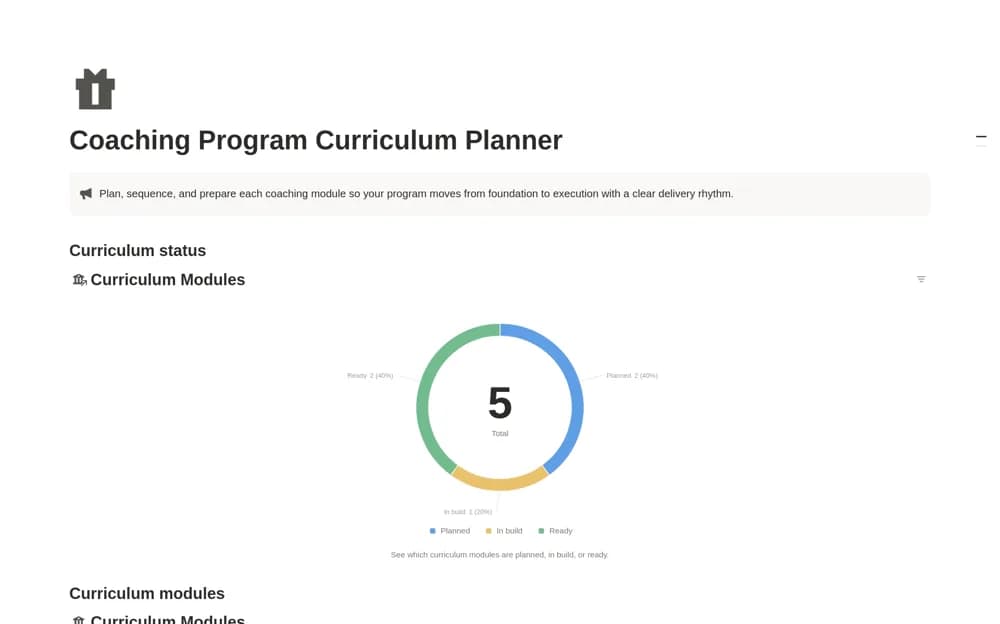
FreeCoaching Program Curriculum Planner
A coaching curriculum planner for ordering modules, pacing weeks, and tracking preparation through to readiness.
Connect coaching sessions to the work a client wants to change. Find Notion coaching templates for goals, session preparation, agreed actions, resources, and reviewing progress together.
Showing 1–4 of 4 templates
A little structure goes a long way.FreeA coaching curriculum planner for ordering modules, pacing weeks, and tracking preparation through to readiness.
 Free
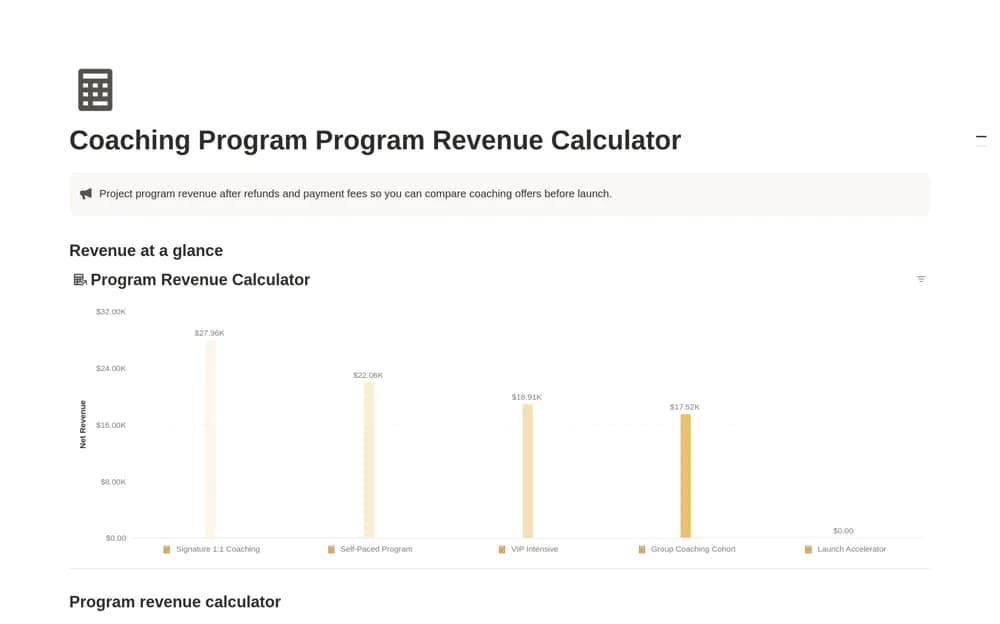
FreeA coaching-offer scenario calculator comparing price and expected enrollment with refund and processing-fee assumptions to show gross and net revenue estimates.
 Free
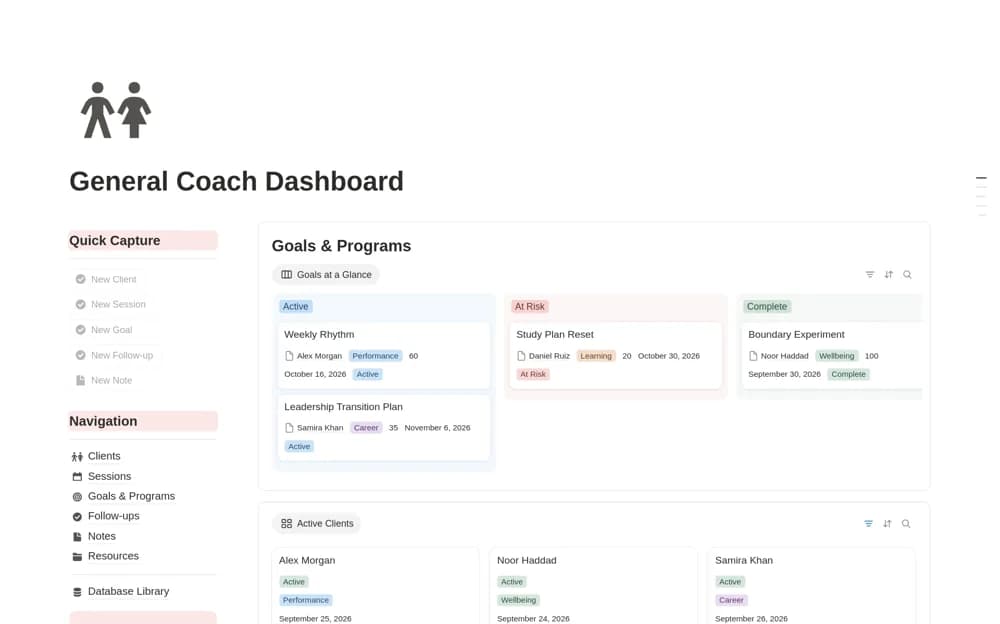
FreeA coaching practice dashboard connecting clients, sessions, goals, programs, follow-ups, notes, and resources.
 Free
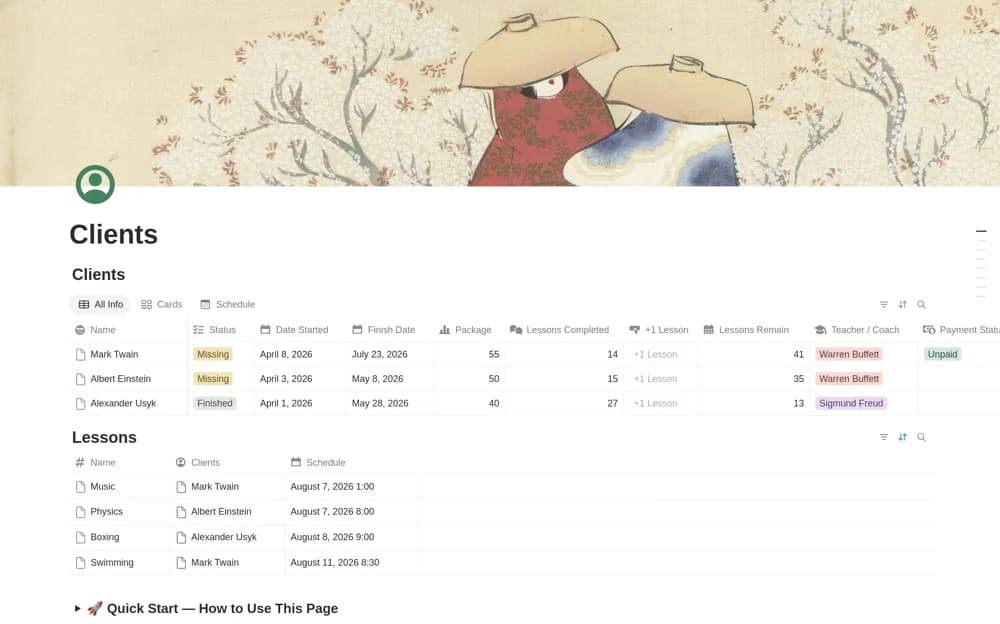
FreeA client and lesson tracker connecting packages, payment status, scheduled lessons, a one-click lesson counter, progress, and calculated remaining sessions.
Compare the purpose and included features before choosing a workspace.
Coaches building a structured program with several sessions or modules.
Coaches and business owners reviewing the economics of a proposed program before launch.
Independent coaches and small practices organizing recurring client work.
Agree on the purpose of the engagement and what the client will be able to see. Keep session notes, commitments, and review dates connected so each conversation builds on the last. Choose a curriculum planner for a structured program or a client tracker for individual work. Restrict private preparation notes and confirm the sharing boundary before inviting a client into the workspace.
Goals and session continuity
Agreed client actions
A tested shared client view
About the directoryYes. This collection currently includes 4 listings with a confirmed free creator offer. Use the Free filter to compare them. A free version can have different features from a creator’s paid upgrade, so check the original listing and current access terms before adding it to your workspace.