About General Coach Dashboard
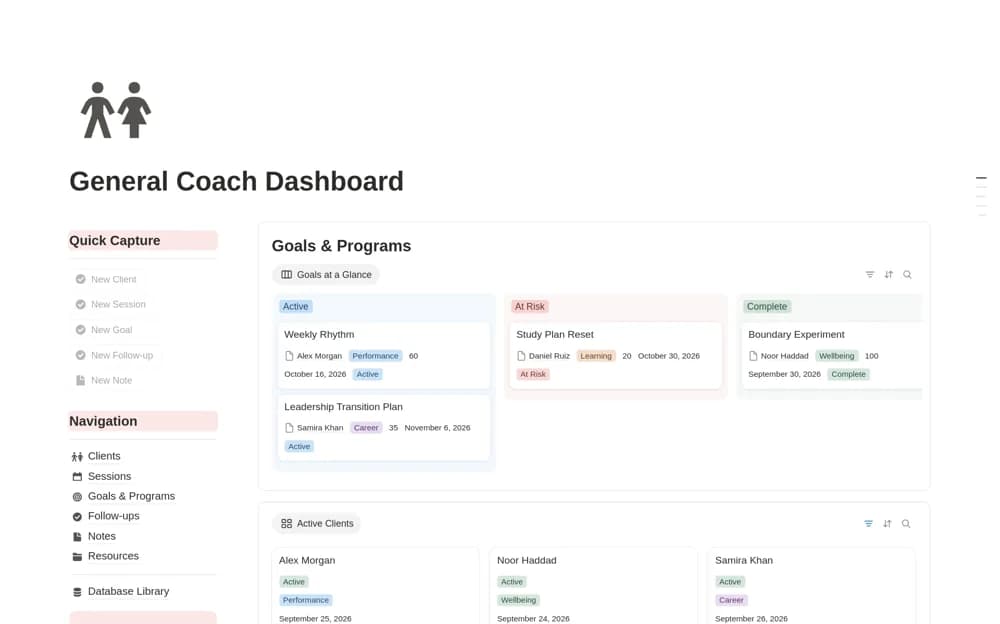
A coaching practice dashboard connecting clients, sessions, goals, programs, follow-ups, notes, and resources.
What’s included
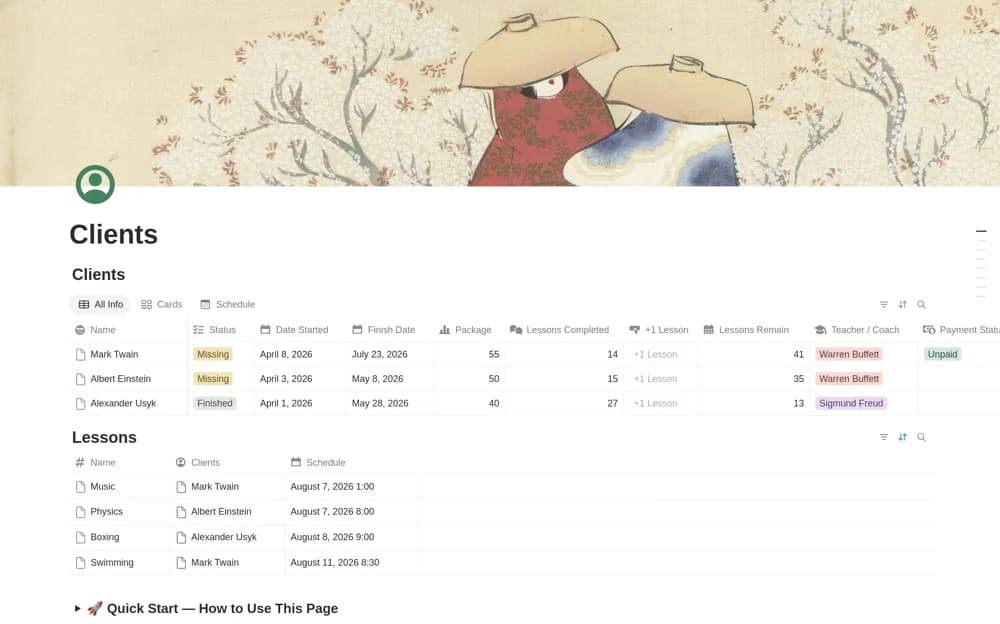
- Connected client and session databases
- Goals, programs, and follow-up records
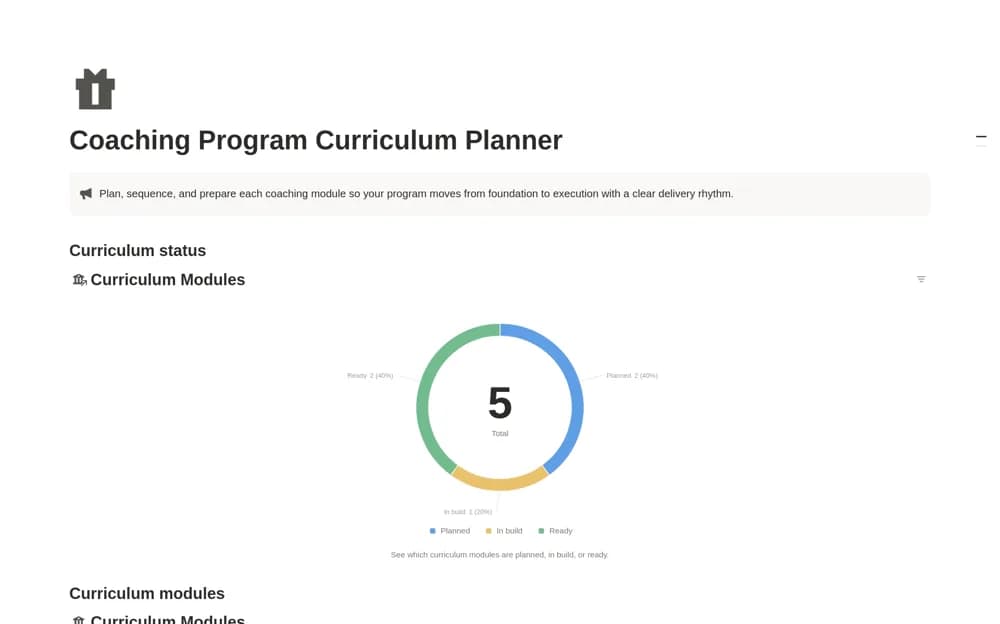
- Reusable resources, notes, and visual board or gallery views
How to use it in practice
Create a fictional client and link a session, goal, and next action. Review what the dashboard surfaces before entering private client information. Establish a consistent note and follow-up routine, keeping client access separate from the practice’s internal records.
Set it up in your workspace
- Open the original Notion Marketplace listing and add the template to your chosen workspace while signed in. Keep its example records until you understand how the pages connect.
- Create a fictional client and link a session, goal, and next action.
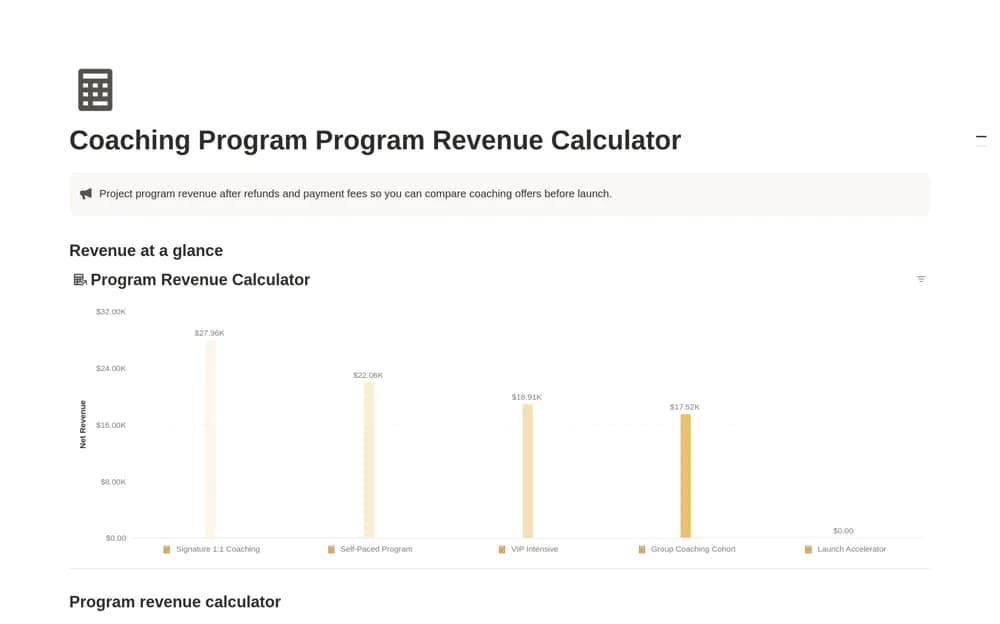
- Try one complete example before adding a large backlog. Check that its views and any calculations show what you expect, then replace the sample content with your own.
Who it suits and what to consider
Independent coaches and small practices organizing recurring client work. It supports administration and context; it does not establish professional suitability, clinical record standards, or coaching outcomes.