About Coaching Program Curriculum Planner
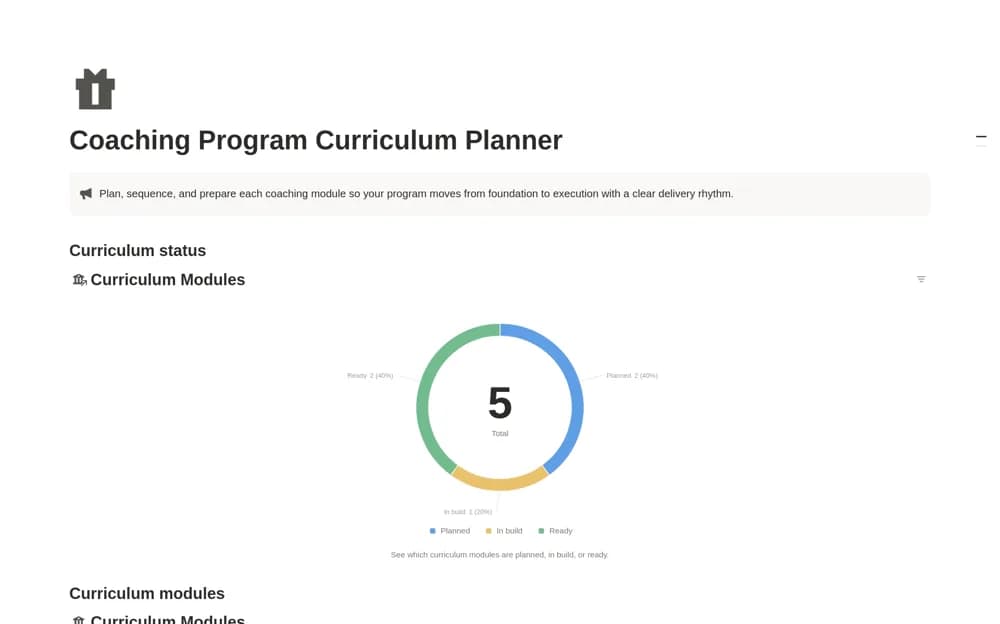
A coaching curriculum planner for ordering modules, pacing weeks, and tracking preparation through to readiness.
What’s included
- Module sequence and target-week fields
- Foundation, Execution, and Integration phases
- Lesson, Workshop, and Review formats with build-status views
How to use it in practice
Write the intended learning result for each module, then check the sequence for missing prerequisites. Assign a realistic target week and delivery format. Open each module to prepare its materials, and review readiness before scheduling delivery rather than relying on its position in the plan.
Set it up in your workspace
- Open the original Notion Marketplace listing and add the template to your chosen workspace while signed in. Keep its example records until you understand how the pages connect.
- Write the intended learning result for each module, then check the sequence for missing prerequisites.
- Try one complete example before adding a large backlog. Check that its views and any calculations show what you expect, then replace the sample content with your own.
Who it suits and what to consider
Coaches building a structured program with several sessions or modules. The supplied phases are editable planning choices; they do not establish that a particular coaching method will work for every participant.