About Course Curriculum Builder
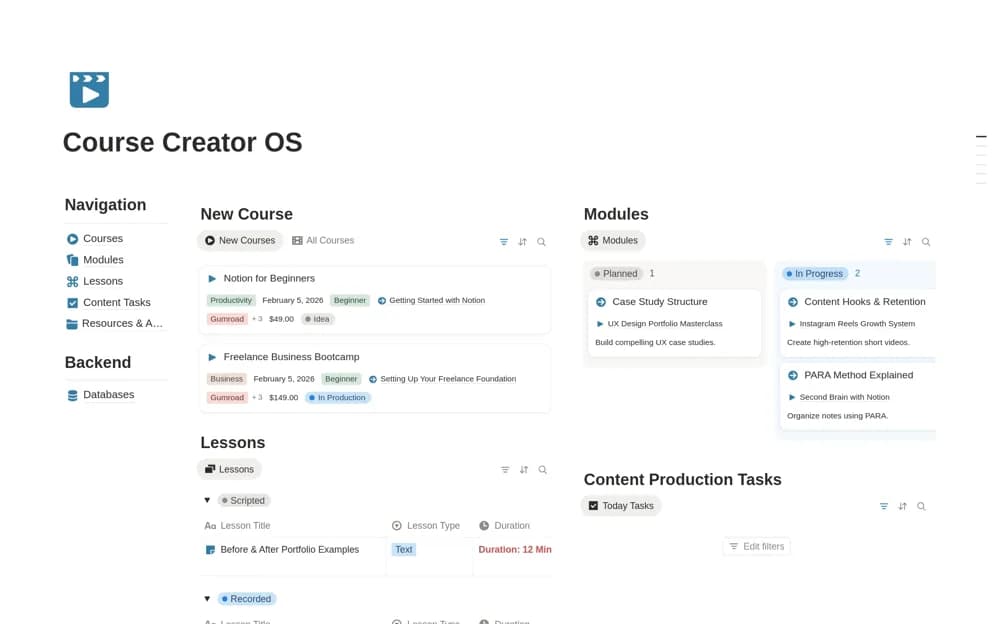
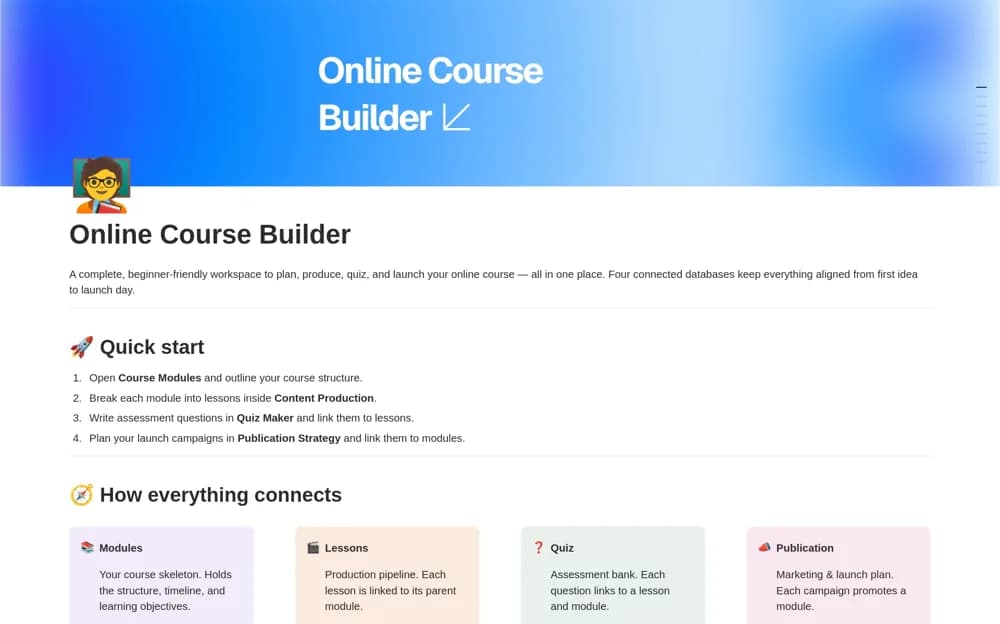
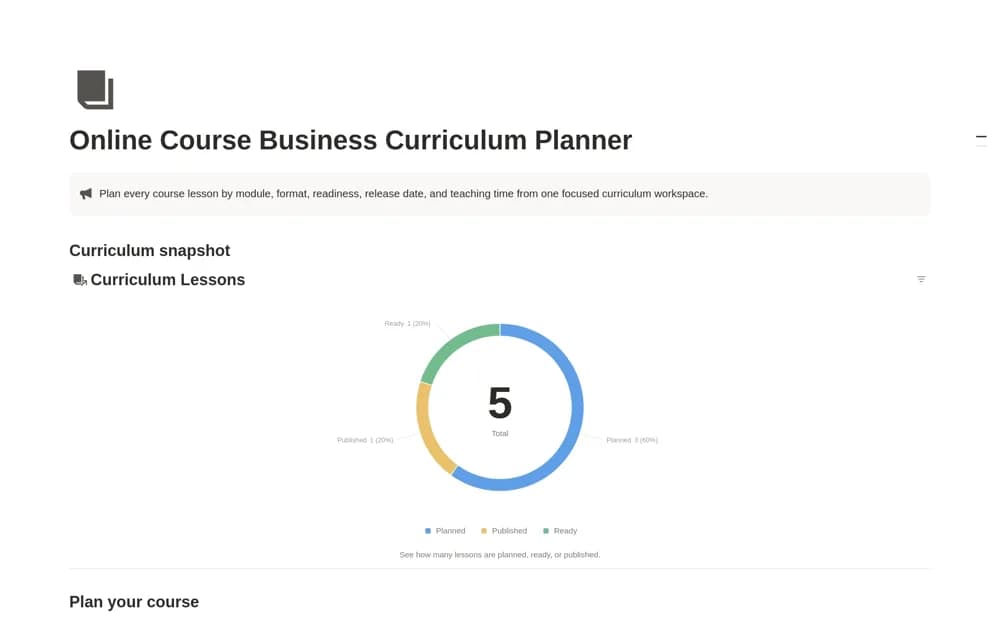
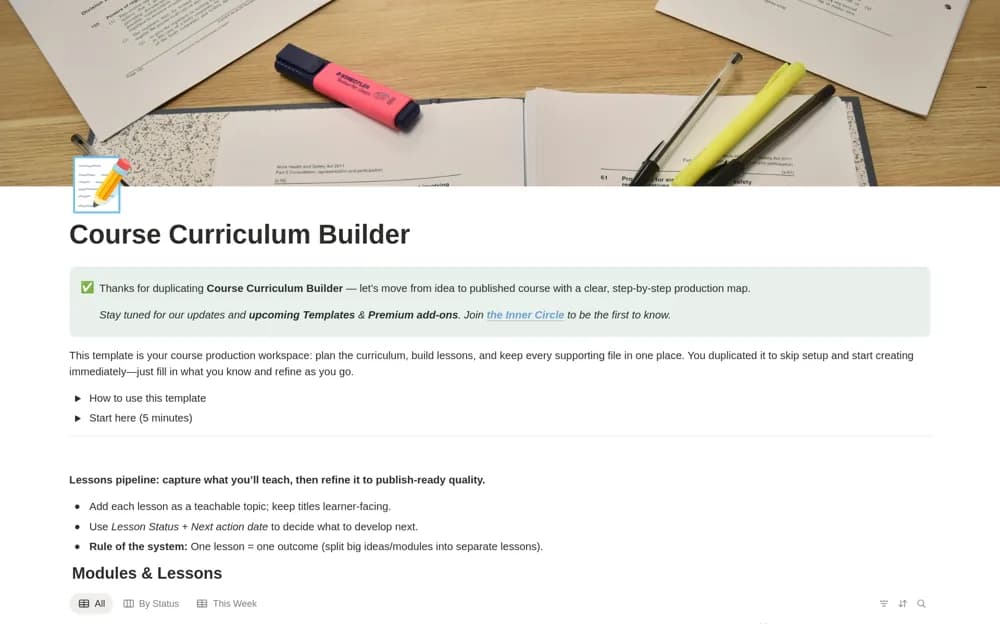
A course-planning system linking modules and lessons to a shared asset library, with lesson outcomes, draft notes, production stages, and focused weekly views.
What’s included
- Modules & Lessons database
- Resource/Asset Library
- Lesson Status pipeline and weekly working views
How to use it in practice
Write the outcome for one lesson before adding slides or recording tasks. Draft its key points, example, and exercise inside the lesson, then link resources from the shared library. Reuse an existing asset record when another lesson needs the same material so updates have one clear home.
Set it up in your workspace
- Open the original Notion Marketplace listing and add the template to your chosen workspace while signed in. Keep its example records until you understand how the pages connect.
- Write the outcome for one lesson before adding slides or recording tasks.
- Try one complete example before adding a large backlog. Check that its views and any calculations show what you expect, then replace the sample content with your own.
Who it suits and what to consider
Creators who want their lesson content and supporting resources to stay connected during production. Its focus is developing teaching material. Check your separate platform requirements for enrollment, protected delivery, assessments, and payments.