About Online Course Business Curriculum Planner
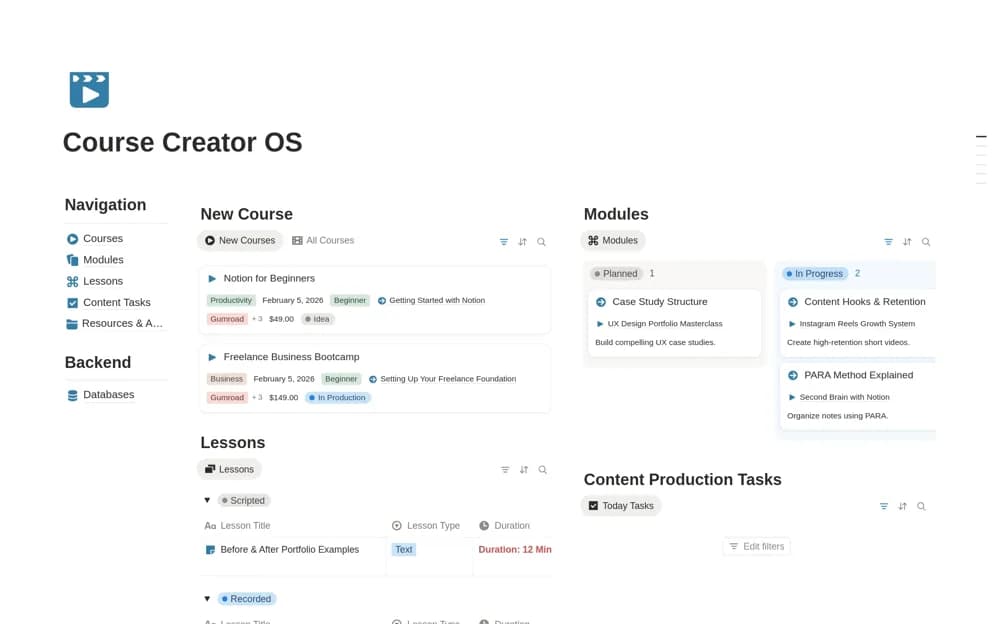
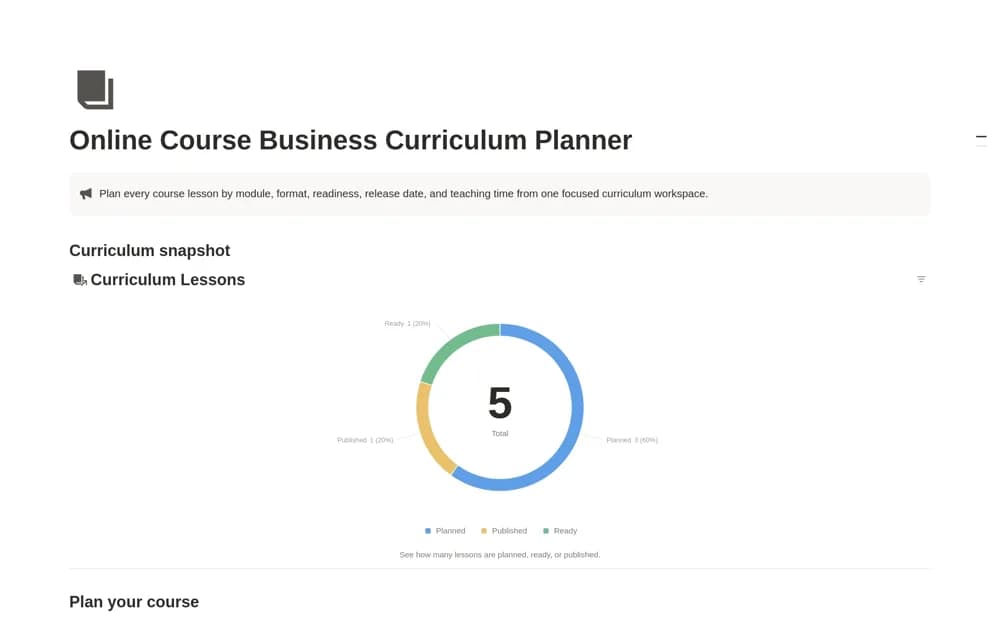
A lesson-production planner with modules, formats, durations, release dates, and a timing formula showing published, unscheduled, overdue, and upcoming course content.
What’s included
- Curriculum Lessons database
- Timing formula and Curriculum Status snapshot
- Active, Done, and All views
How to use it in practice
Create a small module with a video, workbook, and quiz as separate lesson records. Enter realistic release dates and use the active view to find what needs preparation next. Mark content published only after checking the actual delivery platform, keeping production status tied to what learners can access.
Set it up in your workspace
- Open the original Notion Marketplace listing and add the template to your chosen workspace while signed in. Keep its example records until you understand how the pages connect.
- Create a small module with a video, workbook, and quiz as separate lesson records.
- Try one complete example before adding a large backlog. Check that its views and any calculations show what you expect, then replace the sample content with your own.
Who it suits and what to consider
Course creators coordinating the preparation and publication of individual teaching assets. This workspace plans production and publishing dates. It does not itself establish course hosting, student access, or a payment connection.