About Online Course Builder
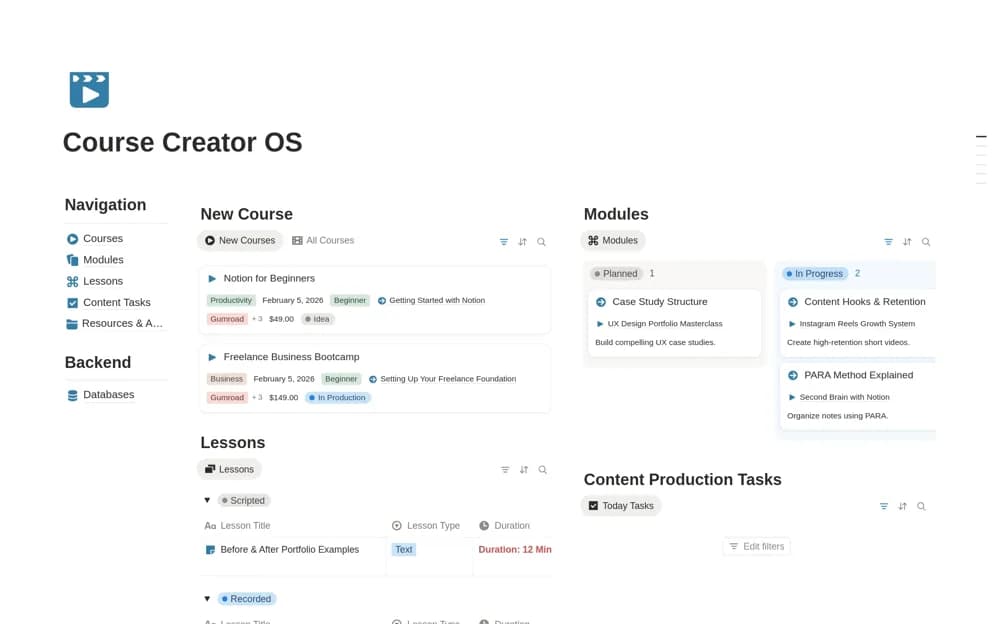
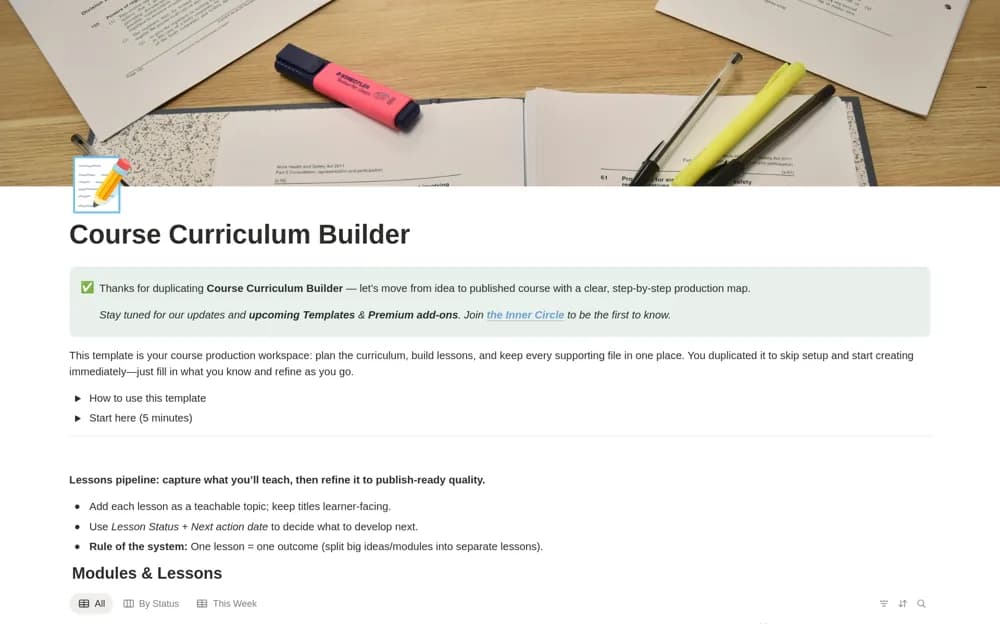
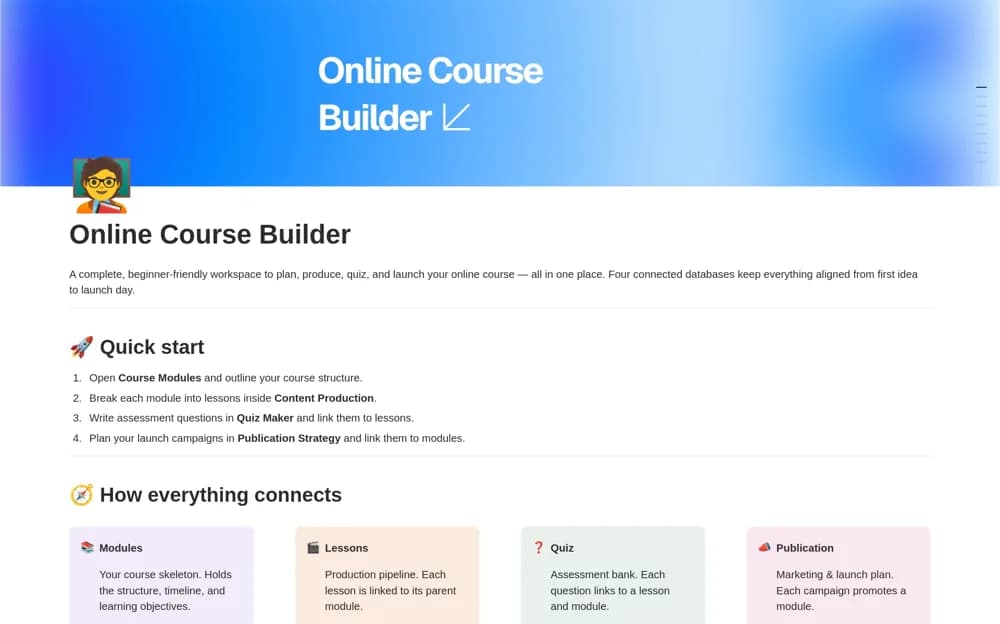
A paid course-production workspace connecting modules, lessons, and a quiz bank, with structured lesson pages for objectives, scripts, shot lists, assets, and completion checks.
What’s included
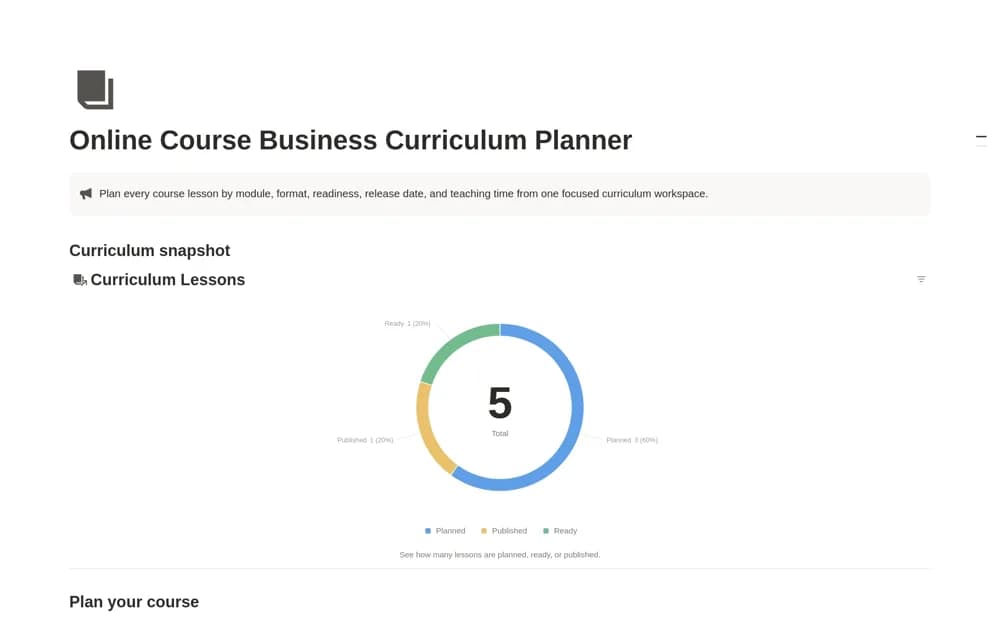
- Course Modules with planning views
- Content Production lesson pipeline
- Quiz Maker linked to lessons and modules
How to use it in practice
Build one short module and take a single lesson from idea through script and production checklist. Add a quiz question that checks its stated objective, then review the lesson and assessment together. Use that example to decide which fields are useful before outlining the rest of the course.
Set it up in your workspace
- Open the original Notion Marketplace listing and add the template to your chosen workspace while signed in. Keep its example records until you understand how the pages connect.
- Build one short module and take a single lesson from idea through script and production checklist.
- Try one complete example before adding a large backlog. Check that its views and any calculations show what you expect, then replace the sample content with your own.
Who it suits and what to consider
Course creators who need detailed production and assessment preparation rather than only an outline. The supplied quiz bank supports preparation. The listing does not establish a hosted assessment engine, learner grading service, or course checkout.