 Free
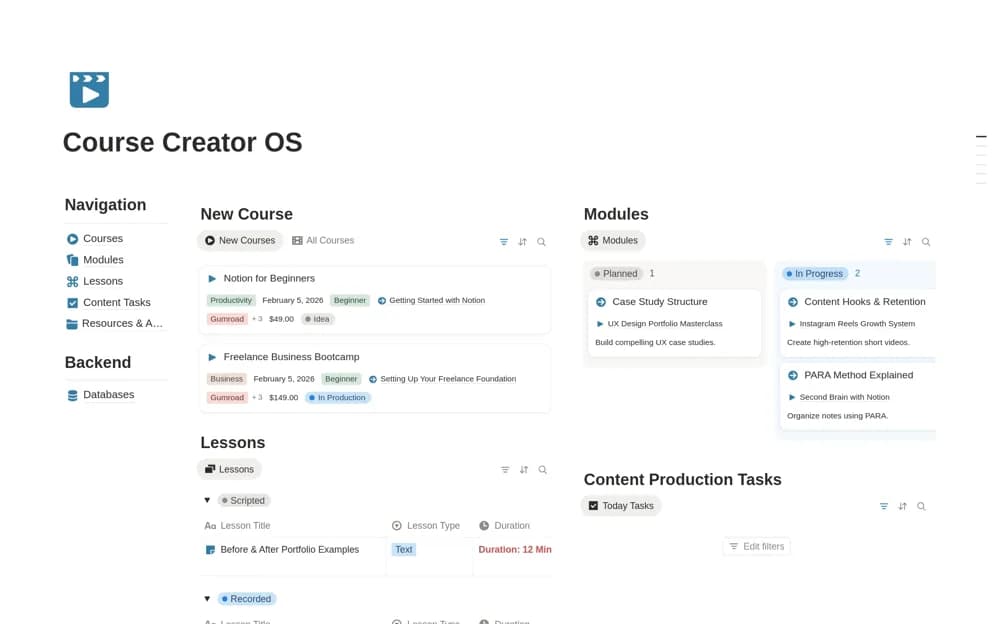
FreeCourse Creator OS | Plan, Build & Launch
A lightweight course workspace for organizing courses, modules, lessons, production tasks, and resources, with a clear view of material still needing recording, editing, or upload.
Turn course expertise into a clear production plan. Compare Notion templates for creators outlining lessons, organizing learning materials, and managing the work required to build and launch an online course.
Showing 1–4 of 4 templates
A little structure goes a long way.FreeA lightweight course workspace for organizing courses, modules, lessons, production tasks, and resources, with a clear view of material still needing recording, editing, or upload.
 Free
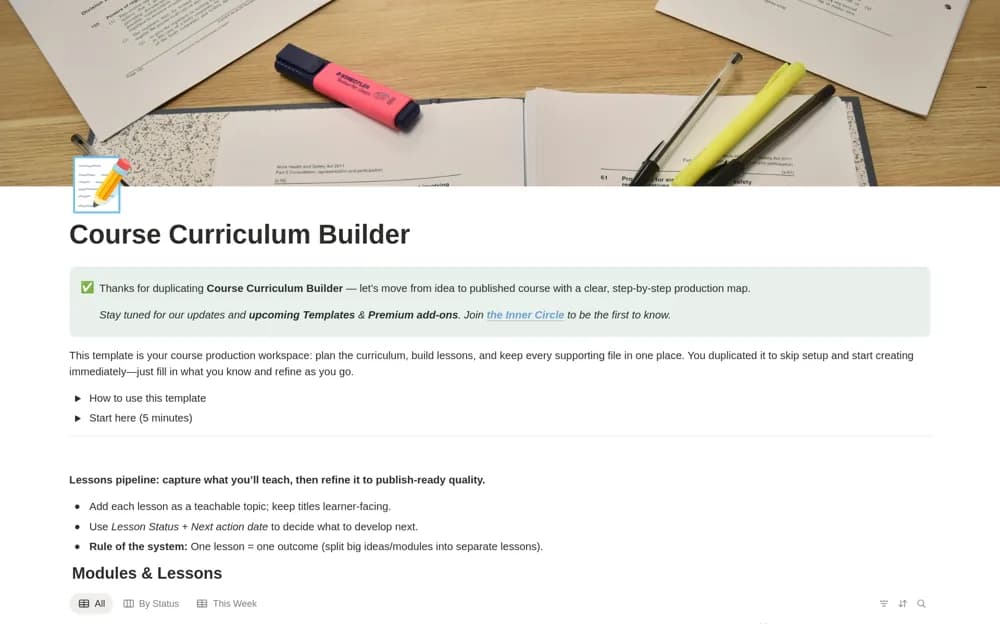
FreeA course-planning system linking modules and lessons to a shared asset library, with lesson outcomes, draft notes, production stages, and focused weekly views.
 Paid
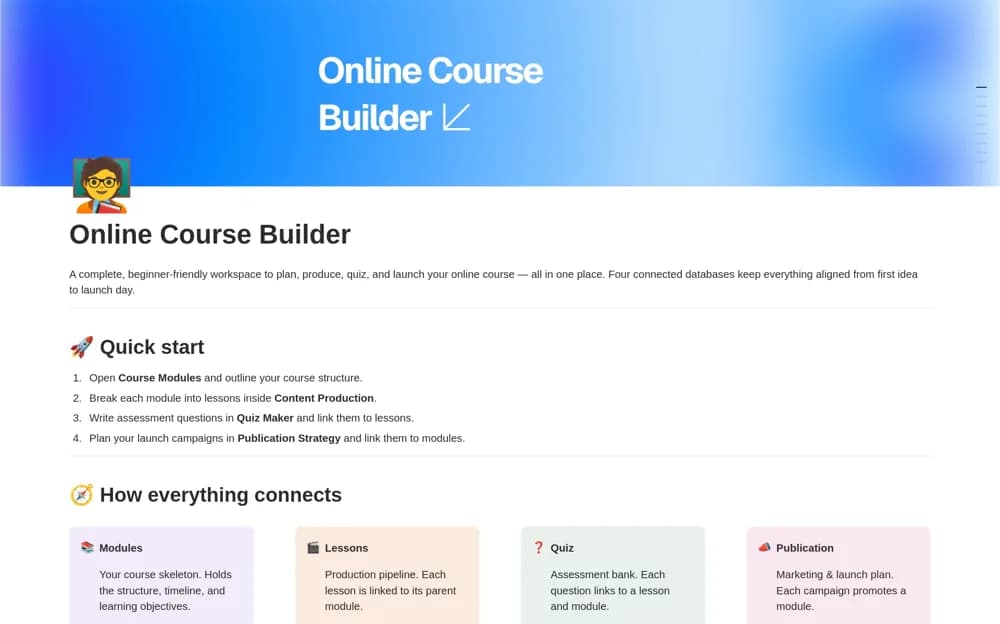
PaidA paid course-production workspace connecting modules, lessons, and a quiz bank, with structured lesson pages for objectives, scripts, shot lists, assets, and completion checks.
 Free
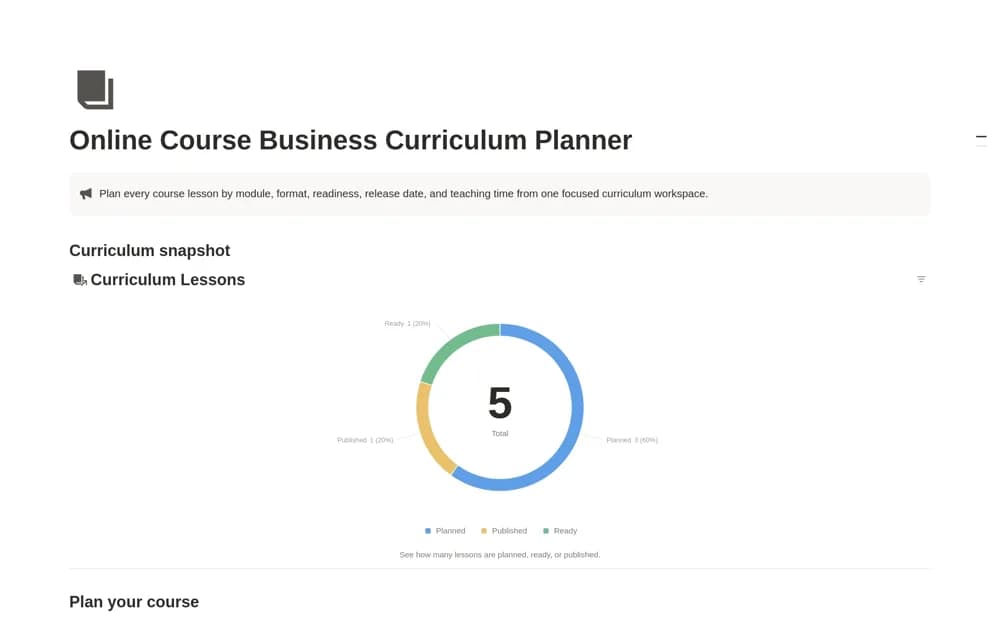
FreeA lesson-production planner with modules, formats, durations, release dates, and a timing formula showing published, unscheduled, overdue, and upcoming course content.
Compare the purpose and included features before choosing a workspace.
Solo creators building a first course or keeping several digital learning products organized.
Creators who want their lesson content and supporting resources to stay connected during production.
Course creators who need detailed production and assessment preparation rather than only an outline.
Begin with the learner’s intended outcome and build a small module before outlining a large curriculum. Give each lesson a purpose, a delivery format, and a production status. Keep scripts and assets linked to the lesson they support. Distinguish a planning template from a hosted learning platform: selling access, collecting payments, and delivering protected lessons may require separate services and configuration.
Modules linked to lessons
Production stages and asset links
Learner outcomes and launch tasks
About the directoryGive each lesson a learning outcome and the material required to teach it. Keep production status distinct from publication: a recorded video is not necessarily edited, uploaded, or accessible to learners. Link shared assets instead of saving several copies. Review a small complete module before planning a large course so the workflow reflects how you actually produce and deliver content.
The listed planning tools generally organize curriculum and production. Hosting, enrollment, payments, learner access, and formal assessment delivery need confirmation from the creator or a separate course platform.
Yes. This collection currently includes 3 listings with a confirmed free creator offer, alongside 1 paid or freemium option. Use the Free filter to compare them. A free version can have different features from a creator’s paid upgrade, so check the original listing and current access terms before adding it to your workspace.