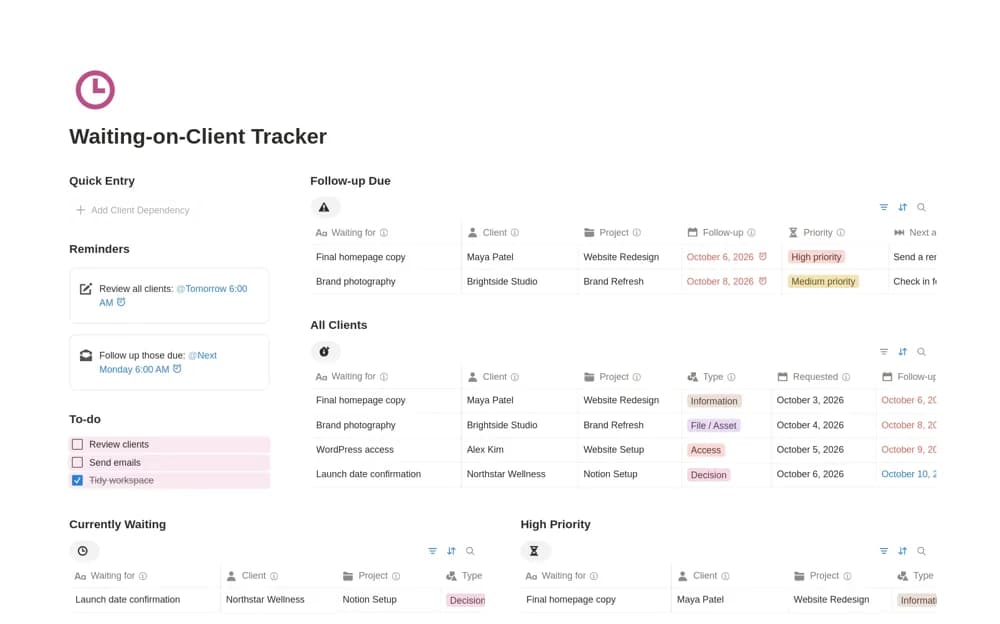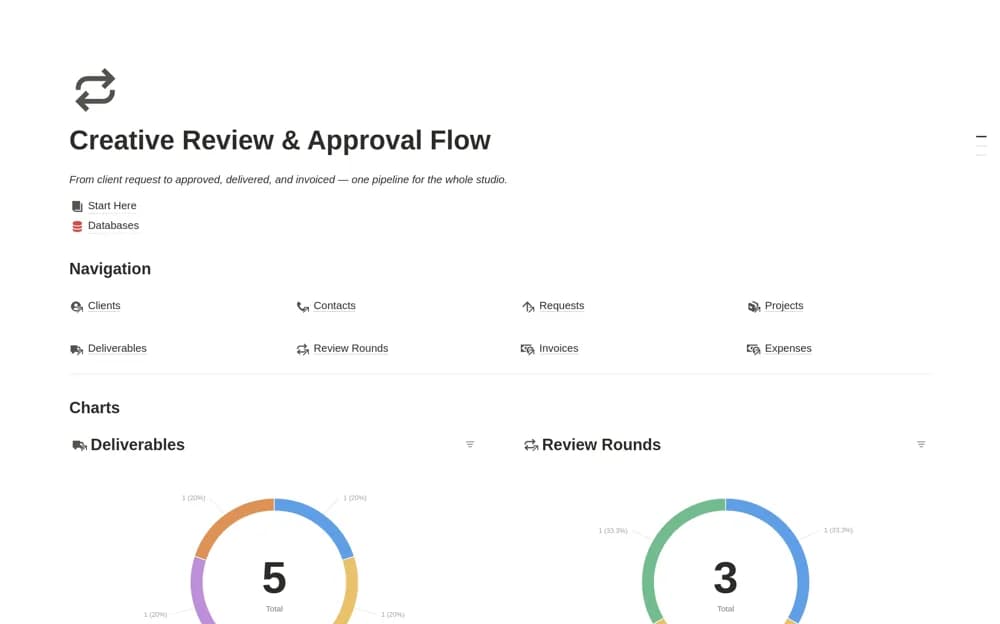
About Creative Review & Approval Flow
Move creative work through request, production, review, approval, delivery, and billing in a connected Notion studio workspace.
What’s included
- Client and contact records
- Requests linked to projects and deliverables
- Review-round and approval tracking
- Invoice, expense, and pipeline views
How to use it in practice
Enter one client request and identify the person who can approve the work. Connect it to a project and a specific deliverable, then record feedback by review round. Move the asset to delivery only after the decision is clear, and reconcile the billing records with your actual invoicing process.
Set it up in your workspace
- Open the original Notion Marketplace listing and add the template to your chosen workspace while signed in. Keep its example records until you understand how the pages connect.
- Enter one client request and identify the person who can approve the work.
- Try one complete example before adding a large backlog. Check that its views and any calculations show what you expect, then replace the sample content with your own.
Who it suits and what to consider
Design studios and creative agencies managing several client requests and feedback rounds. An approval status records a decision; it does not itself establish a client’s consent. Payment collection and accounting integrations are not documented.