 Free
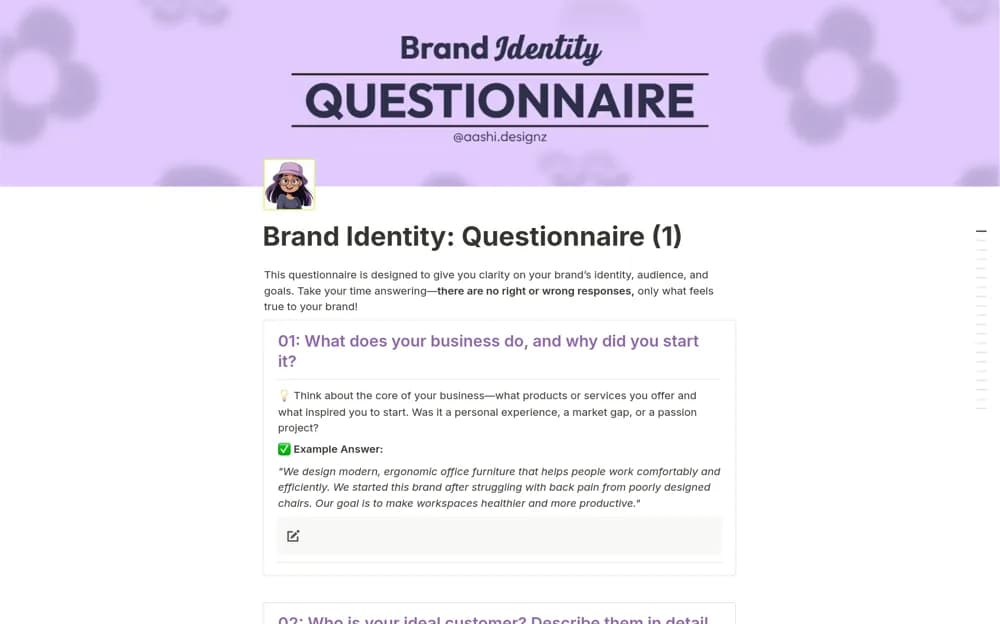
FreeBrand Identity: Questionnaire
A guided questionnaire for clarifying a brand’s audience, values, positioning, and distinctive offer.
Make incoming design work easier to assess. Find Notion request trackers for briefs, priorities, required assets, deadlines, and a clear handoff into production.
Showing 1–2 of 2 templates
A little structure goes a long way.FreeA guided questionnaire for clarifying a brand’s audience, values, positioning, and distinctive offer.
 Free
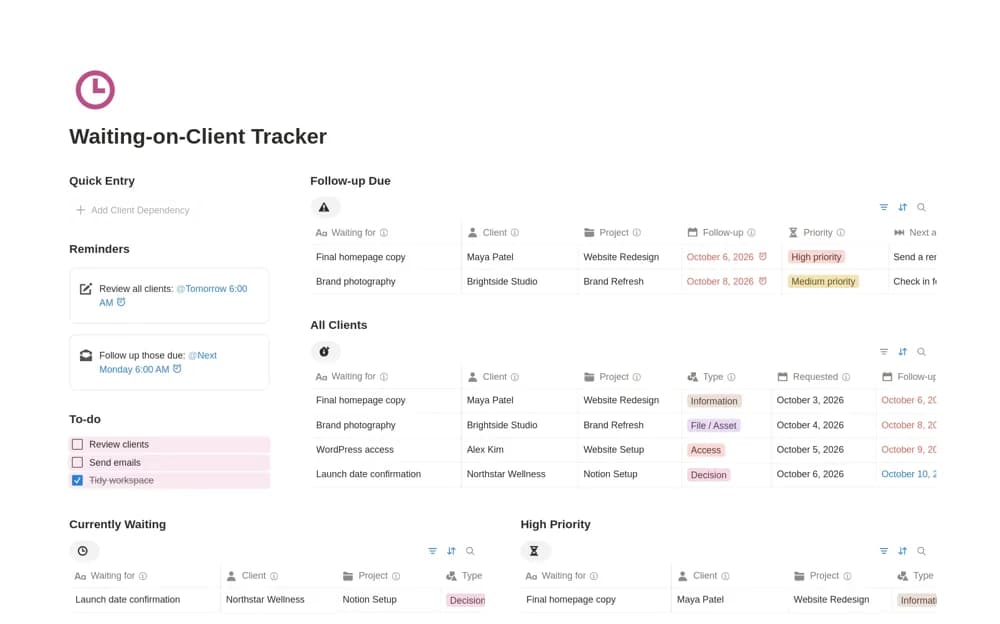
FreeA client dependency tracker for missing assets, feedback, approvals, access, payments, and clear follow-up actions.
Compare the purpose and included features before choosing a workspace.
Freelancers who regularly wait on client input before work can move forward.
Founders and creatives preparing the direction behind brand messaging or design.
Ask for enough information to evaluate a request without making the form a barrier. Distinguish the requested date from an agreed delivery date, and show who is responsible for triage. Send incomplete briefs back with specific questions. Review the queue together so priority reflects actual commitments rather than whichever request arrived with the strongest wording.
Required brief information
Agreed priority and owner
A visible request queue
About the directoryYes. This collection currently includes 2 listings with a confirmed free creator offer. Use the Free filter to compare them. A free version can have different features from a creator’s paid upgrade, so check the original listing and current access terms before adding it to your workspace.