About Daily, Weekly, Monthly and Yearly Planner
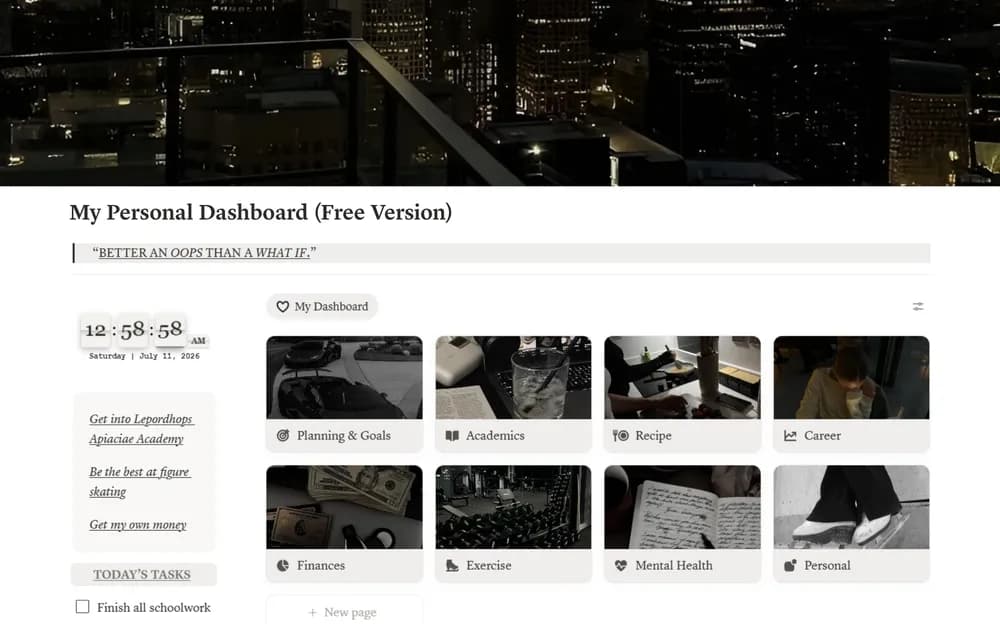
Connect daily schedules, weekly priorities, monthly plans, and yearly goals in one Notion planner so everyday tasks stay tied to bigger aims.
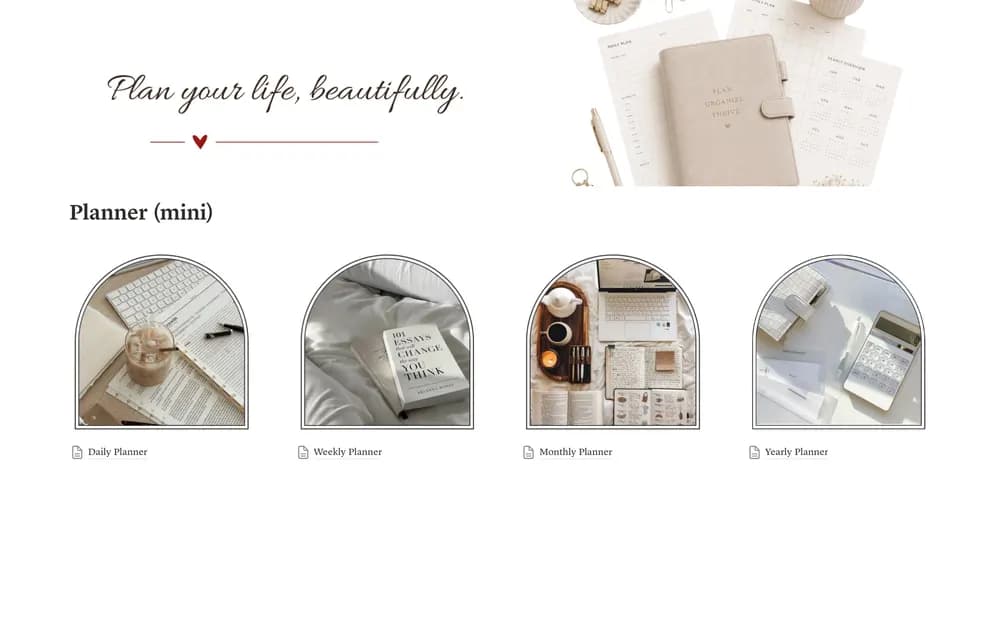
What’s included
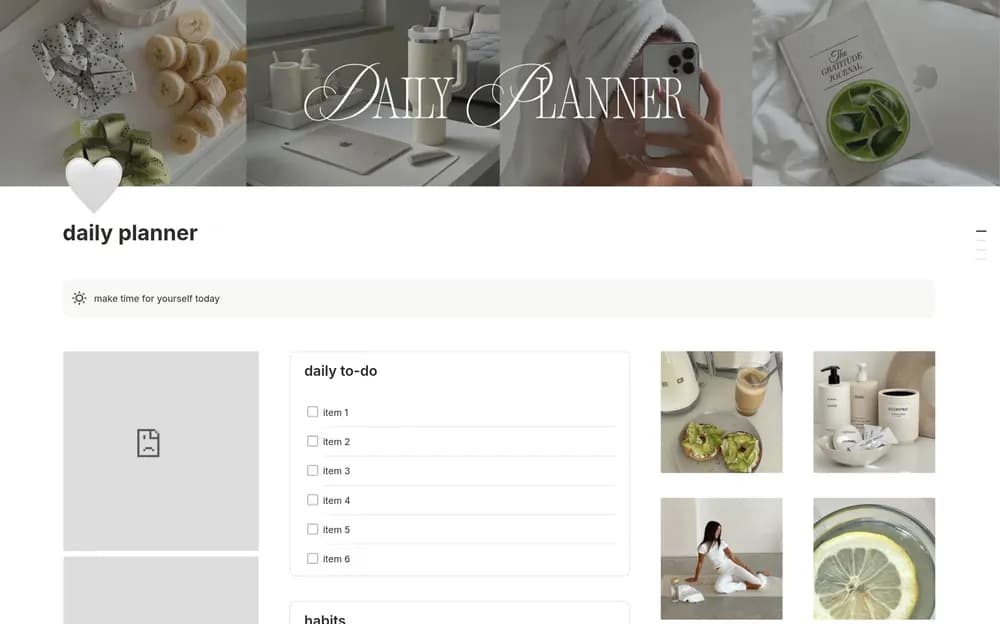
- Daily planner with schedule, tasks, and habits
- Weekly planner for tasks, appointments, and priorities
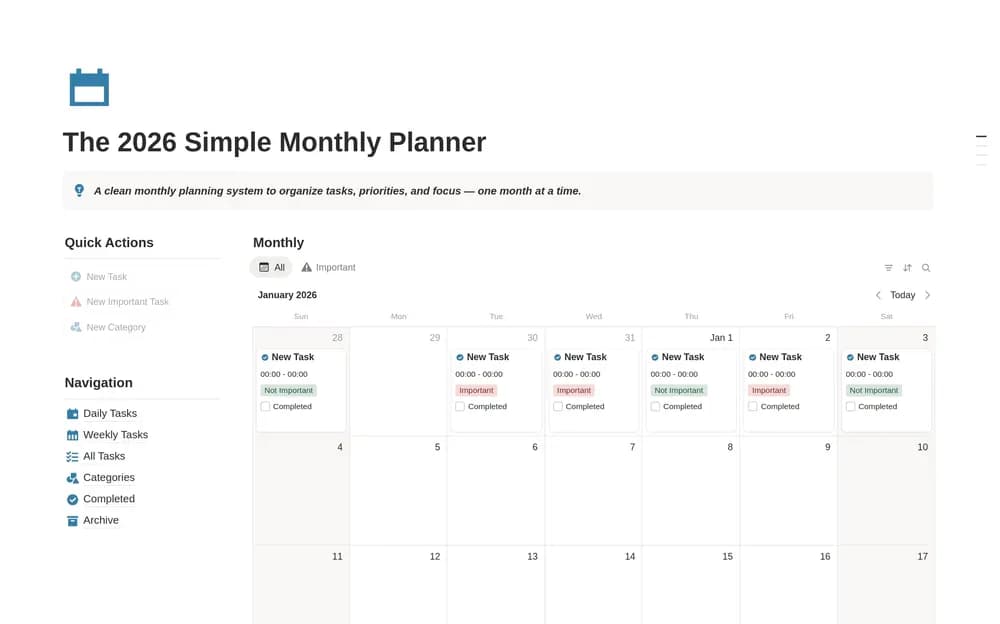
- Monthly planner for key dates, goals, and projects
- Yearly planner for goals and milestones
How to use it in practice
Begin at the top: write two or three goals for the year and the milestones that would show progress. Choose the ones you will work on this month, then add this week’s appointments and tasks. Use the daily page to schedule work and track habits, and check at the end of the week whether daily work matched your monthly plan.
Set it up in your workspace
- Open the original Notion Marketplace listing and add the template to your chosen workspace while signed in. Keep its example records until you understand how the pages connect.
- Begin at the top: write two or three goals for the year and the milestones that would show progress.
- Try one complete example before adding a large backlog. Check that its views and any calculations show what you expect, then replace the sample content with your own.
Who it suits and what to consider
Students and professionals who want one planning system that runs from today’s tasks to annual goals. Four planning layers take regular upkeep, so start with the levels you will actually review. The listing does not describe calendar sync, so appointments are entered manually.