 Free
ADHD Widgets: Calm Daily Tools
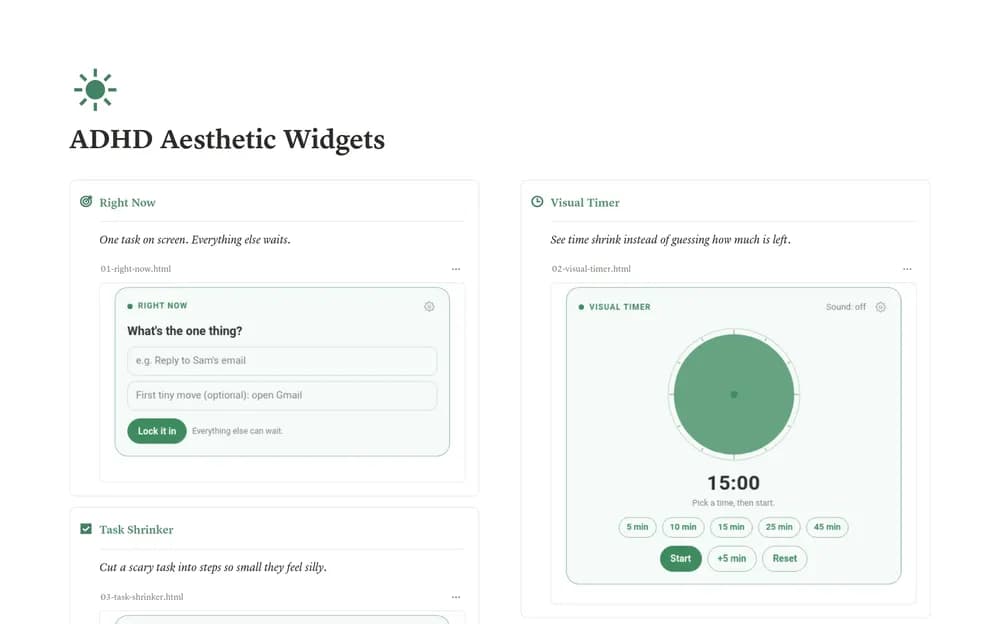
Get through stuck moments with ten Notion widgets, including a single-task focus view, visual timer, task shrinker, dopamine menu, and leave-by planner.
Create a familiar starting point for your plans, routines, and useful pages. Browse Notion dashboards for bringing everyday life into focus.
Showing 1–18 of 21 templates
FreeGet through stuck moments with ten Notion widgets, including a single-task focus view, visual timer, task shrinker, dopamine menu, and leave-by planner.
 Free
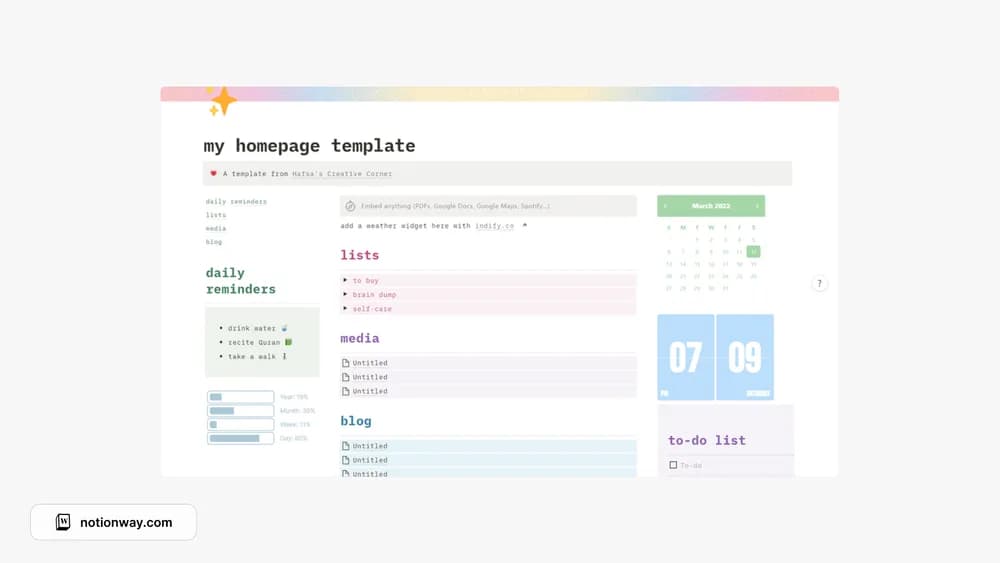
A pastel personal home page for reminders and quick everyday capture.
 Free
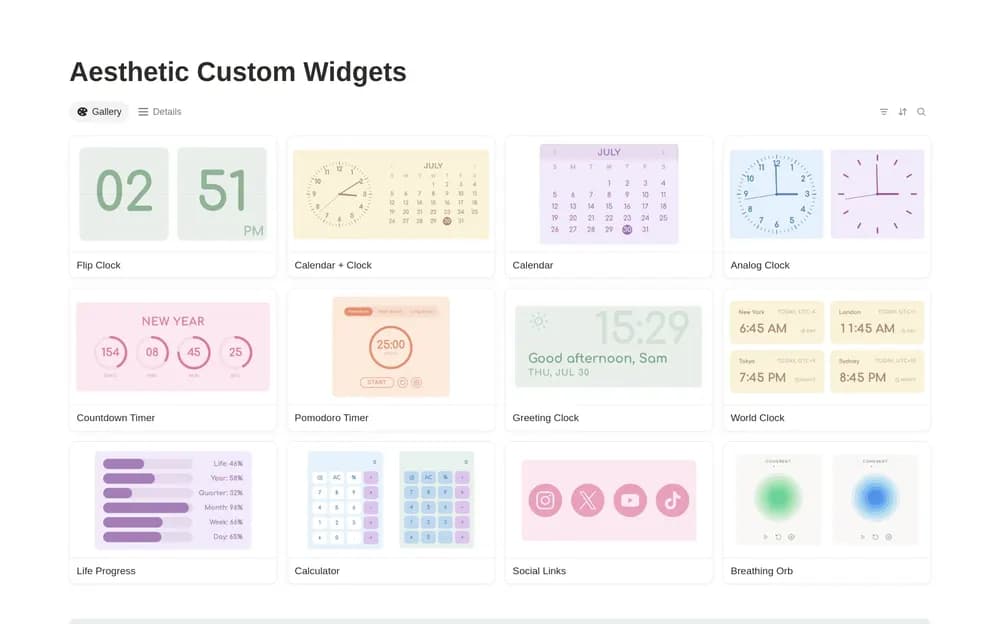
Browse a Notion gallery of customizable embed widgets, from flip clocks and calendars to Pomodoro timers, life-progress bars, and a breathing orb.
 Free
Support daily life as an autistic or ADHD adult in Notion with energy and sensory check-ins, a sensory toolkit, scripts, and simple life admin.
 Free
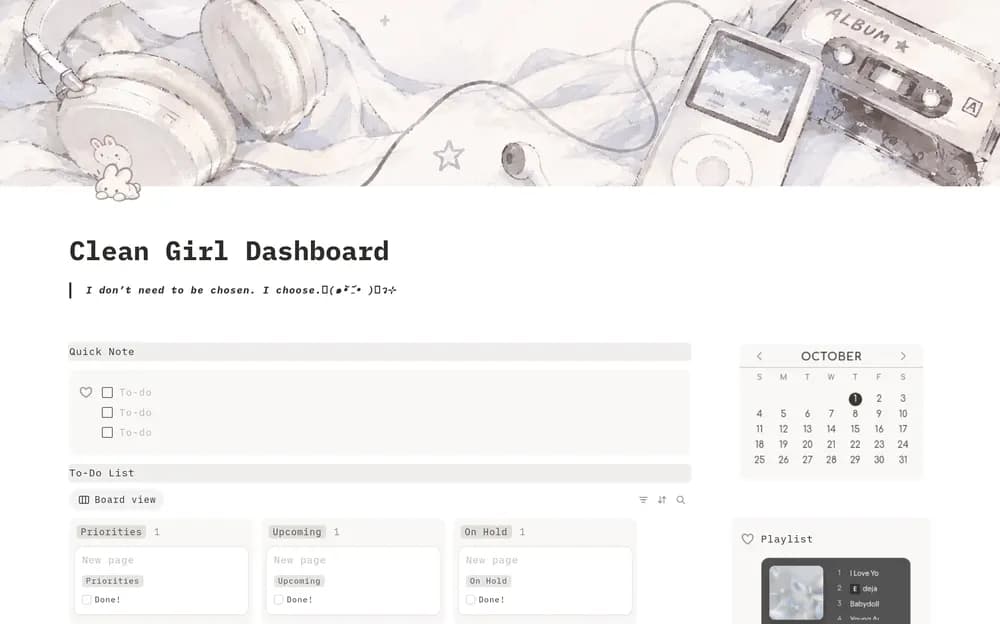
Keep notes, prioritized to-dos, a daily routine tracker, a calendar, and a playlist on one minimal clean-girl style Notion dashboard.
 Free
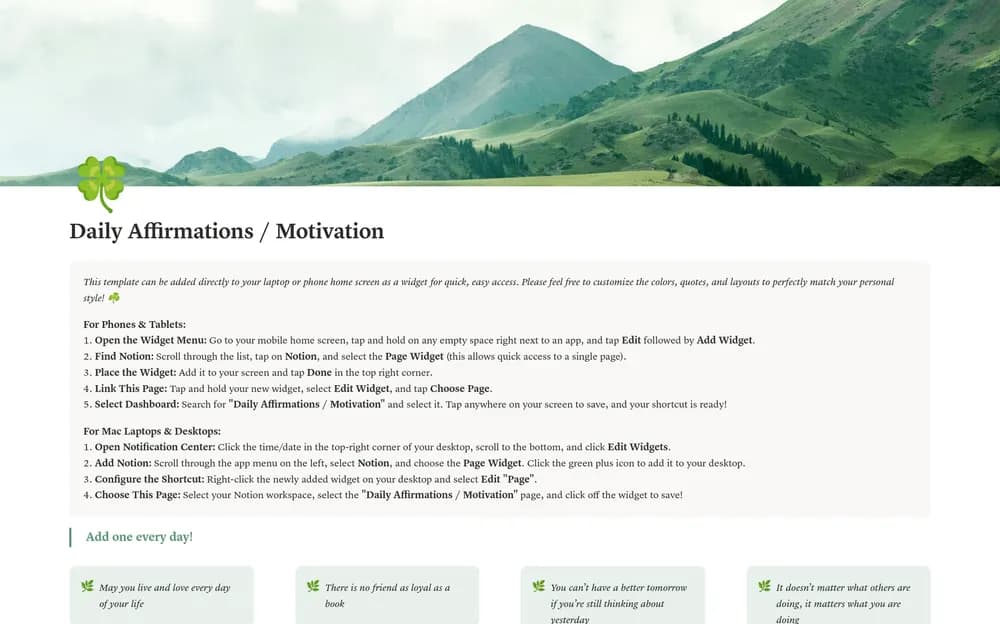
Start each morning with a calm Notion dashboard of 30+ affirmations, a short to-do list, a shopping list, and phone or laptop widget setup steps.
 Free
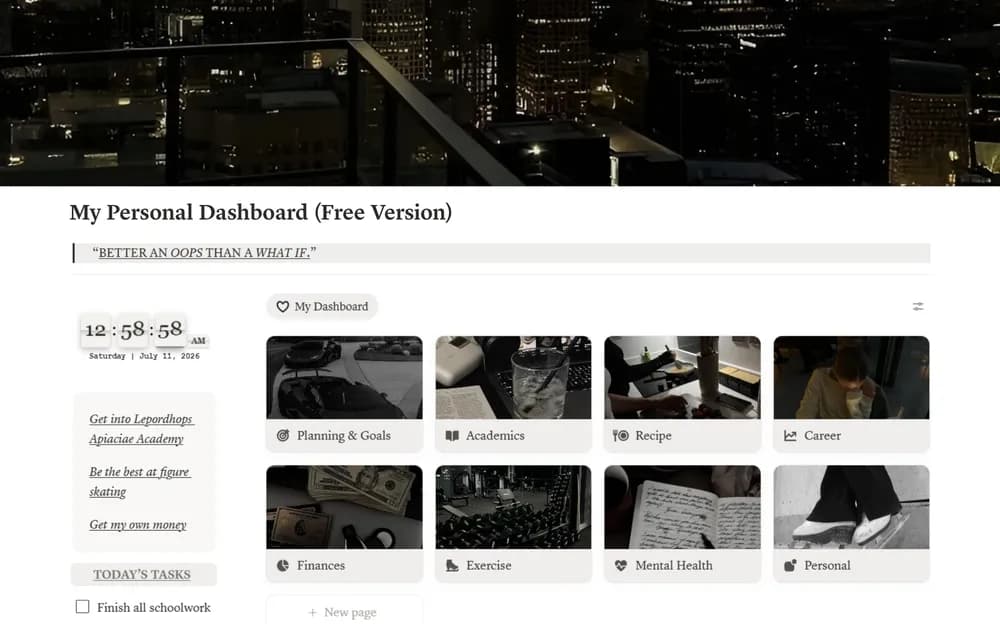
A darker personal-dashboard style to make your own.
 Free
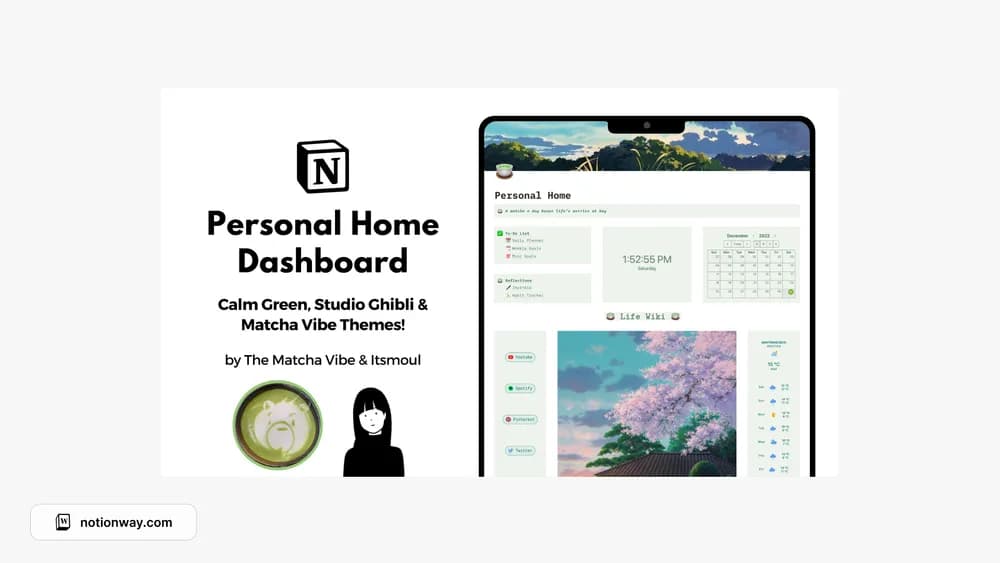
Choose a green, Ghibli, or matcha-inspired home for everyday plans.
 Free
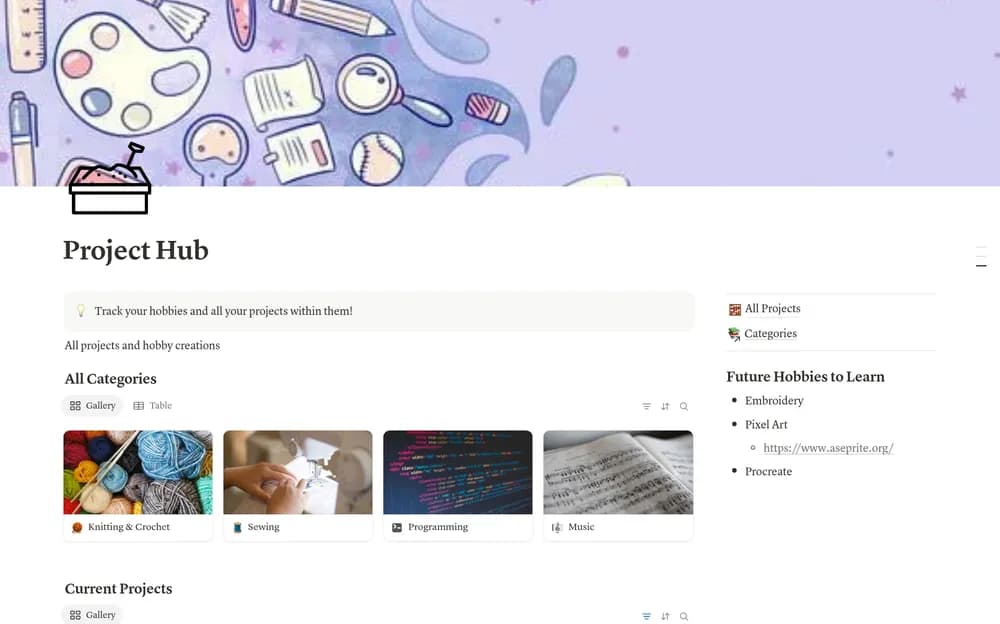
Give personal projects a starting point outside your work dashboard.
 Free
Hossam’s personal Notion hub for bringing useful pages together.
 Paid
 Free
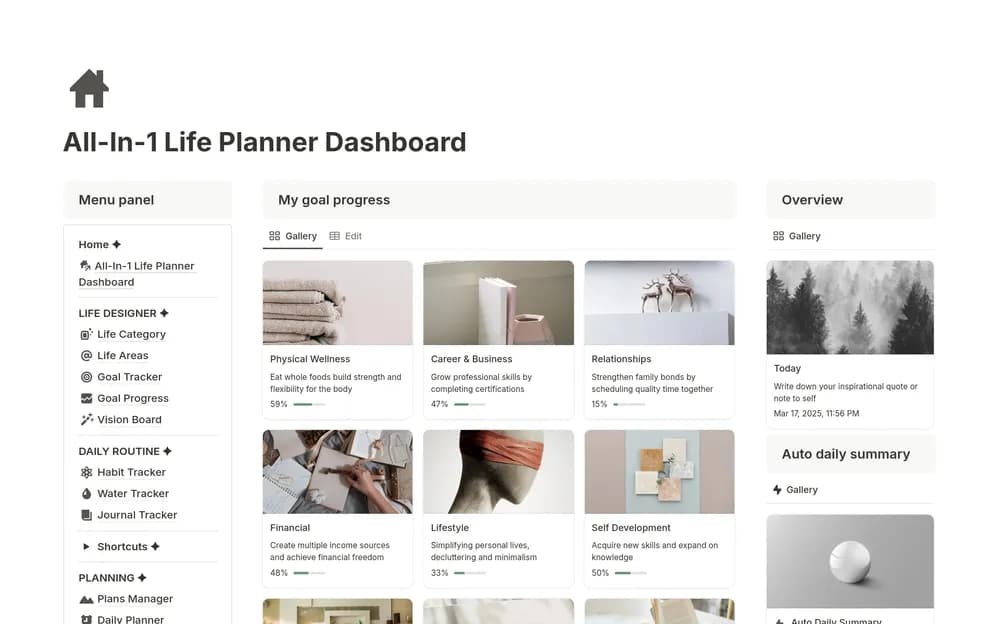
Connect goals, projects, routines, habits, journaling, travel, reading, and finances in a Notion life operating system built around one dashboard.
 Free
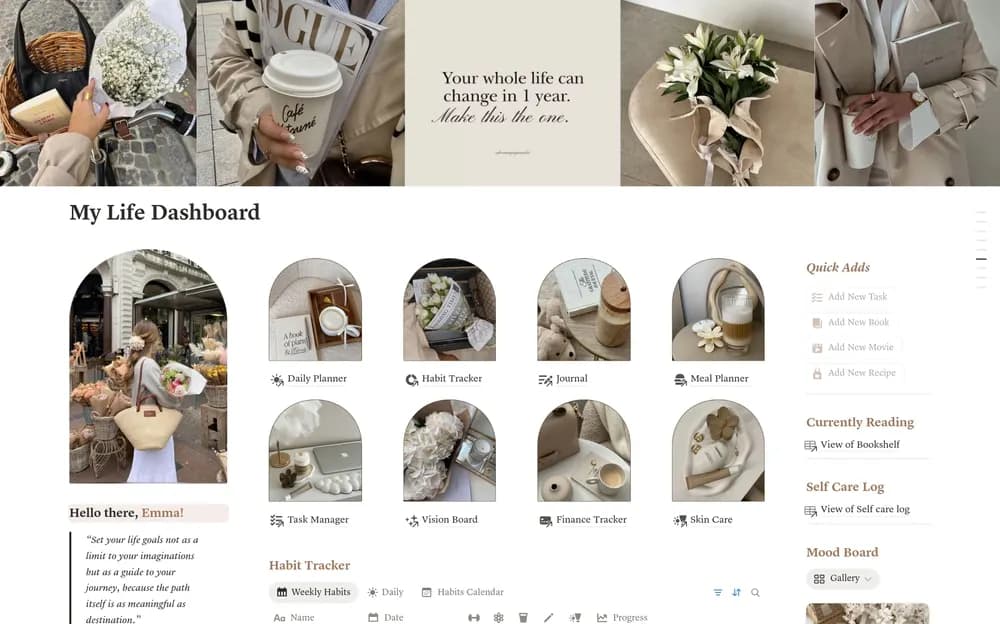
Run daily planning, tasks, habits, journaling, meals, finances, and self-care from one neutral-toned Notion life dashboard with quick navigation.
 Source listing
 Free
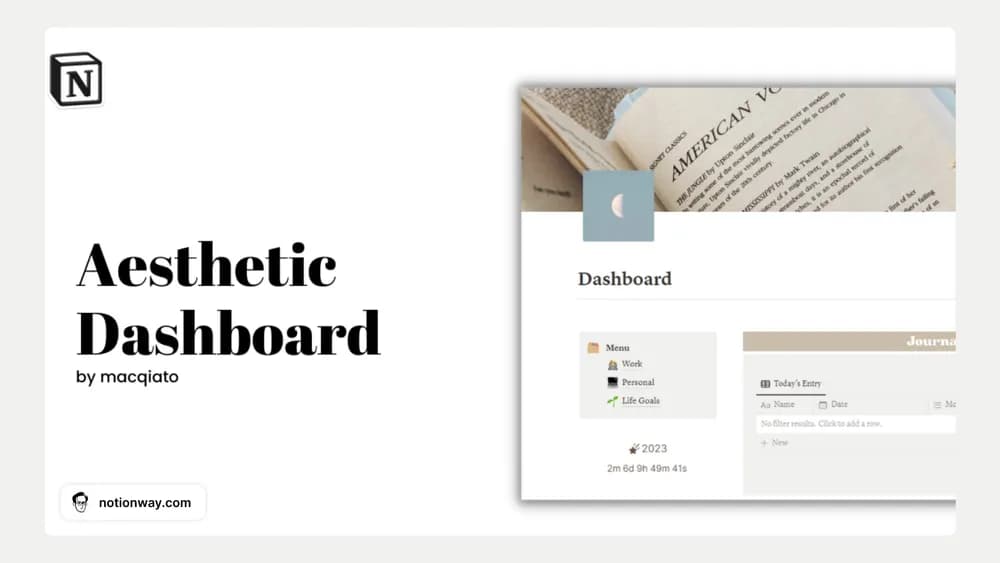
A beige-toned dashboard for bringing work and personal plans together.
 Free
Plan a soft daily routine in Notion with ten pink widgets for priorities, water, self-care, focus, spending, mood, small wins, and countdowns.
 Free
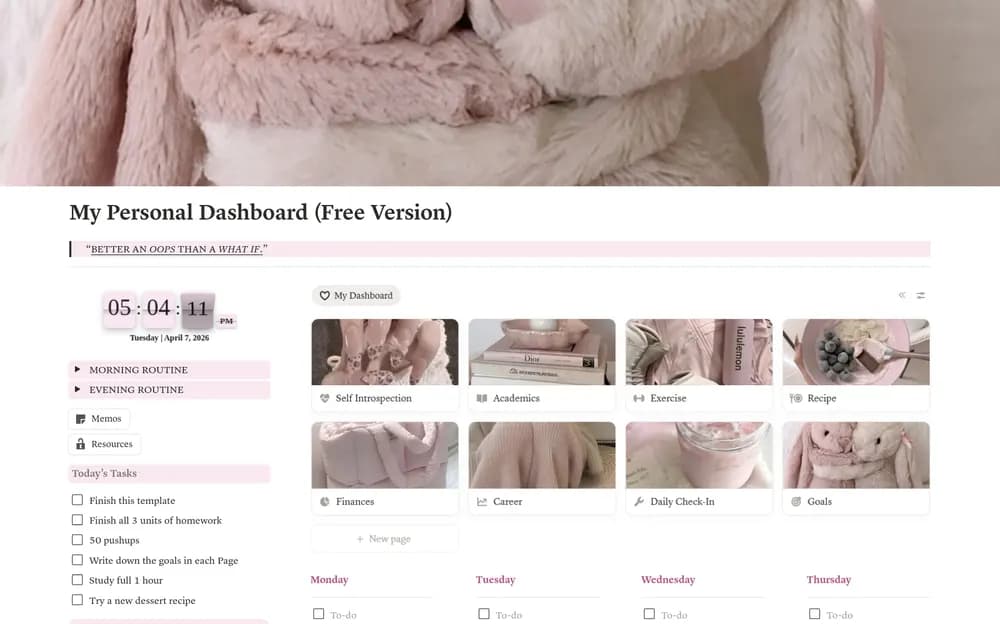
Bring daily goals, a habit tracker, a Pomodoro timer, and pages for school, fitness, money, and career together in one pink Notion dashboard.
 Free
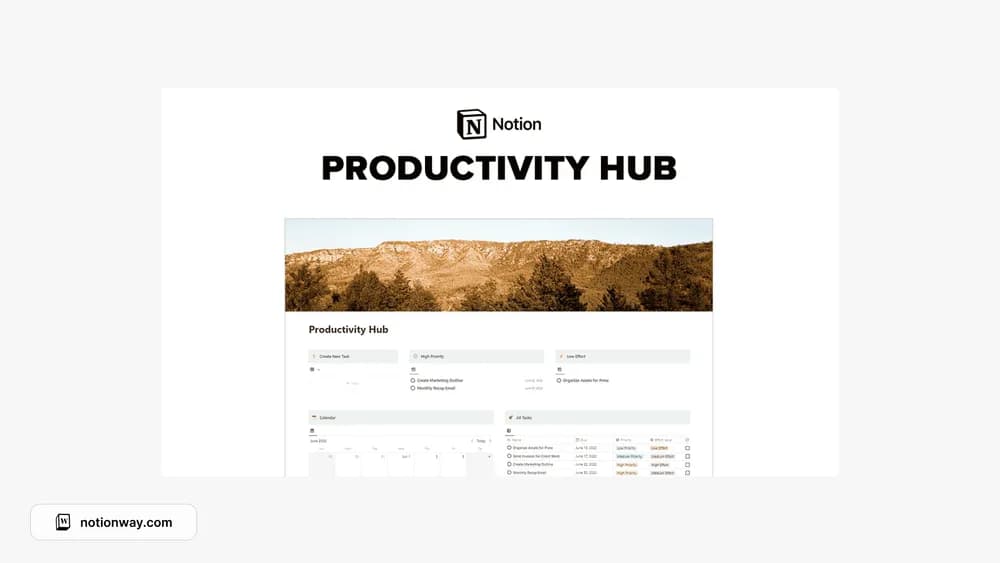
A productivity dashboard for bringing current work into one view.
Compare the purpose and included features before choosing a workspace.
Students and anyone who wants a soft, minimal homepage for everyday planning.
People who prefer a dark, styled workspace.
People making time for hobbies and creative projects.
20 working templates from 17 creators: 18 free and 2 paid, with paid options from $49. Links last checked November 22, 2026.
| Template | Best for | Price | Creator |
|---|---|---|---|
| Clean Girl Dashboard | Students and anyone who wants a soft, minimal homepage for everyday planning. | Free | Emma |
| Dark Luxury Personal Dashboard (Basic Version) | People who prefer a dark, styled workspace. | Free | Kitrose |
| Hobby Project Hub | People making time for hobbies and creative projects. | Free | Olivia Caitlyn |
| Hossam's Ultimate Notion Hub | People who like a central personal workspace. | Free | Hossam 🧬 |
| Life Dashboard | People who want to keep several parts of everyday life close together. | $49.00 | Clarity Mastery |
| Life OS: All-in-One Productivity System | Students, creators, and freelancers who want every area of personal life in one workspace. | Free | heyismail.co |
| Life Planner Dashboard | Students, professionals, and creatives who want most areas of personal life organized in one calm workspace. | Free | Planora |
| Pink Personal Dashboard & Planner (Basic Version) | Students and young adults who want a decorative all-in-one homepage for daily planning. | Free | Kitrose |
Decide which few things you want to see when you open Notion. A daily plan, a short task list, and links to active projects may be enough. Check the dashboard on mobile as well as a large screen. Decorative widgets can be enjoyable, but they should leave the information you came for easy to find.
A calm starting page
Links to active plans
A practical mobile layout
About the directoryDecide what you want to see when you open the workspace, then link to maintained records rather than copying information into several panels. Keep current plans and frequent destinations near the top. Review the page on mobile and remove inactive areas from the main view without losing the archive.
Jump straight to any listing in the collection.
There is no useful fixed number. Include the areas you actually return to and keep the main page easy to scan. Add another section when it supports a real routine.
It depends on the job you need it to do. Good starting points in this collection include Clean Girl Dashboard (students and anyone who wants a soft, minimal homepage for everyday planning), Dark Luxury Personal Dashboard (Basic Version) (people who prefer a dark, styled workspace) and Hobby Project Hub (people making time for hobbies and creative projects). Compare the included features below, then try your first choice with a week of real information before moving everything across.
Yes. This collection currently includes 18 listings with a confirmed free creator offer, alongside 2 paid or freemium options. Use the Free filter to compare them. A free version can have different features from a creator’s paid upgrade, so check the original listing and current access terms before adding it to your workspace.