About Daymark Week Weekly Planner
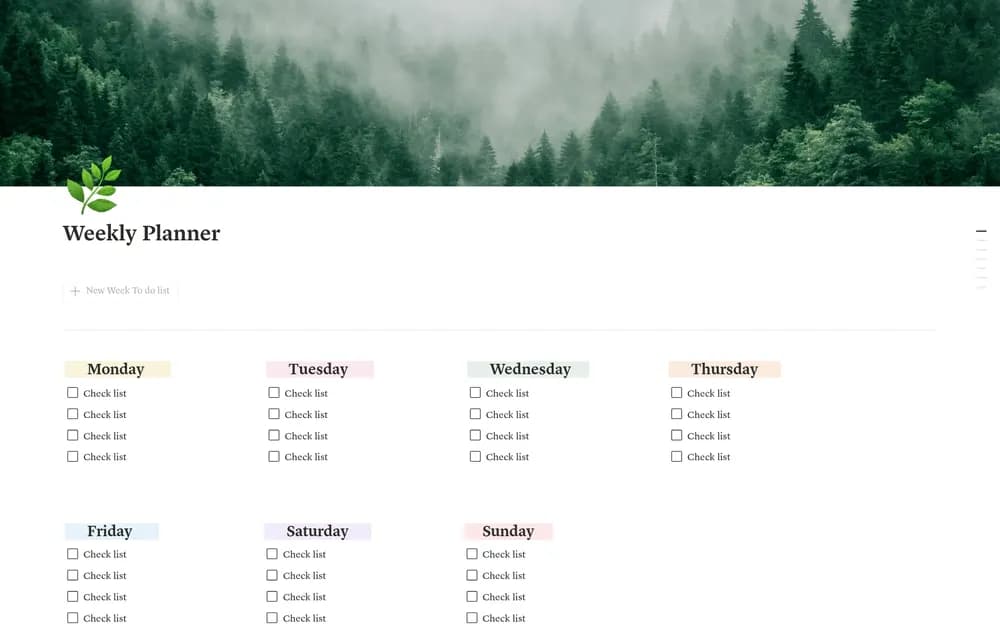
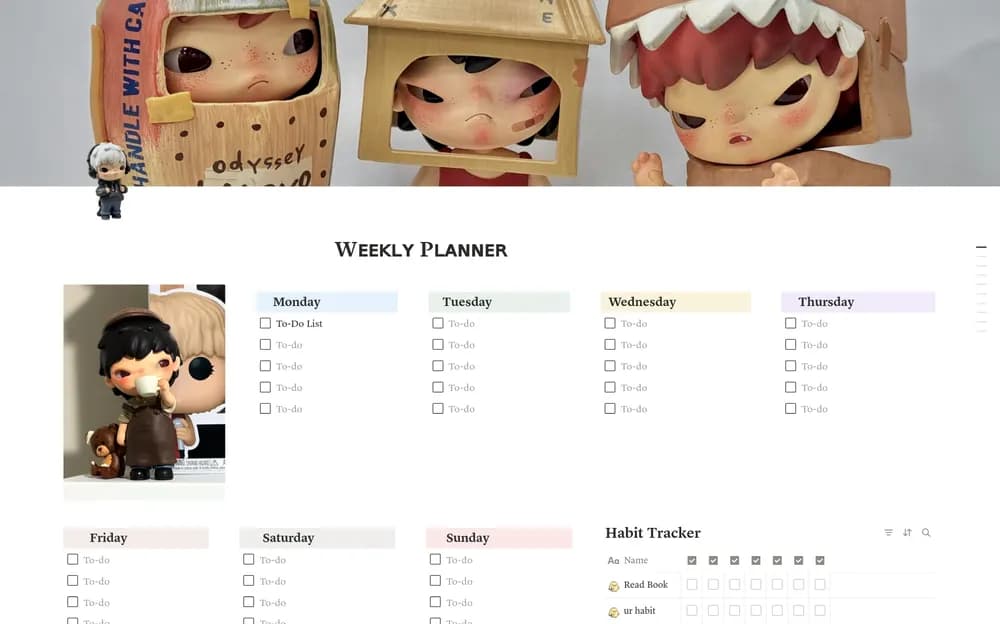
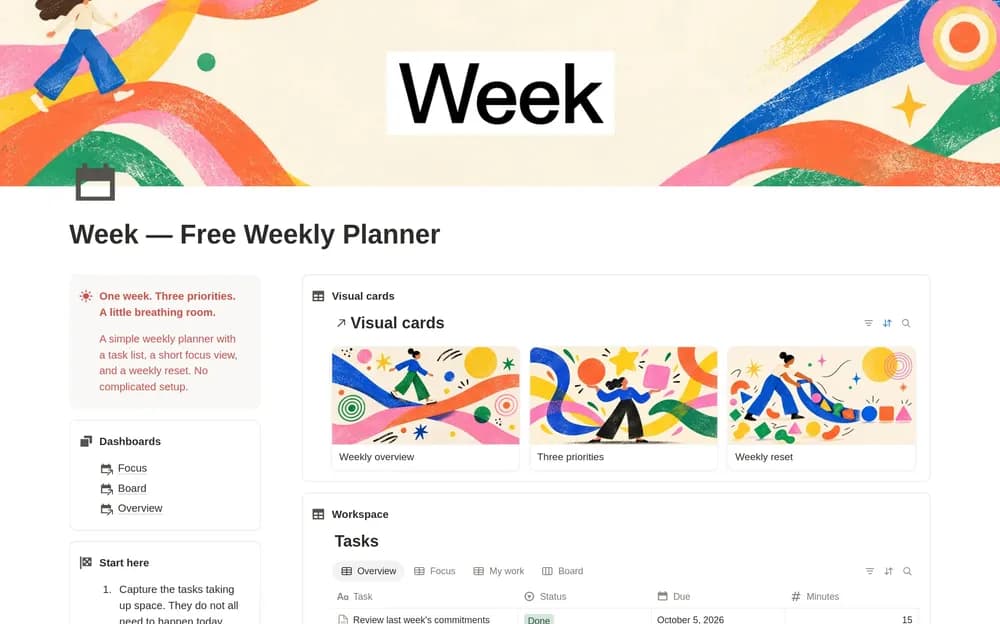
Plan a calm week in Notion using one task database, a Focus view for up to three actions, a status board, and weekly reset and reflection prompts.
What’s included
- Single task database
- Focus view for up to three priority actions
- Status board
- Weekly reset and reflection prompts
- Six fictional examples and a getting-started guide
How to use it in practice
Read the getting-started guide, then switch to My work so the six examples are hidden. Add the tasks you actually face this week and mark no more than three as Focus. Move items across the status board as they progress, and answer the reset prompts at the end of the week before planning the next one.
Set it up in your workspace
- Open the original Notion Marketplace listing and add the template to your chosen workspace while signed in. Keep its example records until you understand how the pages connect.
- Read the getting-started guide, then switch to My work so the six examples are hidden.
- Try one complete example before adding a large backlog. Check that its views and any calculations show what you expect, then replace the sample content with your own.
Who it suits and what to consider
People who prefer a small, deliberate weekly plan over a large productivity dashboard. The planner is intentionally minimal, with no external automation or AI included. The creator allows personal and internal business use but prohibits resale or redistribution.