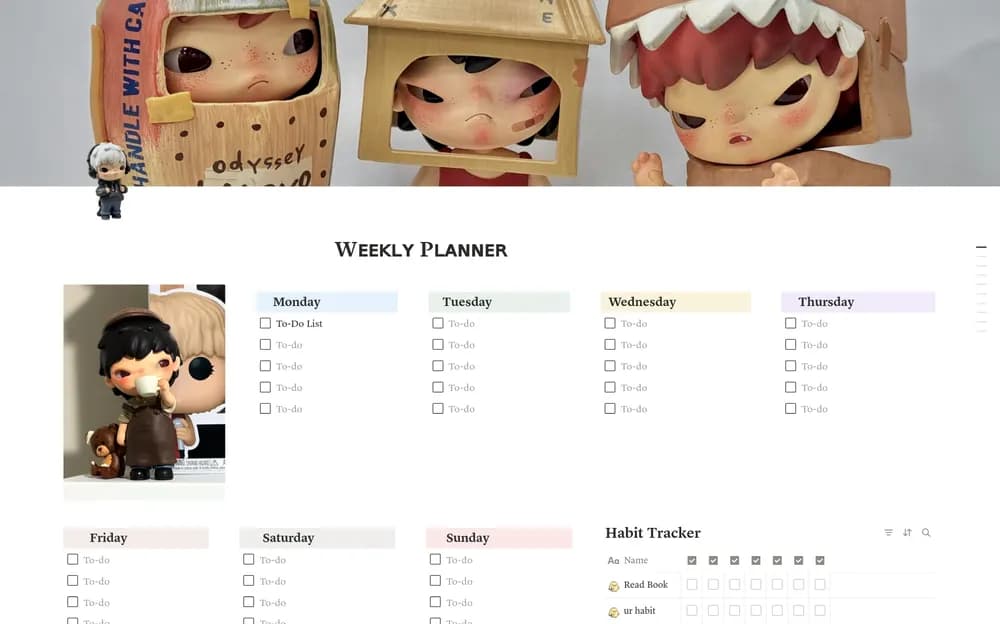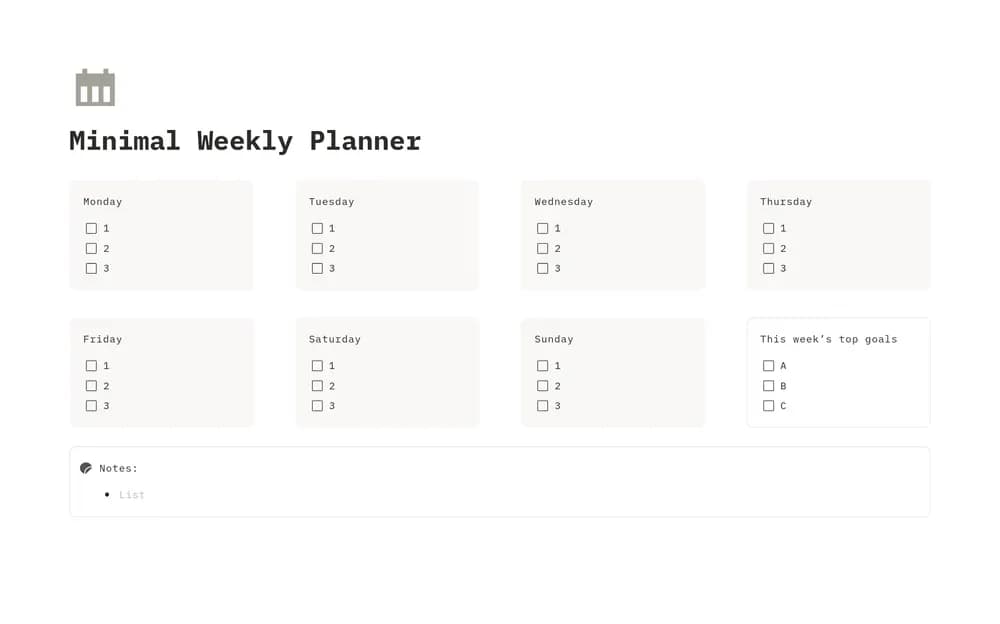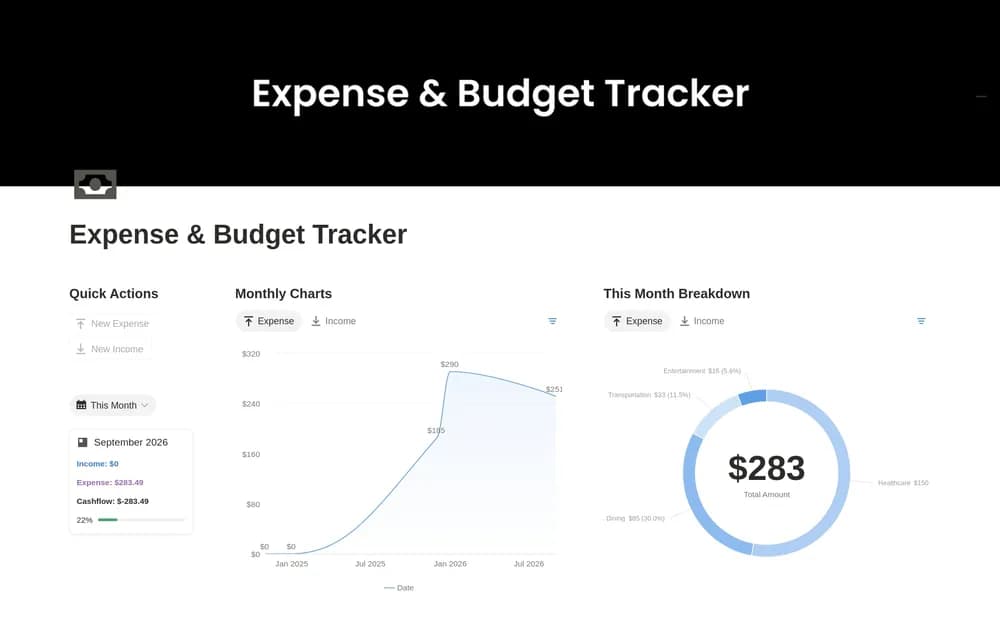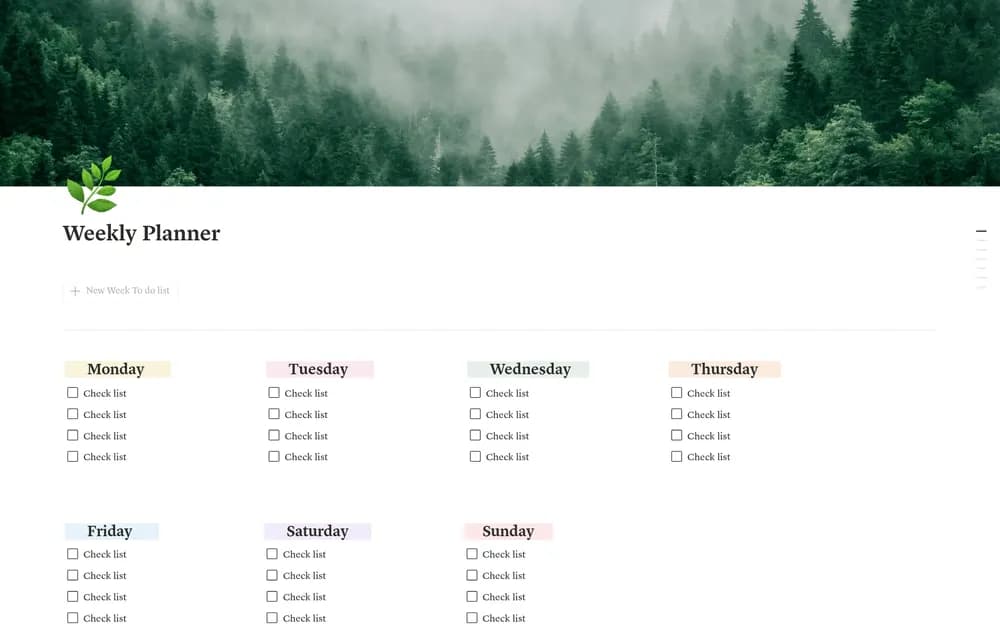
About Expandable Weekly Planner with Habit Tracker
Lay out each week in Notion with daily to-dos, a mini habit tracker, and a progress chart, then duplicate the layout to start the next week.
What’s included
- Expandable weekly layout you can duplicate
- Daily to-do tracker
- Mini habit tracker
- Progress chart
How to use it in practice
Set up the current week with tasks for each day and two or three habits to track. Check items off daily and glance at the progress chart midweek. On the last day, duplicate the week for the next one and adjust the habits based on what you kept up.
Set it up in your workspace
- Open the original Notion Marketplace listing and add the template to your chosen workspace while signed in. Keep its example records until you understand how the pages connect.
- Set up the current week with tasks for each day and two or three habits to track.
- Try one complete example before adding a large backlog. Check that its views and any calculations show what you expect, then replace the sample content with your own.
Who it suits and what to consider
People who like a repeatable weekly page with light habit tracking. The listing is brief and does not explain how the progress chart is built, so preview it to confirm it updates the way you expect.