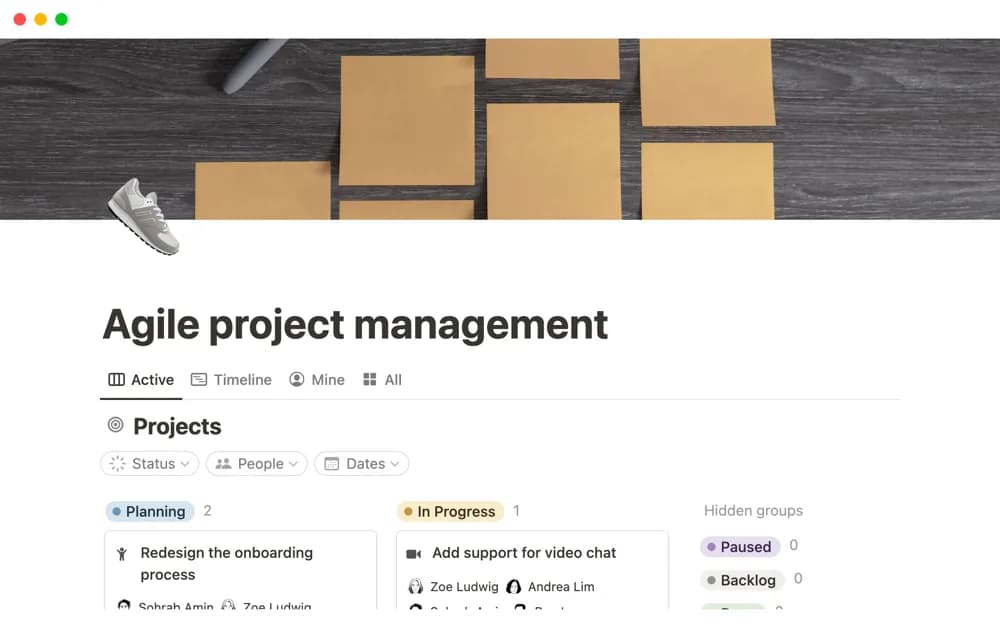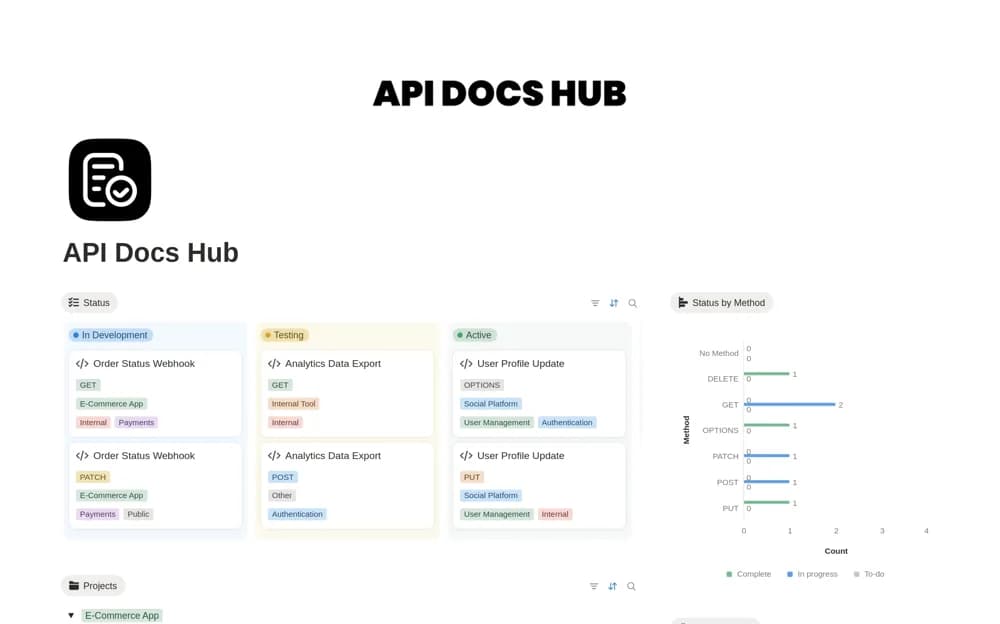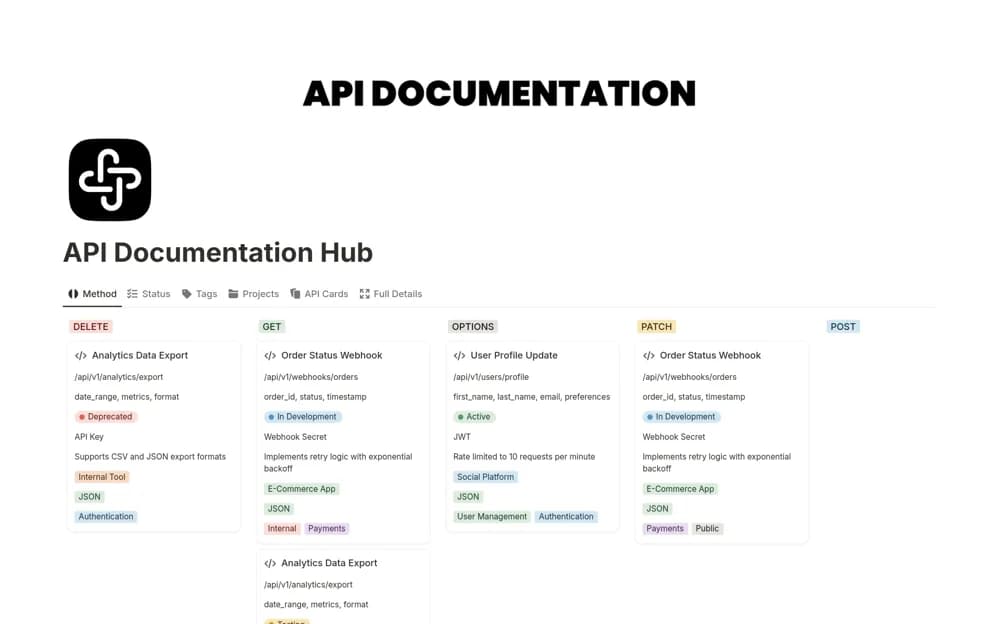
About Development project report
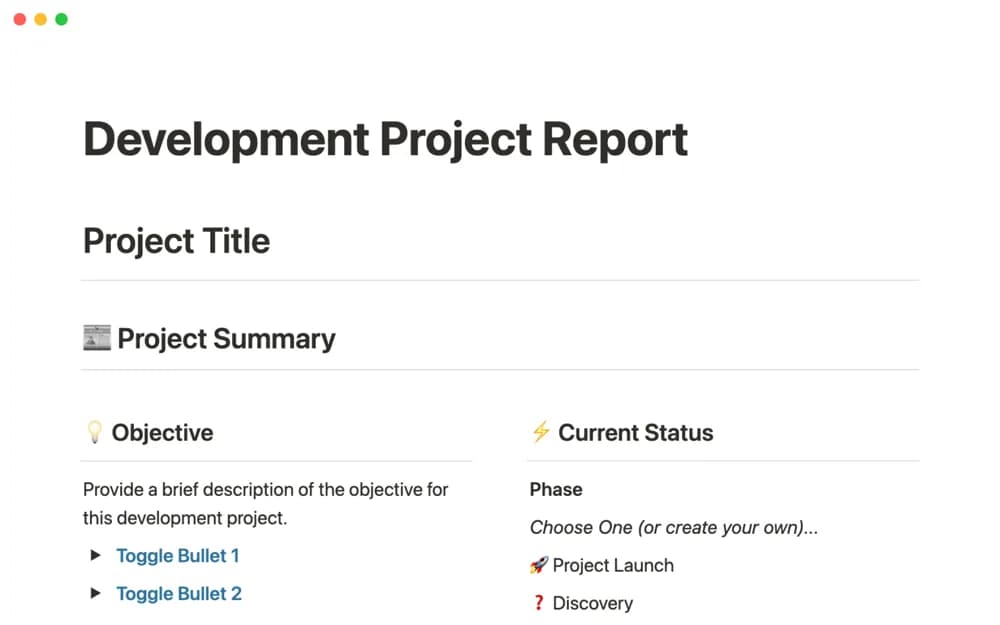
A software project report for sharing design, development progress, current status, and delivery context.
What’s included
- Design and development reporting structure
- Current-status and delivery information
- An adaptable page that can connect to tickets and meeting notes
How to use it in practice
Write a concise update for one active project, distinguishing completed work from forecasts. Link the decisions and tickets that support the status, then state the next milestone and unresolved questions. Use the report as the stakeholder overview and keep detailed execution in the appropriate linked records.
Set it up in your workspace
- Open the original Notion Marketplace listing and add the template to your chosen workspace while signed in. Keep its example records until you understand how the pages connect.
- Write a concise update for one active project, distinguishing completed work from forecasts.
- Try one complete example before adding a large backlog. Check that its views and any calculations show what you expect, then replace the sample content with your own.
Who it suits and what to consider
Development teams keeping project stakeholders informed through a shared report. The creator describes possible database connections, rather than confirming that your existing systems are already integrated.