About Exam Prep Countdown & Study Hours Tracker
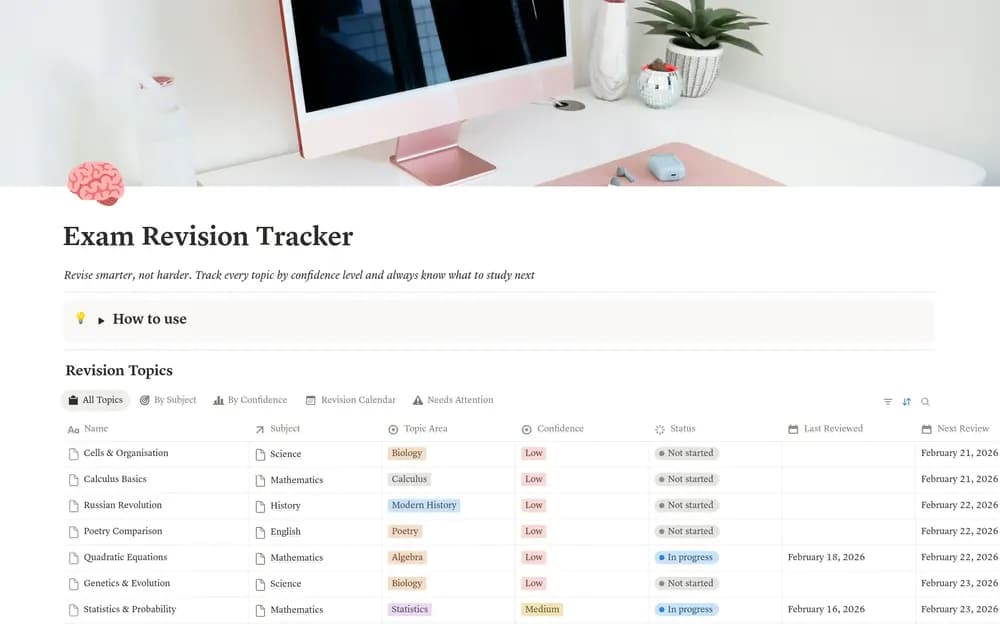
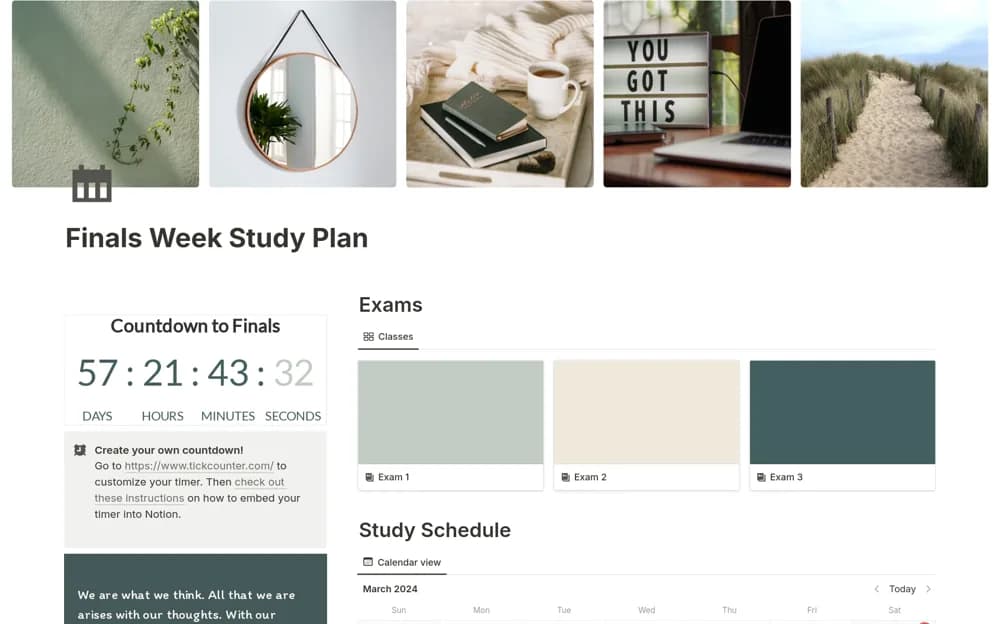
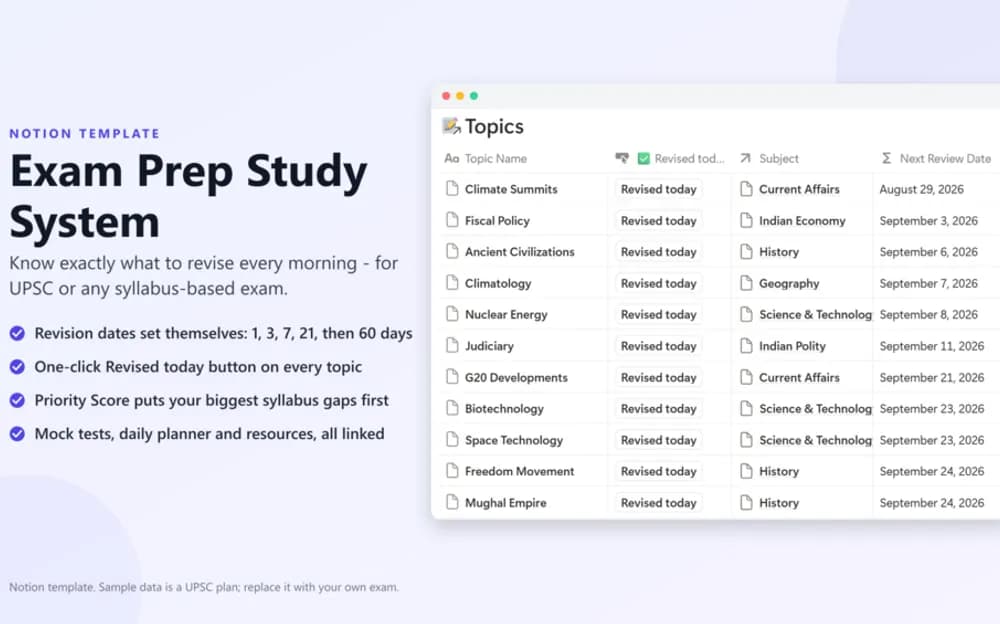
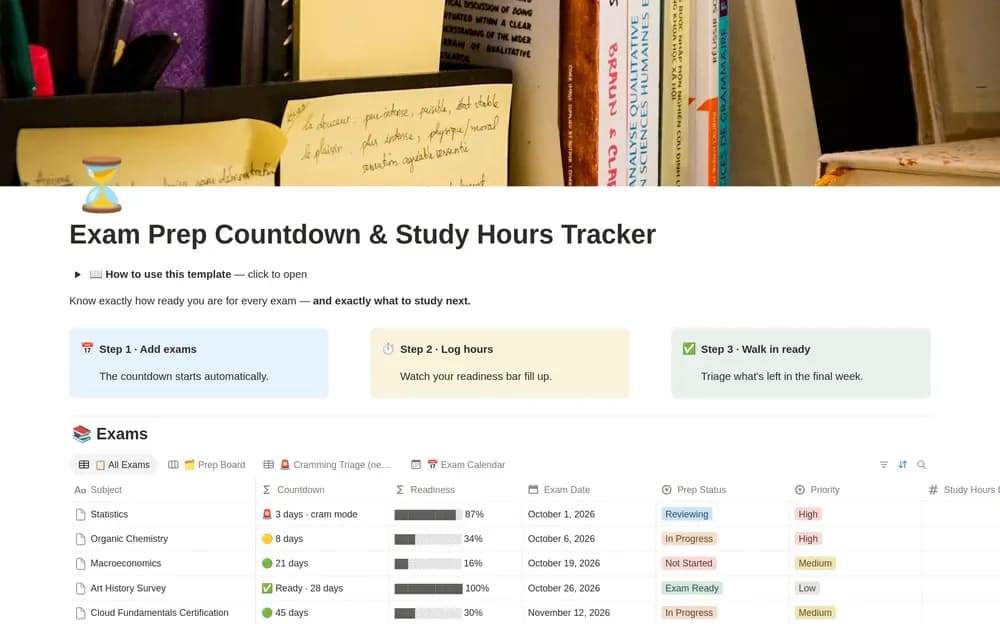
Count down to every exam in Notion, log study hours against a target, and see which tests in the next seven days still need work.
What’s included
- Color-coded countdown by time remaining
- Readiness bar driven by logged study hours
- Triage view for exams within seven days
- Prep board from Not Started to Exam Ready
- Night-before and exam-morning checklist
How to use it in practice
Enter each upcoming exam with its date and a realistic study-hour target. Log the hours you actually spend this week and note the topics that still feel weak. Move each exam across the prep board as it progresses, and check the seven-day triage view every evening to choose tomorrow’s focus.
Set it up in your workspace
- Open the original Notion Marketplace listing and add the template to your chosen workspace while signed in. Keep its example records until you understand how the pages connect.
- Enter each upcoming exam with its date and a realistic study-hour target.
- Try one complete example before adding a large backlog. Check that its views and any calculations show what you expect, then replace the sample content with your own.
Who it suits and what to consider
Students and certification candidates preparing for several exams at once. Readiness reflects hours logged against your own target, not mastery of the material, so the bar is only as accurate as the sessions you record.