About Exam Planner
An exam planner is useful when sessions connect to the material you need to learn. Use this template to organize that work, then check whether the plan fits the time available. Keep difficult topics visible so the schedule responds to learning rather than only counting hours.
What’s included
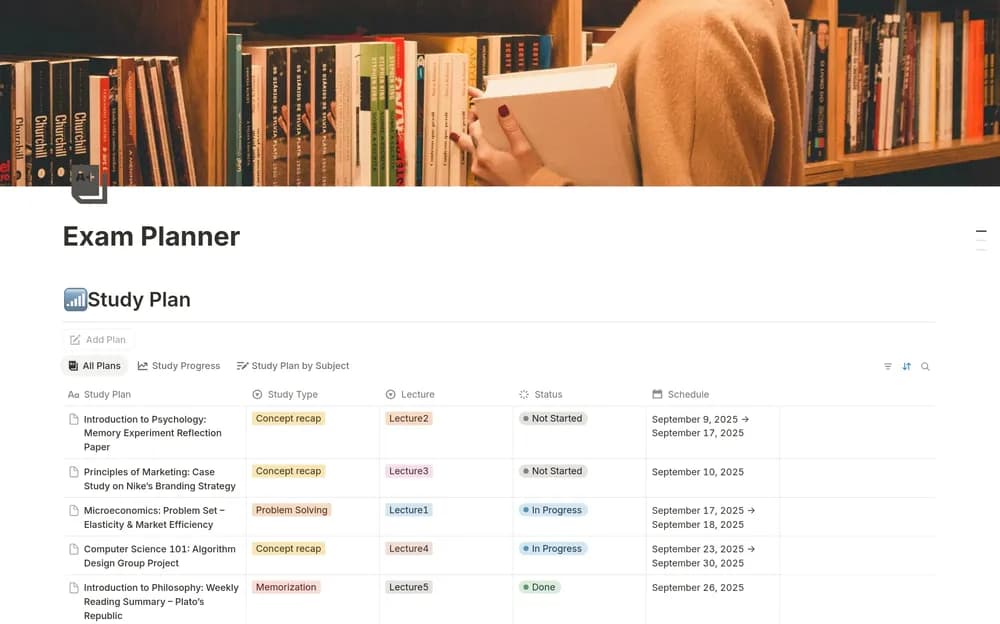
- Upcoming exam records
- Study plans by subject and method
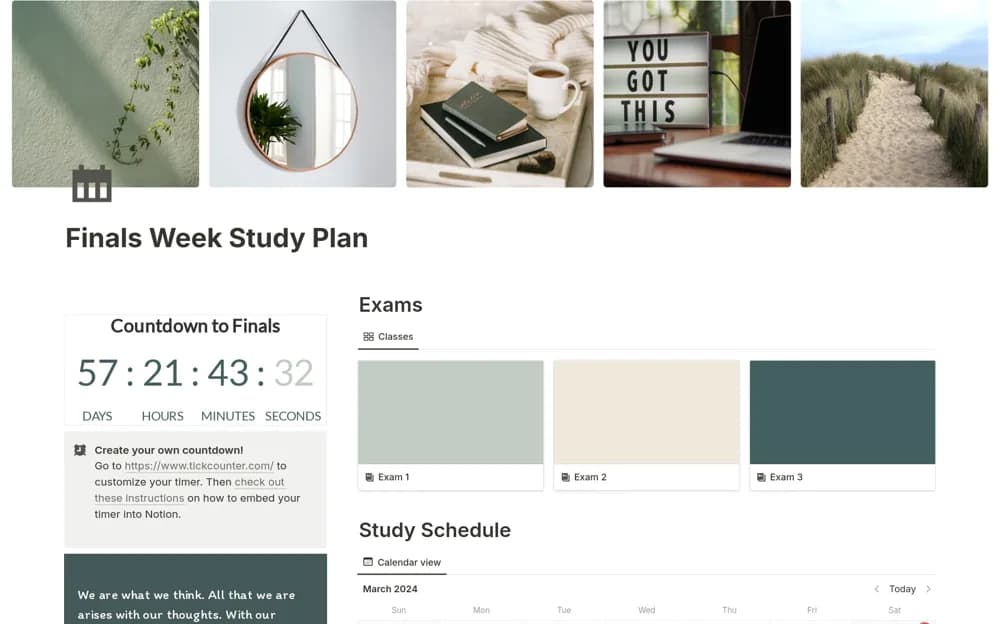
- Board, calendar, and subject views with progress tracking
How to use it in practice
Add the actual exam date and break preparation into specific sessions, such as practicing a topic or reviewing a set of mistakes. Use the calendar to spread work realistically across subjects. After a session, record what remains difficult and adapt the next one. Review progress against the material you can recall or apply, alongside completed study tasks.
Set it up in your workspace
- Open the original Notion Marketplace listing and add the template to your chosen workspace while signed in. Keep its example records until you understand how the pages connect.
- Add one upcoming exam and divide the material into specific topics. Plan a first week you can realistically complete.
- Try one complete example before adding a large backlog. Check that its views and any calculations show what you expect, then replace the sample content with your own.
Who it suits and what to consider
Students organizing revision for upcoming exams. A focused option for organizing exam preparation. Keep the official syllabus and assessment details linked from your working plan.