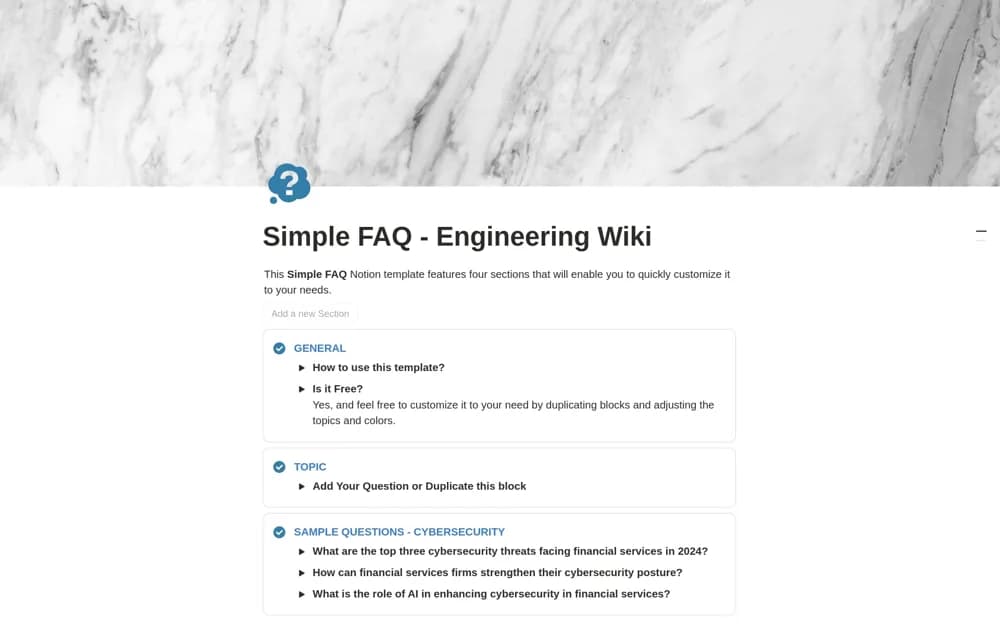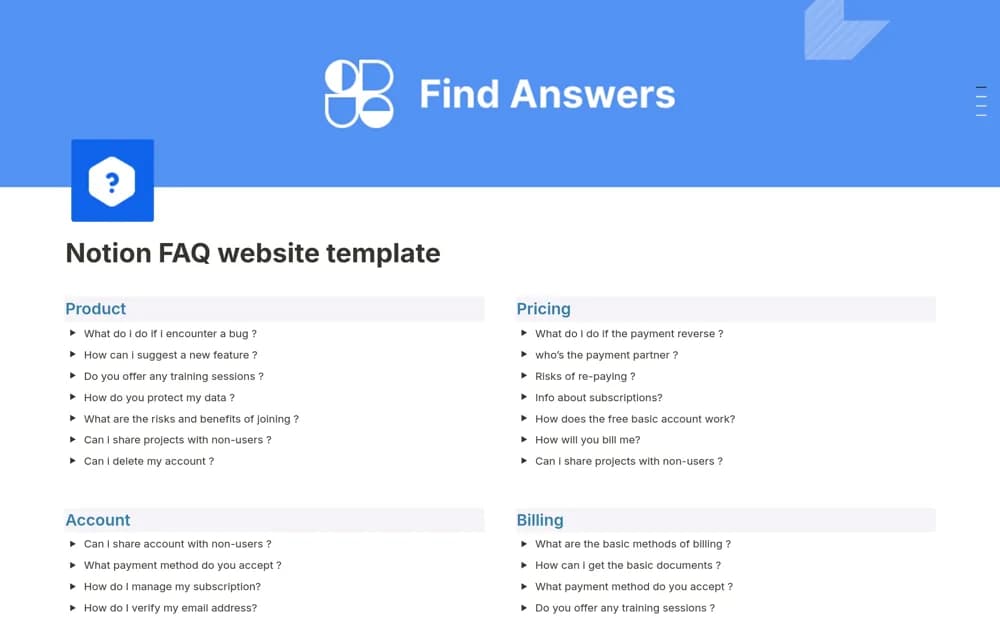
About FAQ website
A customizable FAQ site structure for categorizing support questions and publishing clear answers.
What’s included
- Categorized frequently asked questions
- Searchable answer content
- An editable layout for product or company guidance
How to use it in practice
Use recent support questions to choose the first answers. Write the shortest complete resolution and link current instructions where useful. Ask someone unfamiliar with the product to find an answer, then assign an owner to review information that changes frequently.
Set it up in your workspace
- Open the original Notion Marketplace listing and add the template to your chosen workspace while signed in. Keep its example records until you understand how the pages connect.
- Use recent support questions to choose the first answers.
- Try one complete example before adding a large backlog. Check that its views and any calculations show what you expect, then replace the sample content with your own.
Who it suits and what to consider
Support teams maintaining a self-service reference for users or employees. A helpful FAQ needs accurate maintained answers; the source does not establish a ticketing system or live support service.