 Free
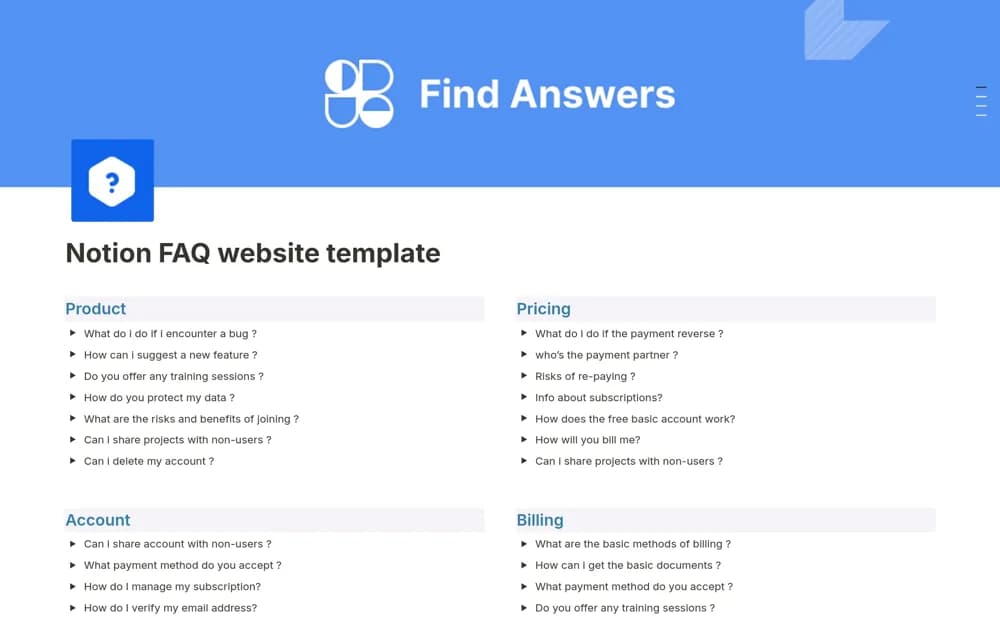
FAQ website
A customizable FAQ site structure for categorizing support questions and publishing clear answers.
Keep product information easier to find and trust. Explore Notion knowledge bases for feature context, decisions, customer questions, release notes, and maintained links to supporting work.
Showing 1–3 of 3 templates
FreeA customizable FAQ site structure for categorizing support questions and publishing clear answers.
 Free
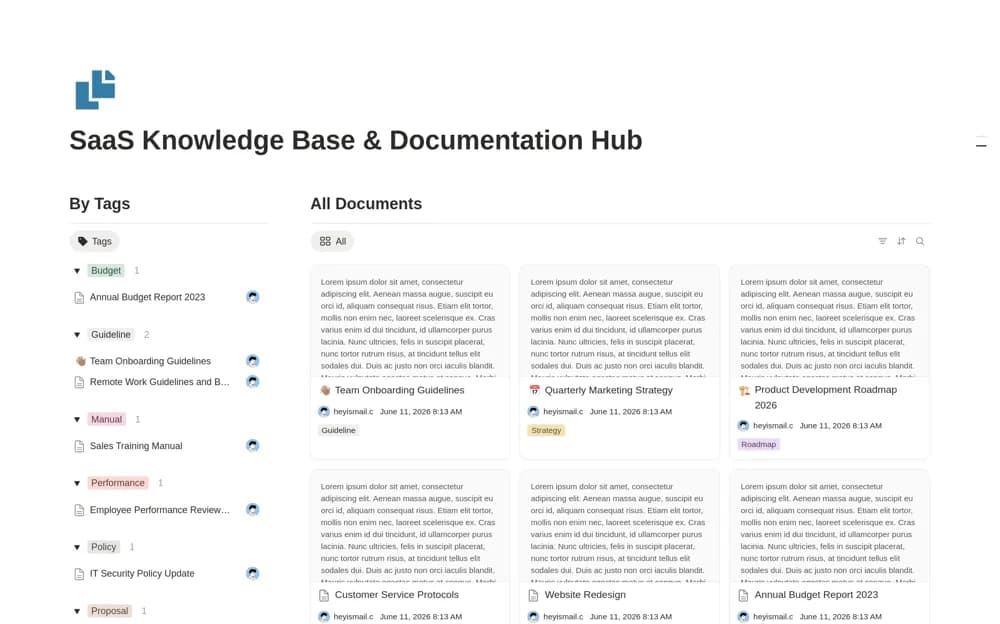
Keep SaaS documentation and internal knowledge in Notion with a central document database, topic tags, filtered views, and resource organization.
 Free
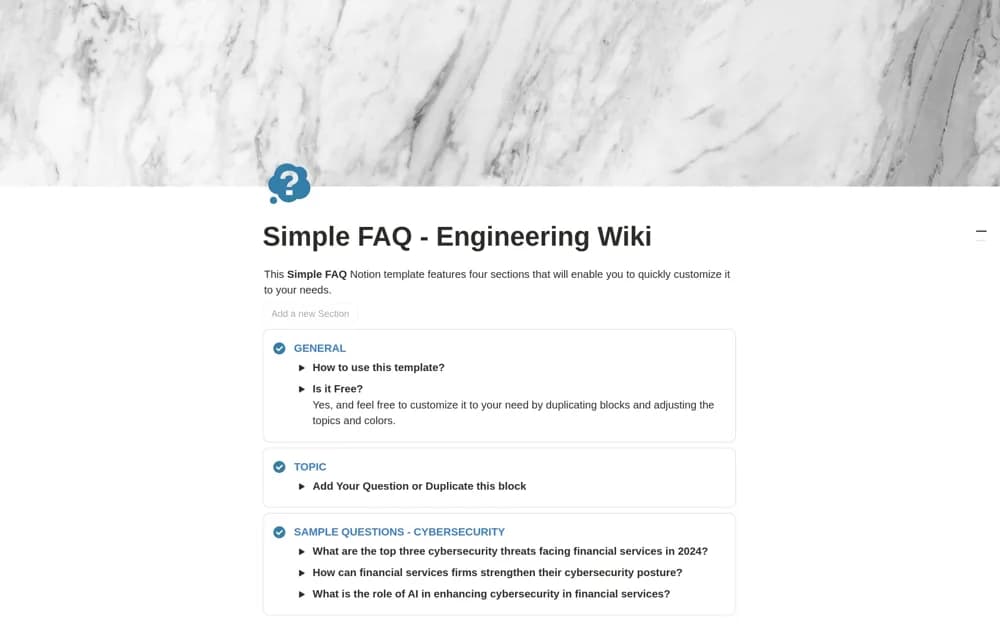
A compact internal FAQ page with collapsible answers, topic callouts, reusable sections, and an archive approach.
Compare the purpose and included features before choosing a workspace.
SaaS teams organizing product references alongside internal processes and onboarding material.
Support teams maintaining a self-service reference for users or employees.
Teams consolidating recurring questions into a small shared knowledge page.
3 working templates from 3 creators: 3 free. Links last checked October 12, 2026.
| Template | Best for | Price | Creator |
|---|---|---|---|
| SaaS Knowledge Base & Documentation Hub | SaaS teams organizing product references alongside internal processes and onboarding material. | Free | heyismail |
| FAQ website | Support teams maintaining a self-service reference for users or employees. | Free | Bullet.so |
| Simple FAQ | Teams consolidating recurring questions into a small shared knowledge page. | Free | AnthonyToday 🔐 |
Organize the library around the questions people ask when building, selling, or supporting the product. Give important pages an owner and mark outdated information clearly. Link to specifications and releases from their maintained location. Separate internal plans from customer-facing guidance. Try answering a real support or onboarding question using the library before expanding its structure.
Question-based navigation
Maintained page ownership
Current product references
About the directoryOrganize explanations around the tasks and concepts readers need to understand. Link the maintained specification or help resource where appropriate. Separate current guidance from proposed behavior and old release notes. Assign a review owner when product changes affect an article, then test the steps using the intended reader's access and environment.
Jump straight to any listing in the collection.
Current guidance explains what people can use now. A roadmap describes intended or possible future work. Link them deliberately if useful, but keep their status distinct so readers do not mistake a proposal for an available feature.
It depends on the job you need it to do. Good starting points in this collection include SaaS Knowledge Base & Documentation Hub (saaS teams organizing product references alongside internal processes and onboarding material), FAQ website (support teams maintaining a self-service reference for users or employees) and Simple FAQ (teams consolidating recurring questions into a small shared knowledge page). Compare the included features below, then try your first choice with a week of real information before moving everything across.
Yes. This collection currently includes 3 listings with a confirmed free creator offer. Use the Free filter to compare them. A free version can have different features from a creator’s paid upgrade, so check the original listing and current access terms before adding it to your workspace.