About Simple FAQ
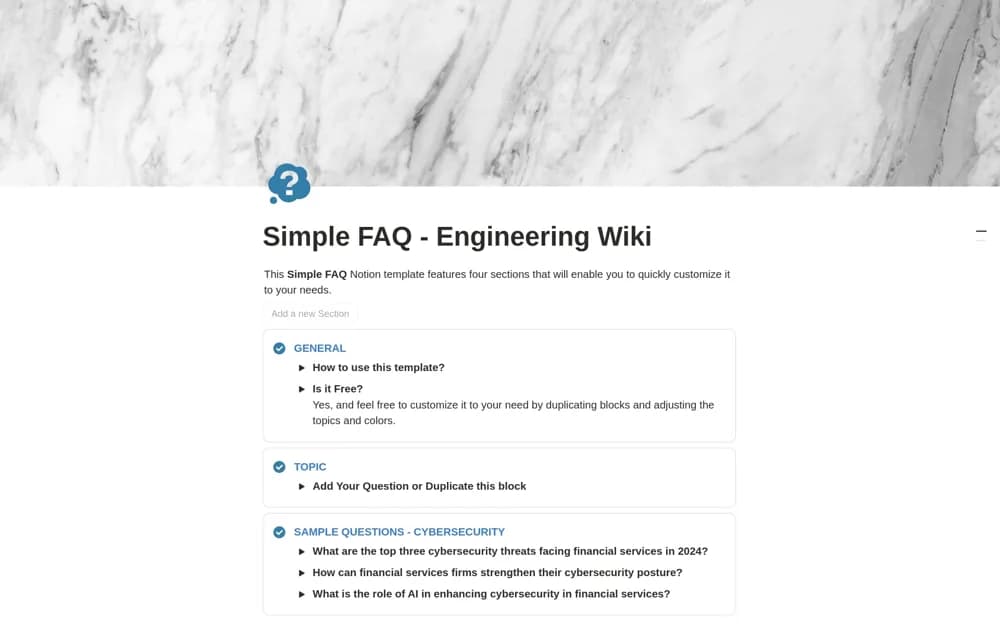
A compact internal FAQ page with collapsible answers, topic callouts, reusable sections, and an archive approach.
What’s included
- Collapsible question-and-answer sections
- One-click section generation and color-coded topics
- Organization for archiving outdated questions
How to use it in practice
Start with recurring questions from actual colleagues and provide approved answers. Group topics around how people look for information, then test the page with a new team member. Assign a reviewer and move outdated guidance out of the active view without losing useful history.
Set it up in your workspace
- Open the original Notion Marketplace listing and add the template to your chosen workspace while signed in. Keep its example records until you understand how the pages connect.
- Start with recurring questions from actual colleagues and provide approved answers.
- Try one complete example before adding a large backlog. Check that its views and any calculations show what you expect, then replace the sample content with your own.
Who it suits and what to consider
Teams consolidating recurring questions into a small shared knowledge page. The source describes an internal knowledge page, without establishing a customer ticketing system.