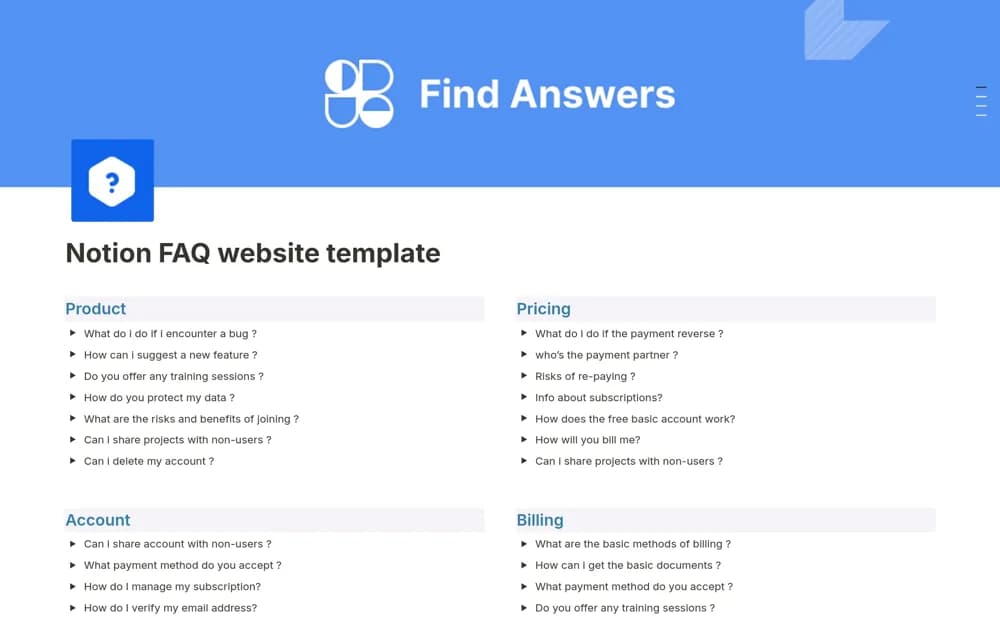
 Free
FAQ website
A customizable FAQ site structure for categorizing support questions and publishing clear answers.
Make common answers easier for customers to find. Explore Notion help-center templates for topic navigation, troubleshooting articles, source ownership, and keeping product guidance current.
Showing 1–3 of 3 templates
FreeA customizable FAQ site structure for categorizing support questions and publishing clear answers.
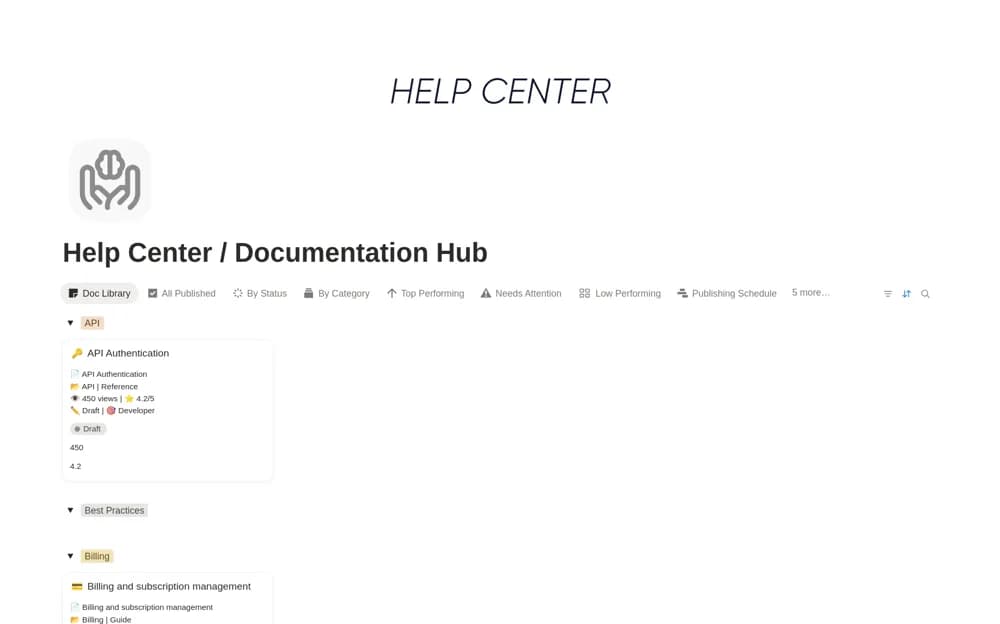 Free
Maintain help articles in Notion with product, topic, and audience tags, plus draft, live, and outdated documentation statuses.
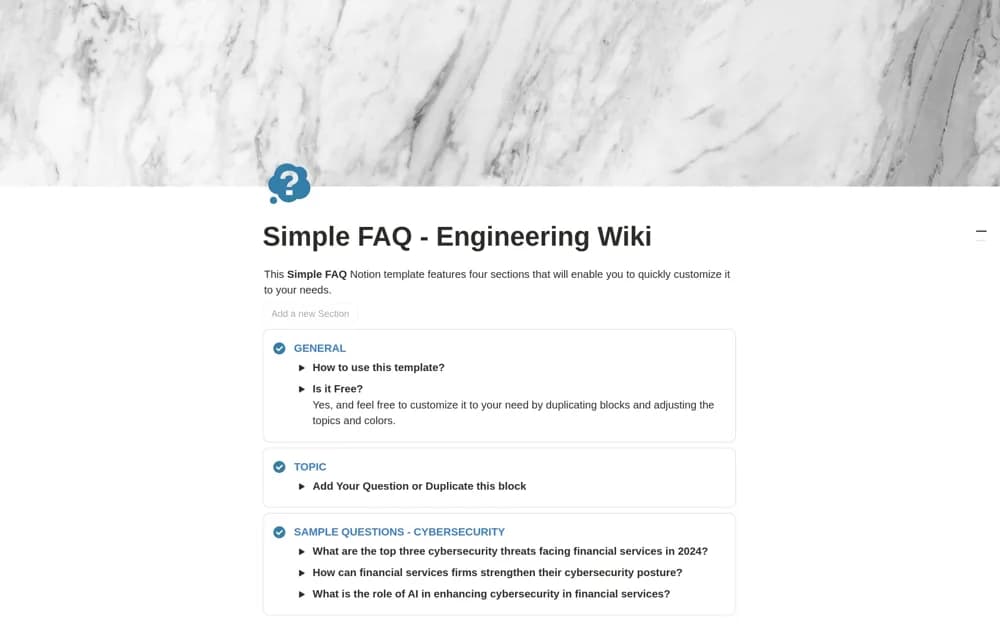 Free
A compact internal FAQ page with collapsible answers, topic callouts, reusable sections, and an archive approach.
Compare the purpose and included features before choosing a workspace.
Support teams maintaining a self-service reference for users or employees.
Support teams and customer success managers organizing a maintained library of customer guidance.
Teams consolidating recurring questions into a small shared knowledge page.
3 working templates from 3 creators: 3 free. Links last checked October 12, 2026.
| Template | Best for | Price | Creator |
|---|---|---|---|
| FAQ website | Support teams maintaining a self-service reference for users or employees. | Free | Bullet.so |
| Help Center / Documentation Hub | Support teams and customer success managers organizing a maintained library of customer guidance. | Free | NimbleGot |
| Simple FAQ | Teams consolidating recurring questions into a small shared knowledge page. | Free | AnthonyToday 🔐 |
Start with real questions from customers and use the words they use to describe the problem. Give articles a clear intended result, tested steps, and a route to support when the answer does not apply. Separate public guidance from internal notes. Assign review ownership and link updates to product changes so old instructions do not quietly become the default answer.
Customer-question navigation
Tested practical instructions
Maintained public guidance
About the directoryGroup articles around the tasks people need to complete and use familiar search terms in their titles. Keep instructions tied to the current product or process version. Give each article a review owner and a route for unresolved cases. Try the steps from an ordinary user's permissions rather than relying on an editor's view.
Jump straight to any listing in the collection.
A help center usually serves customers or another defined audience trying to complete tasks. An internal knowledge base may include background, working decisions, and private processes. Choose the public content and access deliberately instead of publishing the whole internal library.
It depends on the job you need it to do. Good starting points in this collection include FAQ website (support teams maintaining a self-service reference for users or employees), Help Center / Documentation Hub (support teams and customer success managers organizing a maintained library of customer guidance) and Simple FAQ (teams consolidating recurring questions into a small shared knowledge page). Compare the included features below, then try your first choice with a week of real information before moving everything across.
Yes. This collection currently includes 3 listings with a confirmed free creator offer. Use the Free filter to compare them. A free version can have different features from a creator’s paid upgrade, so check the original listing and current access terms before adding it to your workspace.