About Finance Tracker: Budget, Income & Expense Planner
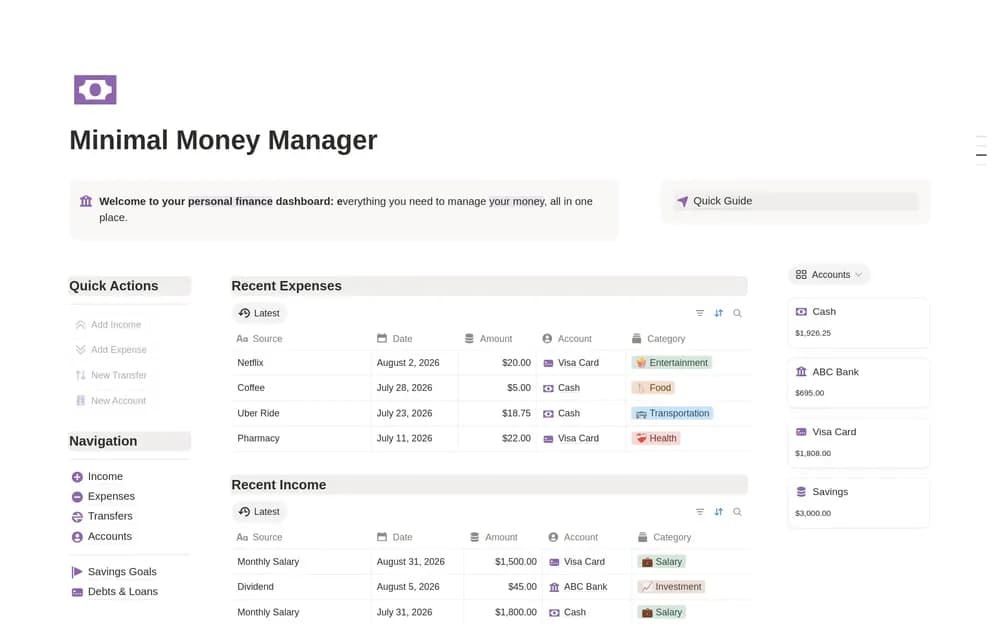
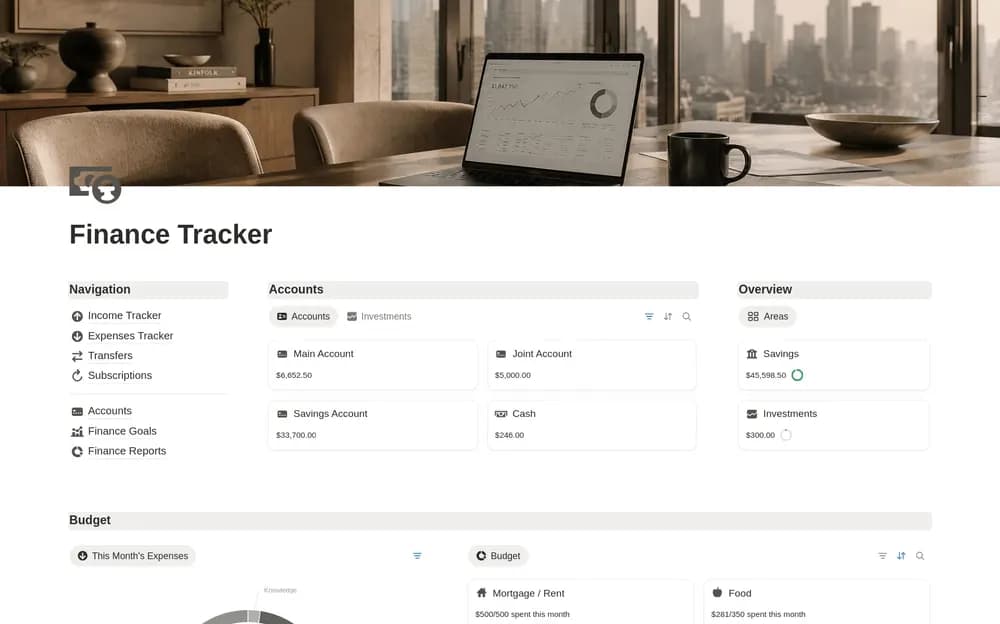
Manage personal money in Notion with linked income, expense, budget, subscription, transfer, account, and savings goal trackers plus monthly reports.
What’s included
- Personal finance dashboard
- Income and expense trackers with categories
- Monthly budget planner by category
- Subscriptions manager and transfers tracker
- Accounts manager, financial goals, and monthly reports
How to use it in practice
Add your main accounts with today’s balances, then record any transfers between them during the week. Set budgets for four or five categories you care about and log every purchase for seven days. Enter recurring bills in the subscriptions manager. At the end of the week, open the monthly report and check that the totals match your bank app.
Set it up in your workspace
- Open the original Notion Marketplace listing and add the template to your chosen workspace while signed in. Keep its example records until you understand how the pages connect.
- Add your main accounts with today’s balances, then record any transfers between them during the week.
- Try one complete example before adding a large backlog. Check that its views and any calculations show what you expect, then replace the sample content with your own.
Who it suits and what to consider
Beginners setting up a first finance system and existing trackers who want a cleaner, more visual layout. All figures are entered manually; the listing does not mention bank syncing. The same tracker is also bundled inside the creator’s larger life planner, so you do not need both.