About NoFi Personal Finance & Budgeting with Automated Data Entry
Track accounts, transactions, budgets, and monthly cash flow in Notion, with an optional companion app that syncs data from your financial institutions.
What’s included
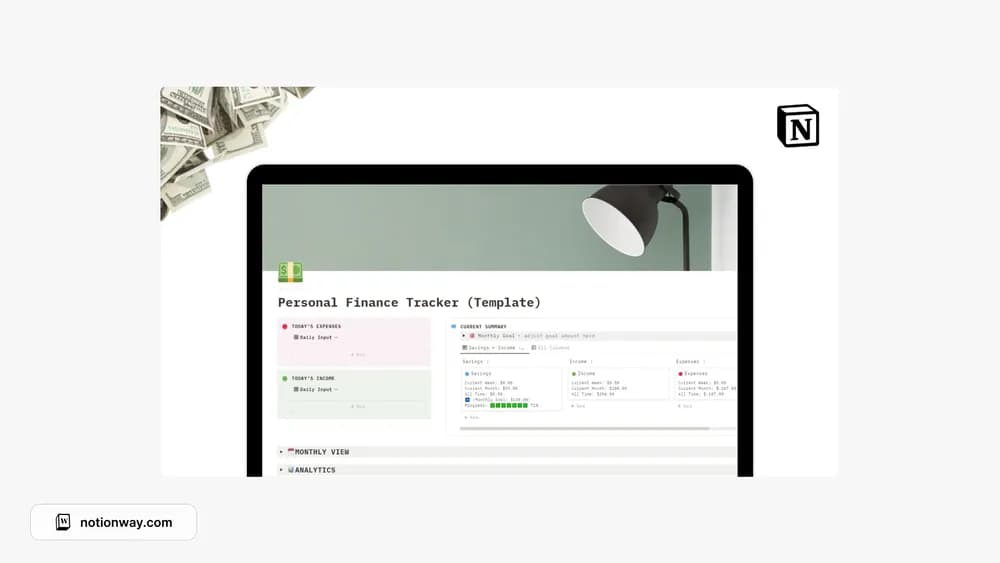
- Accounts view with balances in one place
- Transactions with customizable categories
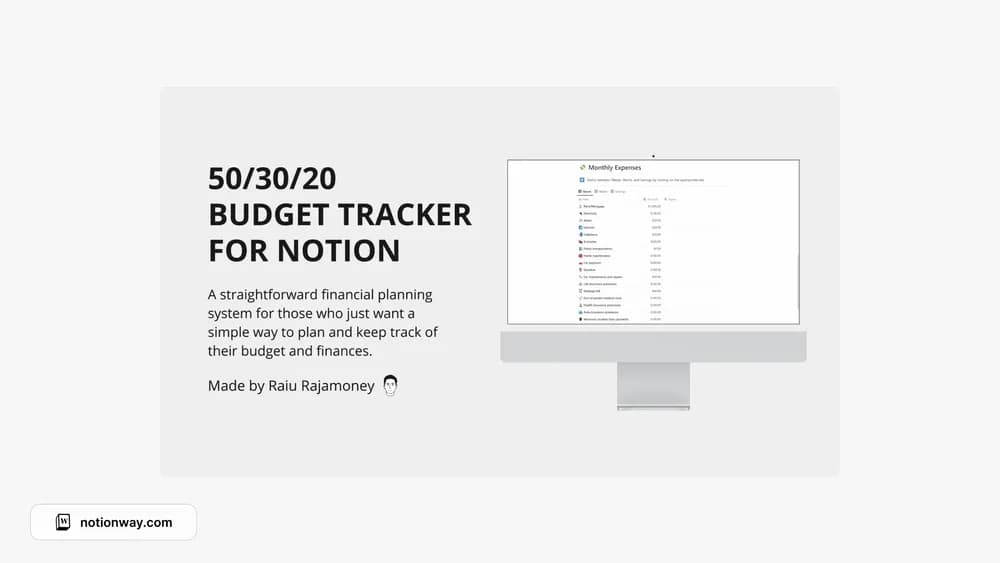
- Category budgets for income and expenses
- Monthly summary of income versus expenses
- Sync from financial institutions through the creator’s third-party app
How to use it in practice
Start by entering your accounts and a week of transactions manually so you understand how categories and budgets connect. Then decide whether you are comfortable linking bank data through the companion app, reading its terms and permissions first. If you connect it, compare synced entries against your bank statements for a few days. Review the monthly summary at the end of the week to see whether the categories make sense.
Set it up in your workspace
- Open the original Notion Marketplace listing and add the template to your chosen workspace while signed in. Keep its example records until you understand how the pages connect.
- Start by entering your accounts and a week of transactions manually so you understand how categories and budgets connect.
- Try one complete example before adding a large backlog. Check that its views and any calculations show what you expect, then replace the sample content with your own.
Who it suits and what to consider
People who want a Notion budget but would rather not type every transaction in by hand. Automatic entry depends on a separate third-party service, and the listing does not state its cost or which institutions it supports. Linking bank accounts means sharing financial data with that provider.