About Green, Anime & Matcha Dashboard
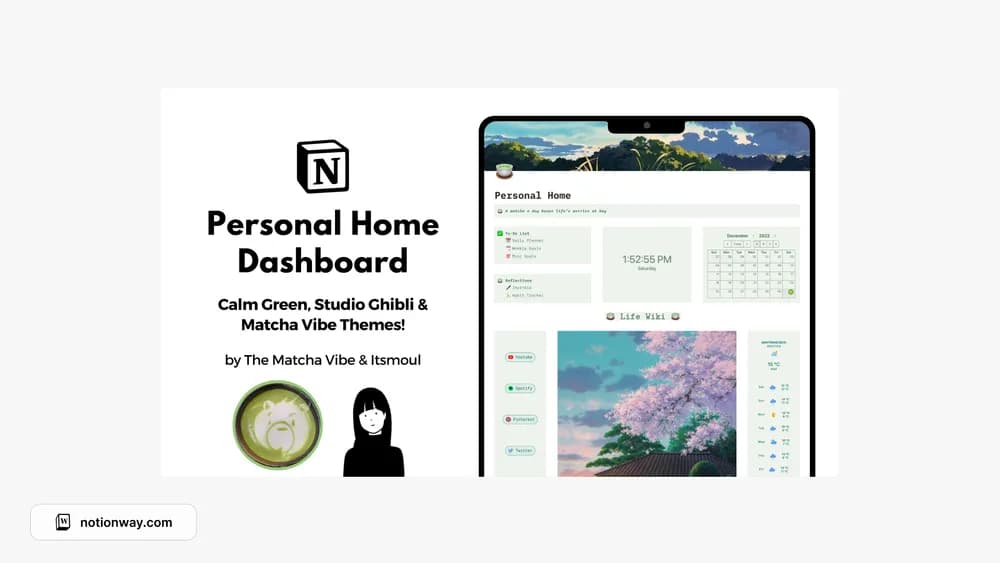
This dashboard offers several visual variations around a similar personal workspace. It brings daily tasks and reflection into the same starting point. Choose the version you enjoy looking at, then test whether the sections match how you actually plan a day.
What’s included
- Six visual themes, including green, Ghibli, minimal, and matcha styles
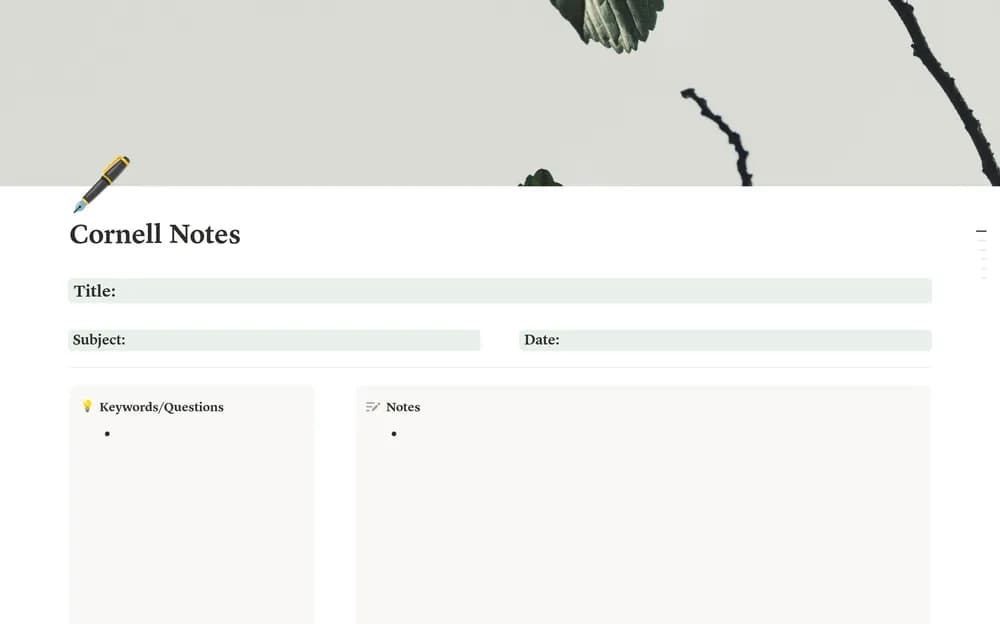
- Daily planning, goals, journaling, habits, and project pages
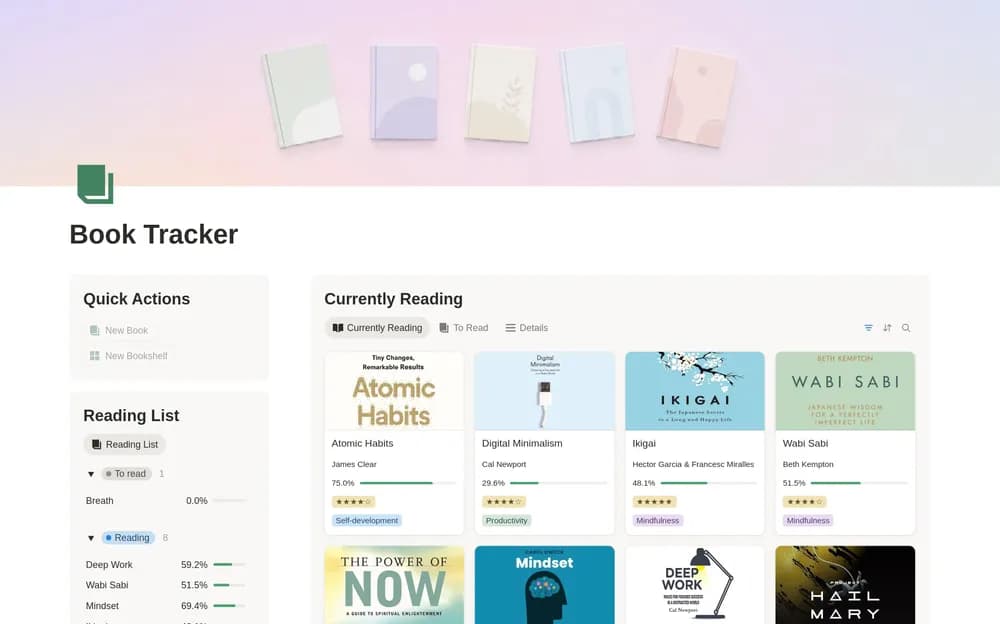
- Reading, watchlists, travel, finance, and wish-list sections
How to use it in practice
Choose the theme first, then make only two or three sections part of your daily routine. For example, use the daily planner for current tasks and the journal for a short evening note. Keep collections such as travel ideas and watchlists available for occasional use. This prevents a broad dashboard from becoming a checklist of pages you feel obliged to fill.
Set it up in your workspace
- Follow the original creator’s checkout or access instructions to obtain the Notion page. Open that page while signed in, then duplicate it into the workspace you want to use.
- Pick a visual version and add a realistic day of tasks. Keep the sections you use within easy reach.
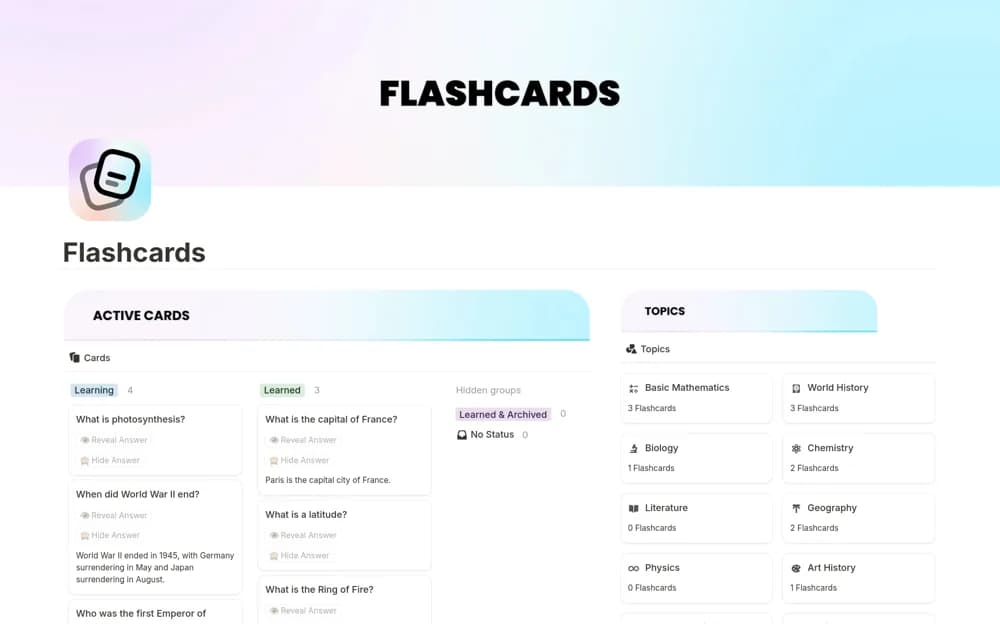
- Try one complete example before adding a large backlog. Check that its views and any calculations show what you expect, then replace the sample content with your own.
Who it suits and what to consider
People who want a gently themed personal dashboard. Suited to someone who wants several personal tools with a consistent style. Compare the depth of the section you need most; a broad dashboard may be less detailed than a specialist tracker.