About Internal IT Helpdesk & Ticket Management
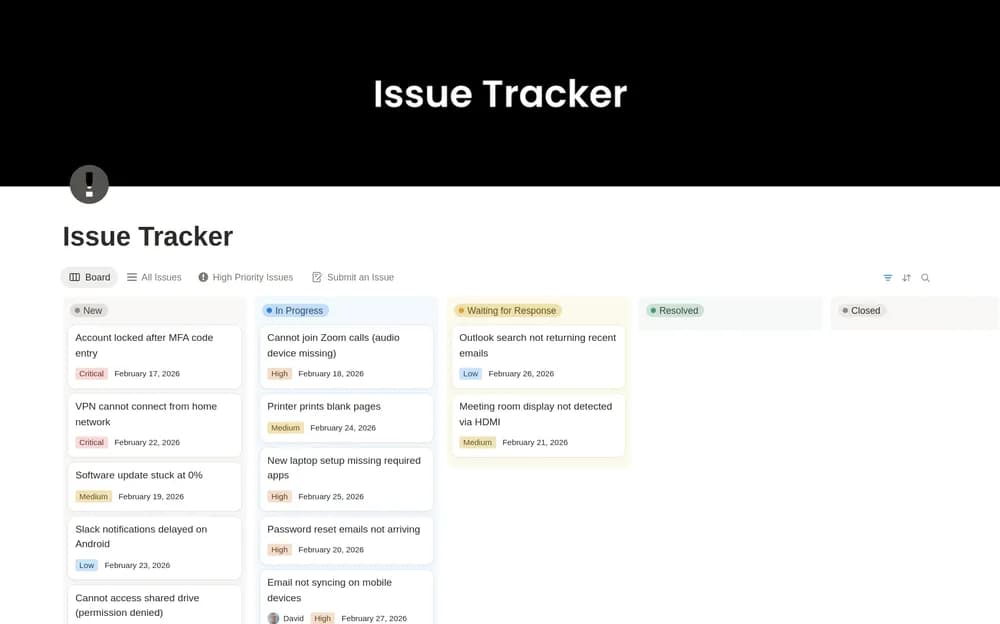
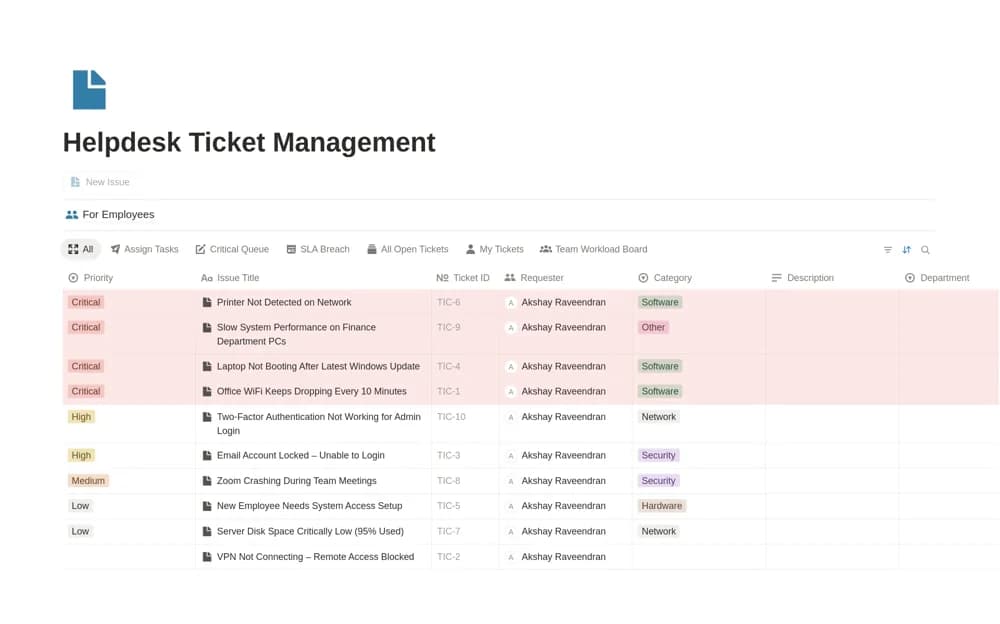
An internal IT ticket workspace for requests, priorities, technician assignments, resolution states, and SLA-related dates.
What’s included
- Central request inbox and employee-facing ticket portal
- Priority, technician, and resolution tracking
- SLA-date organization and documented fix history
How to use it in practice
Trial the request form with fictional data and review who can see each ticket. Define priority and service expectations before using deadline fields. Verify the creator’s optional AI meeting features and account requirements separately, keeping sensitive support information appropriately controlled.
Set it up in your workspace
- Open the original Notion Marketplace listing and add the template to your chosen workspace while signed in. Keep its example records until you understand how the pages connect.
- Trial the request form with fictional data and review who can see each ticket.
- Try one complete example before adding a large backlog. Check that its views and any calculations show what you expect, then replace the sample content with your own.
Who it suits and what to consider
IT teams evaluating a Notion-based request and support queue. The source advertises AI transcription and summaries; those features may require separate platform capabilities or configuration.