About Legal Case & Dispute Tracker
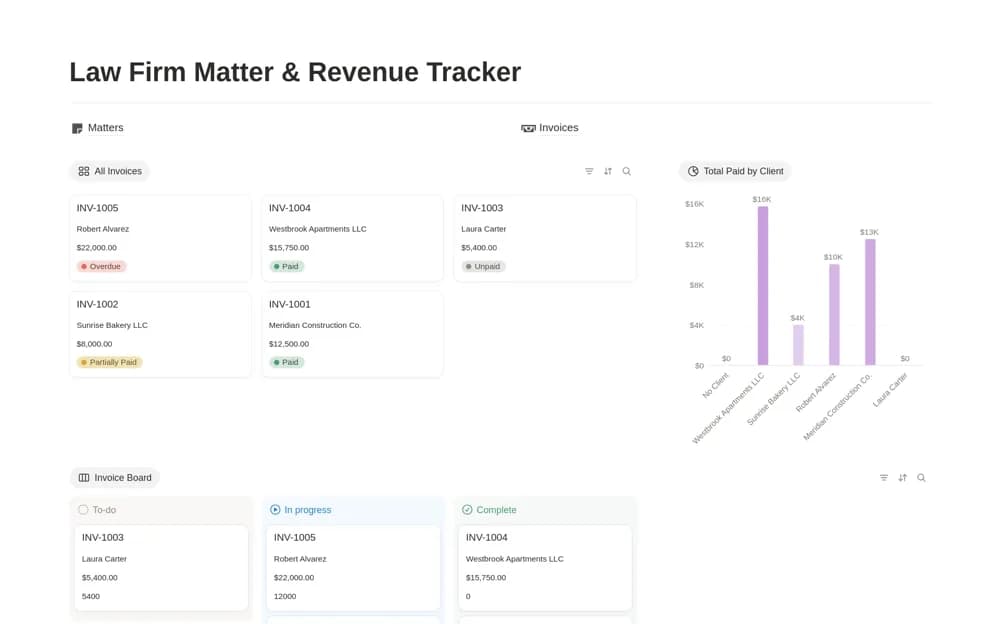
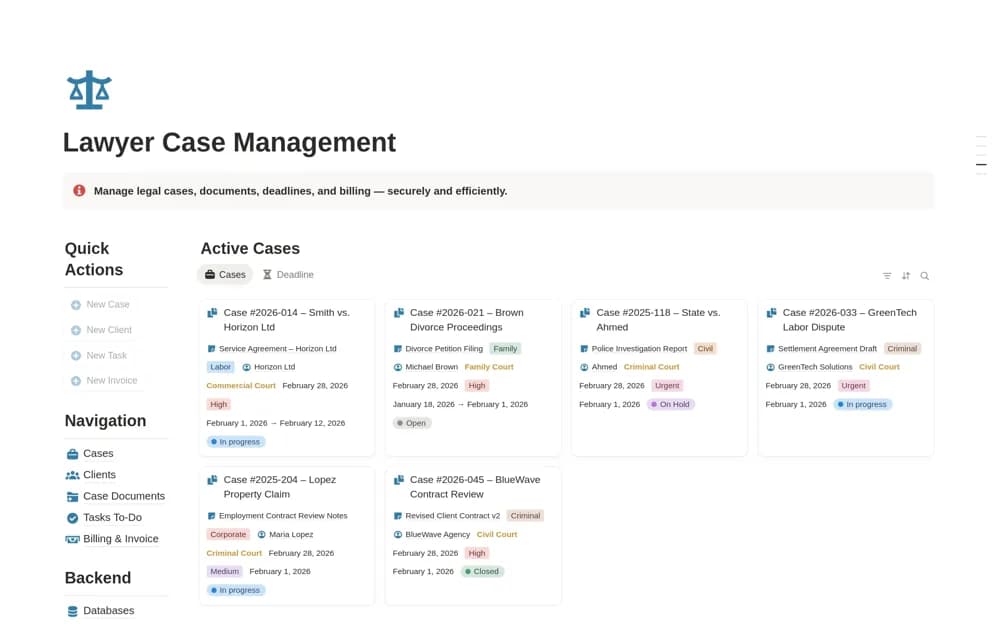
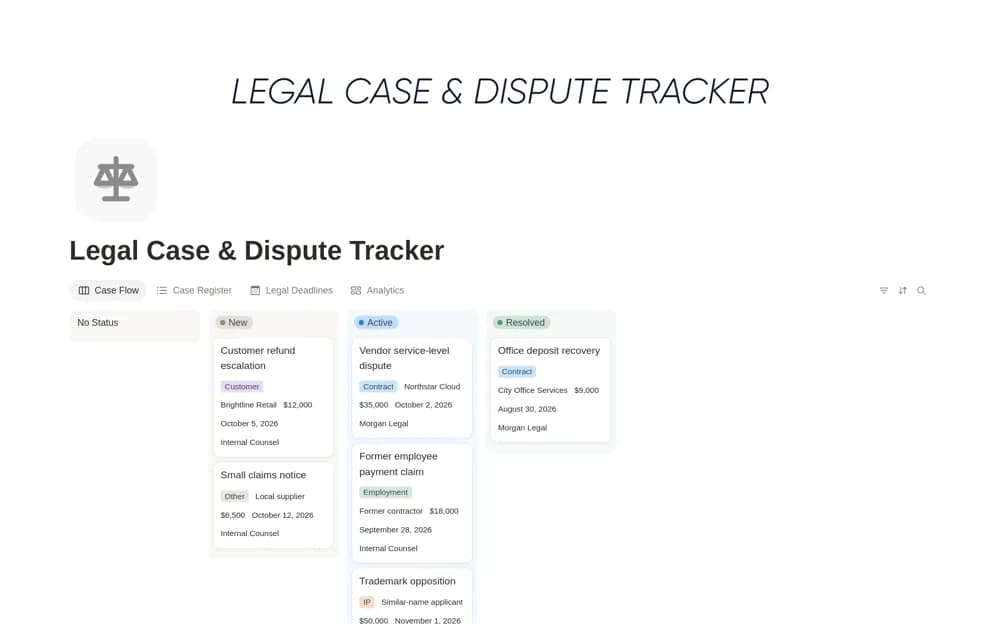
A legal-operations register for claims and disputes, bringing case facts, responsible counsel, deadlines, exposure, next actions, and resolution status into focused views.
What’s included
- Legal case and dispute database
- Counsel, owner, deadlines, exposure, and next action
- Active, high-risk, and upcoming-deadline views
How to use it in practice
Create a sample matter with a deadline confirmed by responsible counsel and attach the relevant source document. Give the next action an owner and review date, then check the active-case view for anything blocked. Keep facts distinct from assumptions and control access to confidential case material.
Set it up in your workspace
- Open the original Notion Marketplace listing and add the template to your chosen workspace while signed in. Keep its example records until you understand how the pages connect.
- Create a sample matter with a deadline confirmed by responsible counsel and attach the relevant source document.
- Try one complete example before adding a large backlog. Check that its views and any calculations show what you expect, then replace the sample content with your own.
Who it suits and what to consider
Legal teams and business operators coordinating the administration around active disputes. This is an organizational template, not legal advice or a reliable source of filing dates. Confirm deadlines and case handling with qualified counsel and your established systems.