About Law Firm Matter & Revenue Tracker
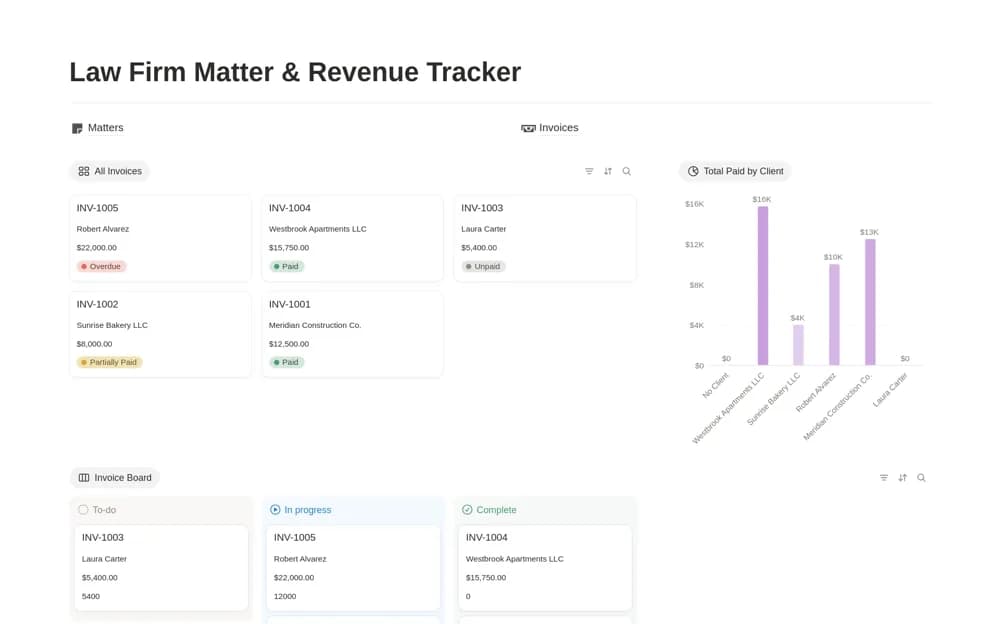
A law-firm dashboard connecting matter stages, responsible lawyers, invoices, payments, and outstanding balances.
What’s included
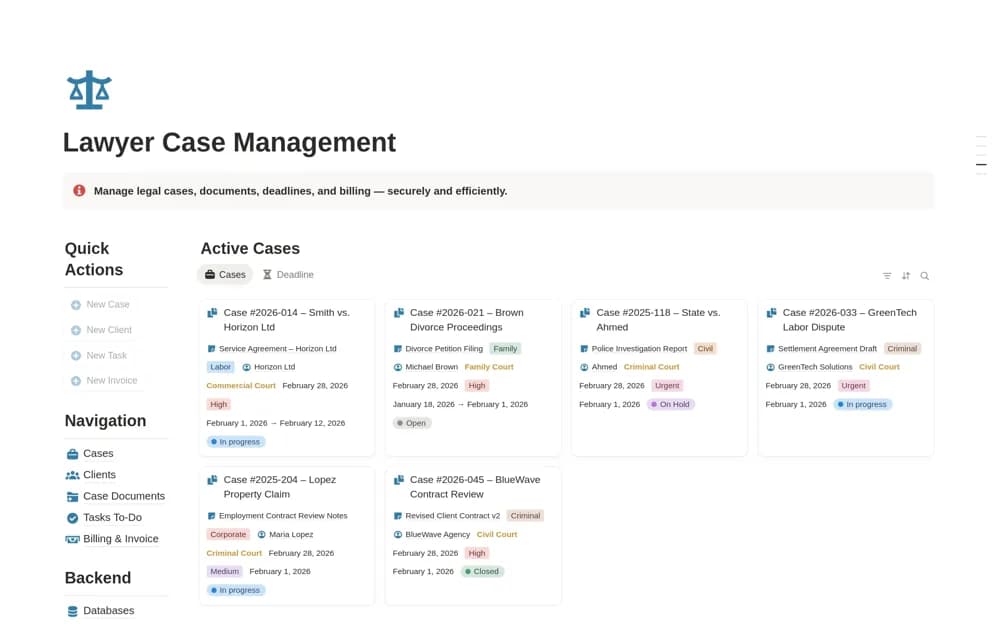
- Matter database with practice area, priority, and responsible lawyer
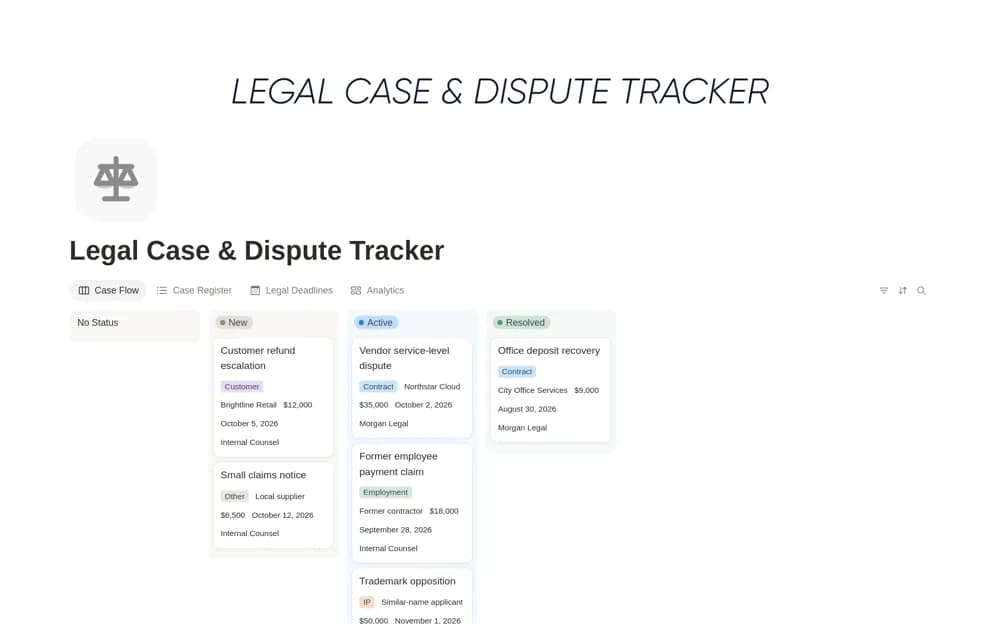
- Intake-to-archive workflow
- Invoices with paid amounts, balances, and client revenue views
How to use it in practice
Use fictional records to test a matter and its invoice before entering client information. Agree status meanings and reconcile a payment example. Review confidentiality, permissions, retention, and professional obligations before adopting the workspace for live legal administration.
Set it up in your workspace
- Open the original Notion Marketplace listing and add the template to your chosen workspace while signed in. Keep its example records until you understand how the pages connect.
- Use fictional records to test a matter and its invoice before entering client information.
- Try one complete example before adding a large backlog. Check that its views and any calculations show what you expect, then replace the sample content with your own.
Who it suits and what to consider
Legal practices organizing operational matter and revenue oversight. This is an organizational template; it does not establish legal deadline reliability, trust accounting, or professional compliance.