About Legal Case Management OS
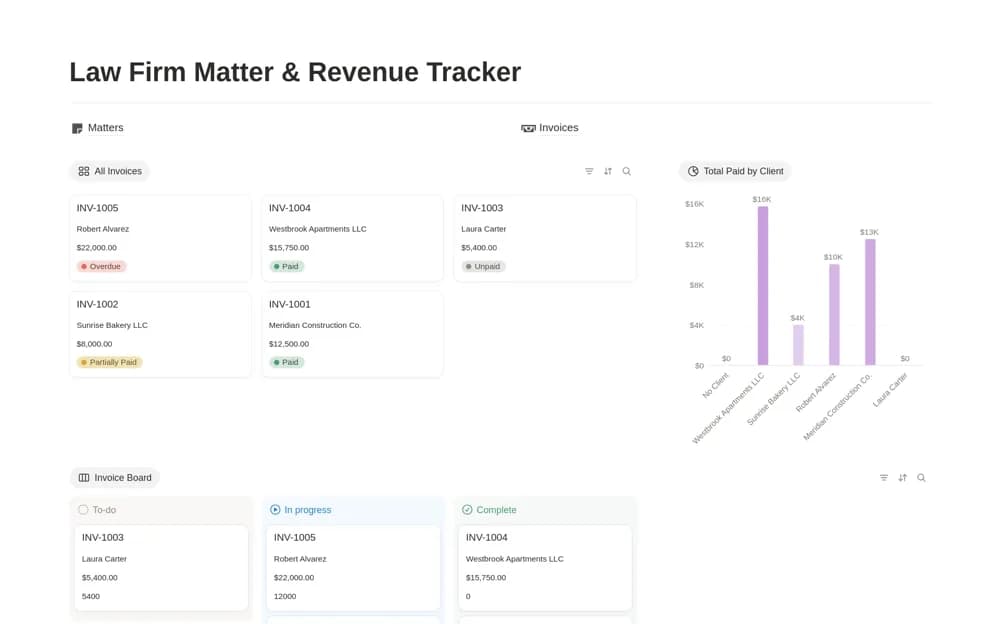
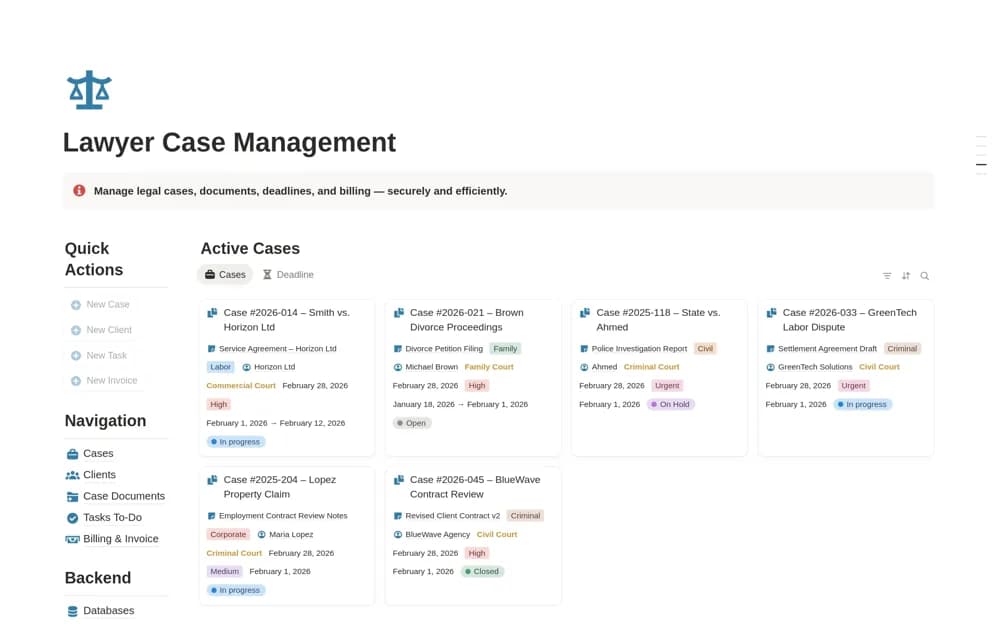
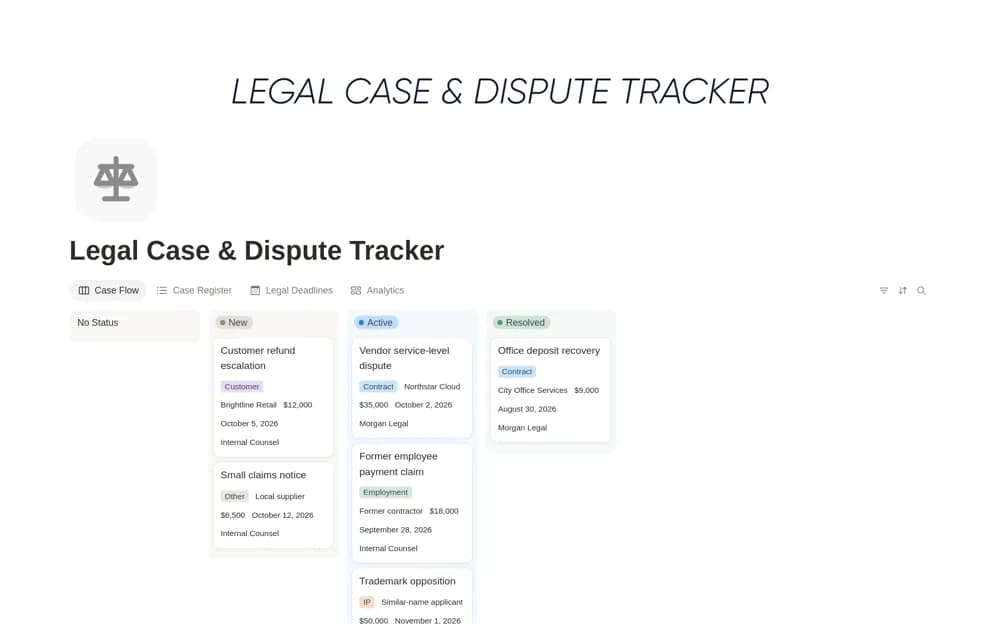
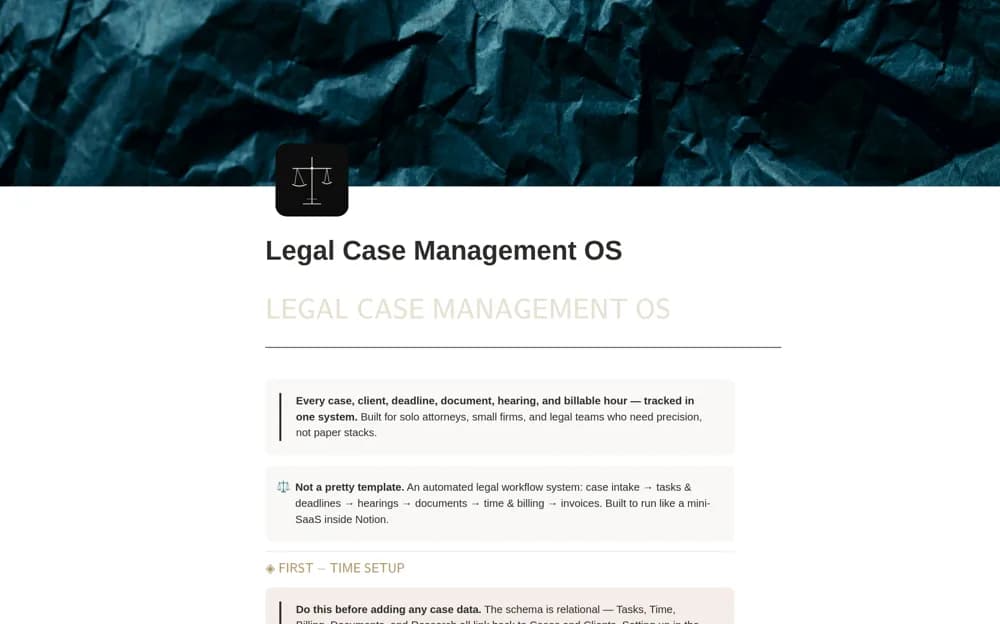
A paid legal-practice workspace linking matters, clients, intake, hearings, evidence, research notes, time records, retainers, billing, and firm-level review.
What’s included
- Case & Matter Hub and client intake
- Court calendar, evidence, documents, and research
- Time, billing, retainers, and management views
How to use it in practice
Test with fictional matter data before entering client information. Follow a deadline, document, and time entry from the matter record into their views, confirming that permissions fit the firm’s requirements. Keep the source for every critical date and use the system only after the responsible professional has reviewed the workflow.
Set it up in your workspace
- Open the original Notion Marketplace listing and add the template to your chosen workspace while signed in. Keep its example records until you understand how the pages connect.
- Test with fictional matter data before entering client information.
- Try one complete example before adding a large backlog. Check that its views and any calculations show what you expect, then replace the sample content with your own.
Who it suits and what to consider
Solo practitioners and small legal teams evaluating a connected administrative matter workspace. The template does not establish legal compliance, conflict-check completeness, or automatic court-calendar updates. Confidentiality, retention, and billing rules remain the firm’s responsibility.