About Lawyer & Legal Case Manager OS
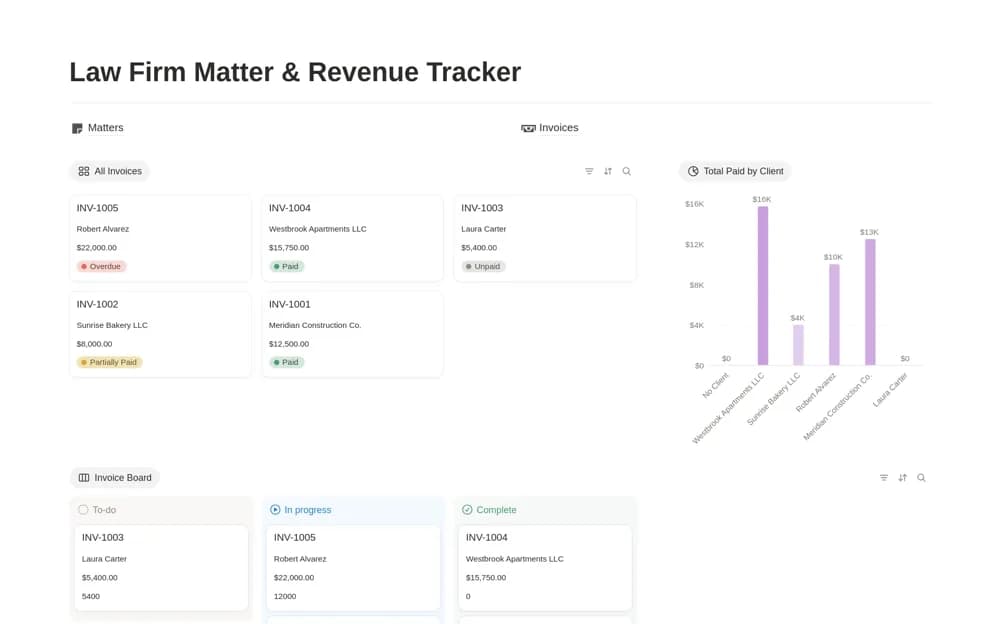
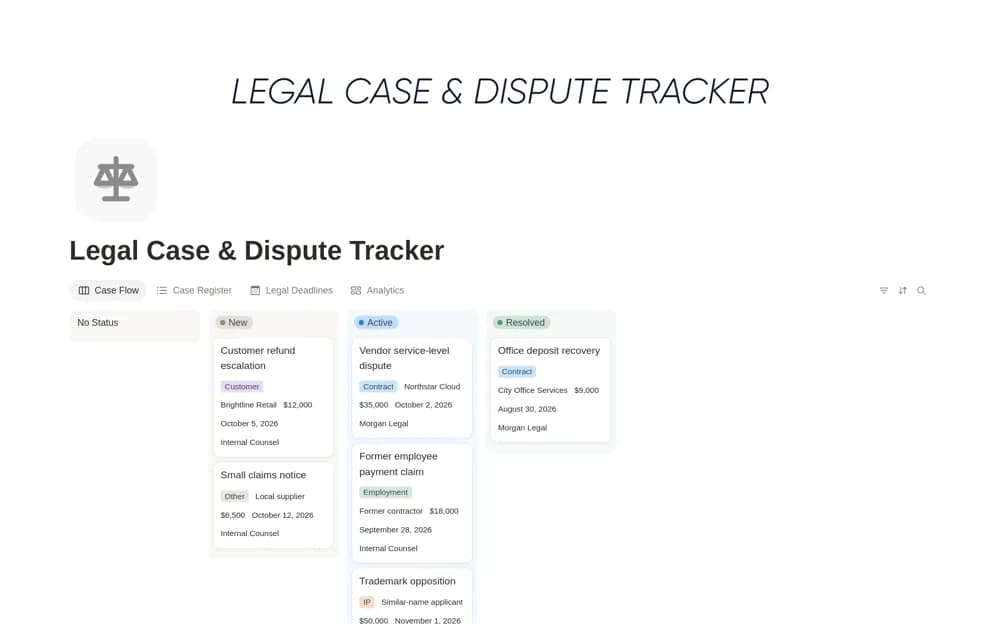
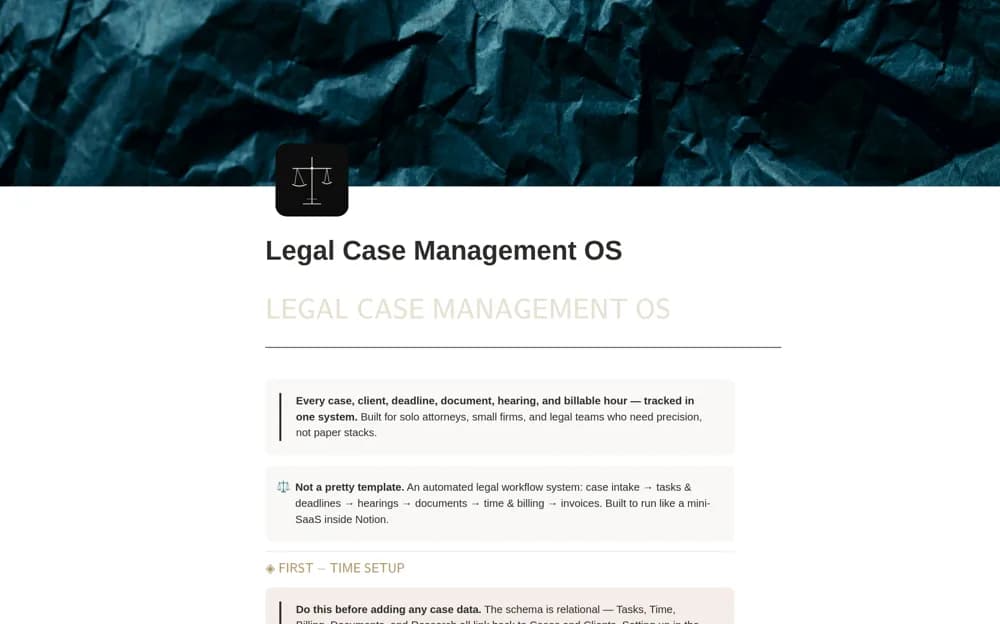
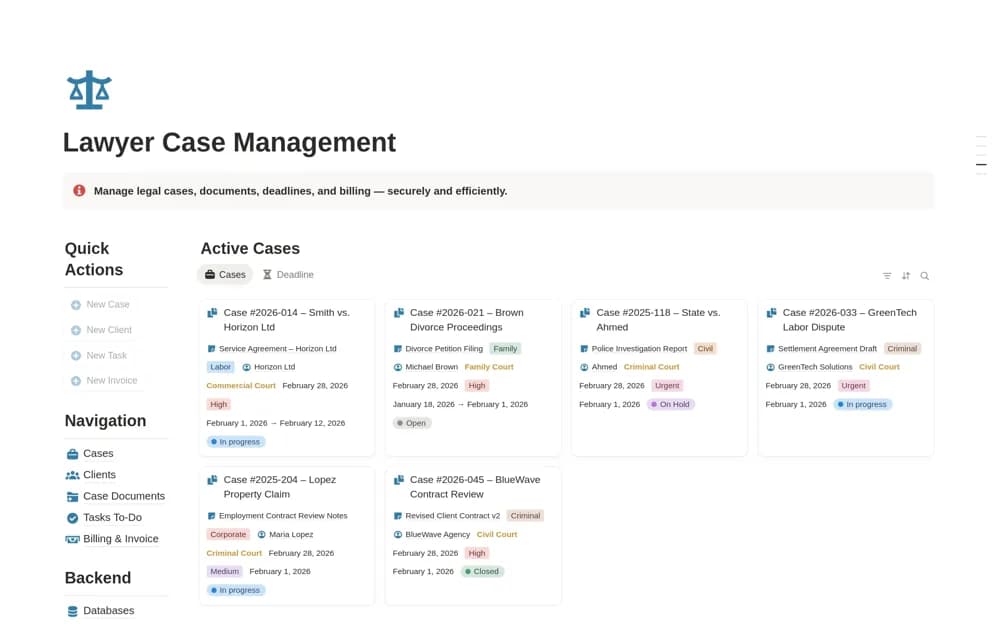
A legal practice workspace for cases, client context, documents, tasks, hearings, and billing records.
What’s included
- Case and client organization
- Document, task, hearing, and deadline records
- Billed, paid, and outstanding amount tracking
How to use it in practice
Test navigation and case relationships using fictional information. Review access to client documents and establish how verified dates and changes are recorded. Keep the system within your practice’s approved confidentiality, deadline-control, billing, and retention procedures before adding live matters.
Set it up in your workspace
- Open the original Notion Marketplace listing and add the template to your chosen workspace while signed in. Keep its example records until you understand how the pages connect.
- Test navigation and case relationships using fictional information.
- Try one complete example before adding a large backlog. Check that its views and any calculations show what you expect, then replace the sample content with your own.
Who it suits and what to consider
Solo lawyers and small legal teams coordinating matter administration. The creator’s security description is not an independent assessment of suitability for regulated legal records.