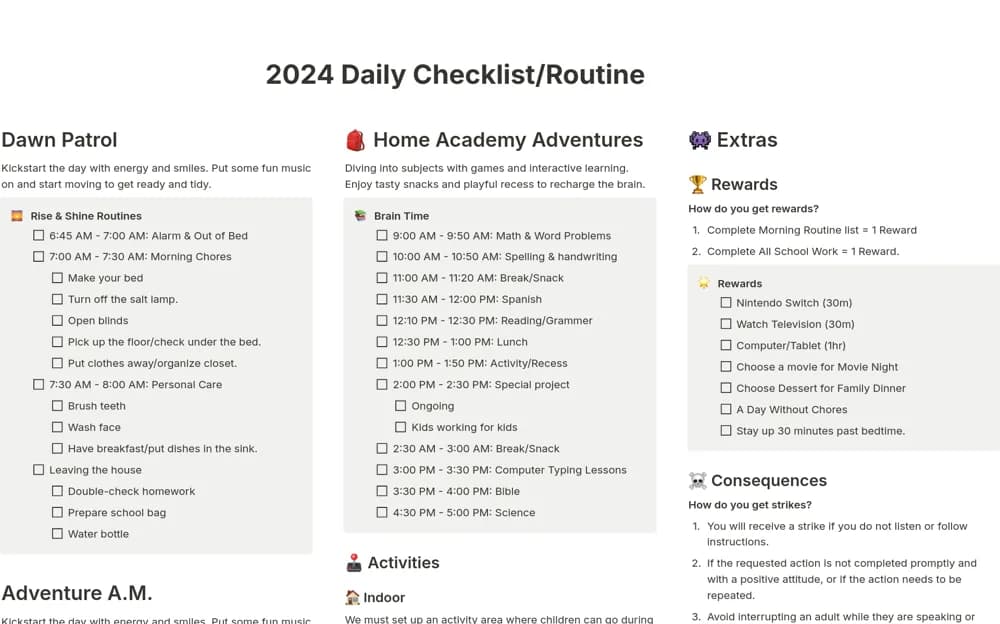
 Free
2024 Homeschool Daily Routine & Checklist for Kids
A daily home-learning checklist with subject time, breaks, and routines from morning to evening.
Give independent learning a practical plan. Find Notion templates for courses, resources, practice tasks, and keeping track of what you can explain or do after studying.
Showing 1–14 of 14 templates
FreeA daily home-learning checklist with subject time, breaks, and routines from morning to evening.
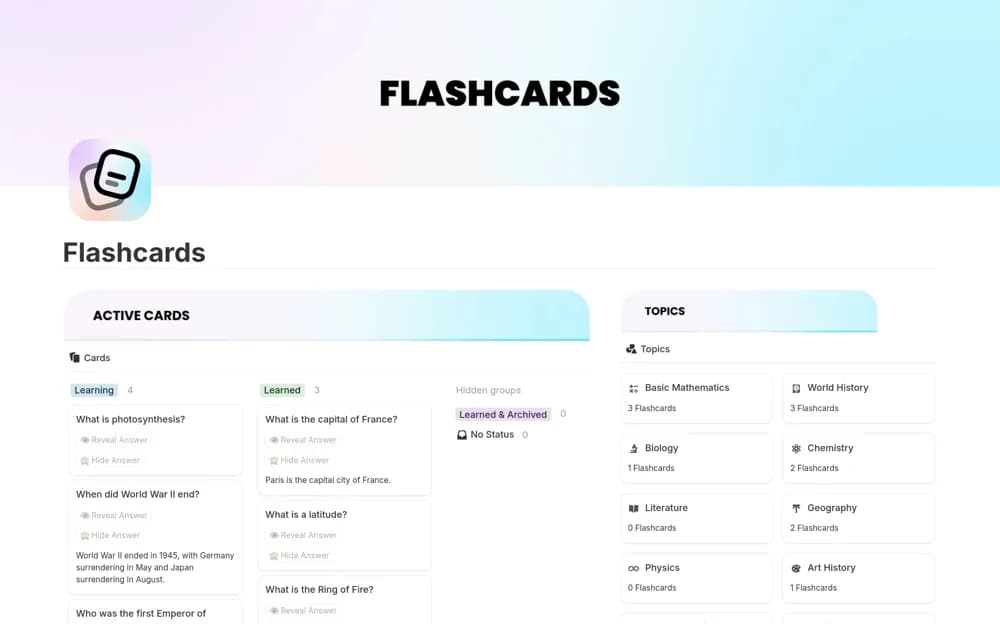 Free
A pastel flashcard layout with reveal-and-hide study cards, sample content, and a minimal visual style for turning a small set of notes into recall practice.
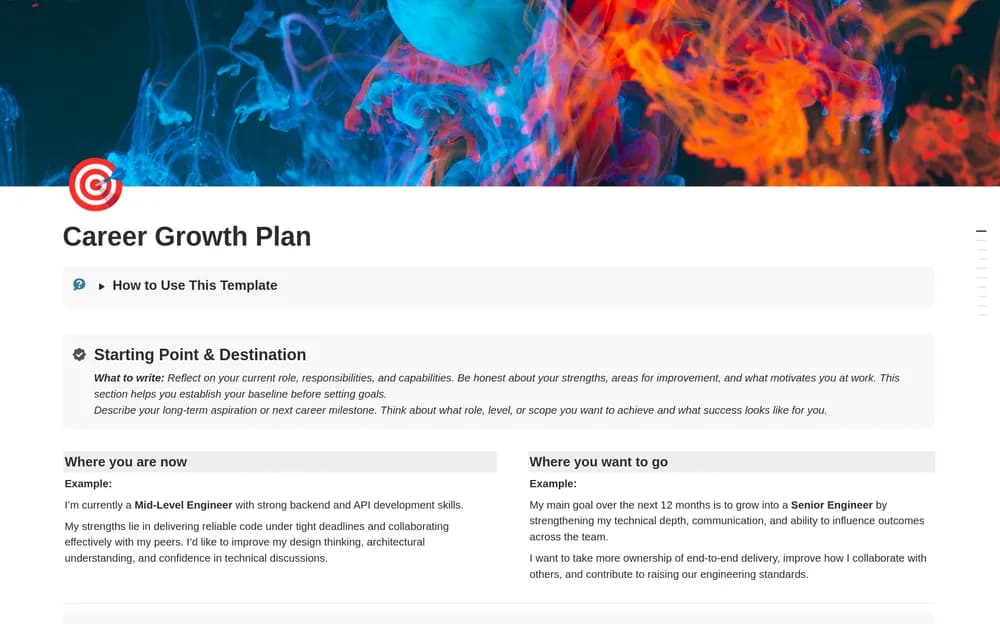 Free
Map professional development in Notion from your current role to short, mid, and long-term goals, with a gap analysis and a log of ongoing learning.
 Free
Prepare for a nursing clinical shift with one Notion checklist for patient details, medications to research, assessments, and instructor questions.
 Free
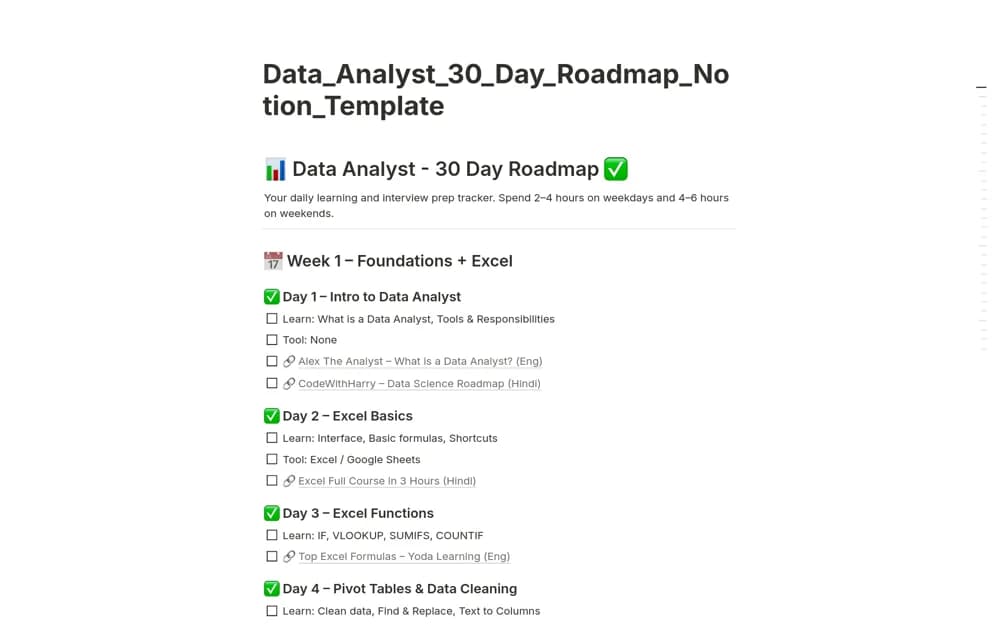
A beginner data-analysis study roadmap with daily learning tasks, tool references, practice projects, interview preparation, and portfolio guidance across spreadsheets, SQL, Python, and Power BI.
 Free
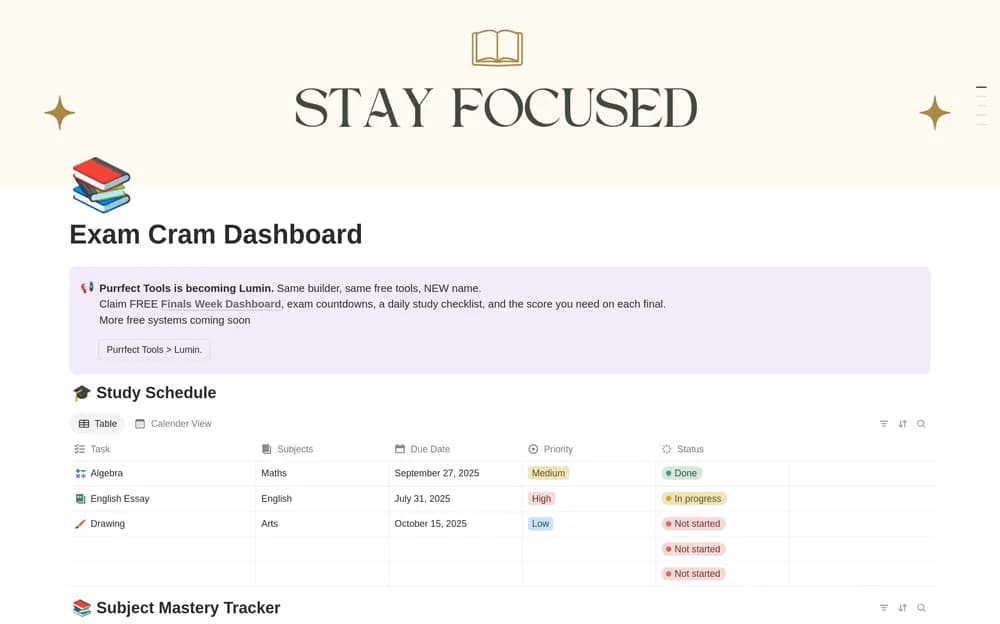
Prepare for finals in Notion with a study planner keyed to your exam date, subject progress bars, spaced repetition flashcards, and a grade predictor.
 Free
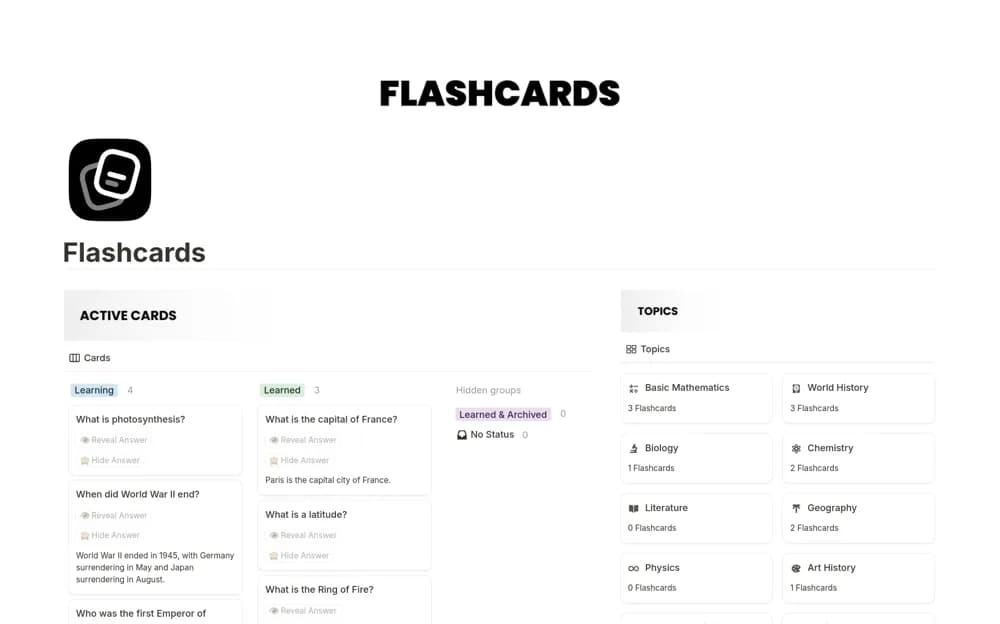
A free flashcard system with topic organization, sample cards, reveal-and-hide interactions, and formula-based behavior for personal study and recall practice.
 Paid
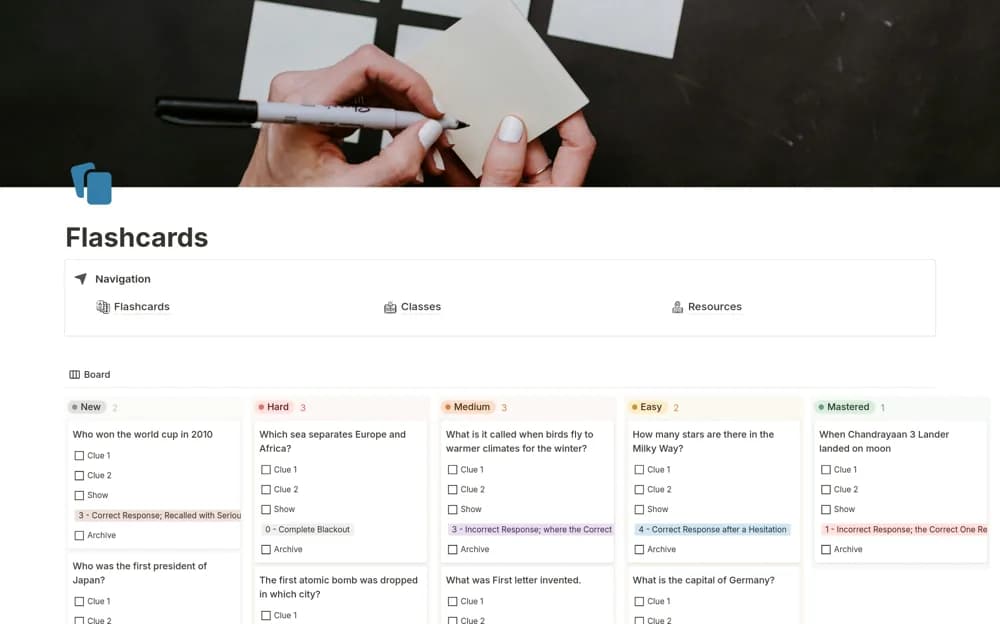
A paid active-recall deck organizing flashcards by course, topic, progress status, and last review date, so study sessions can focus on material that needs attention.
 Free
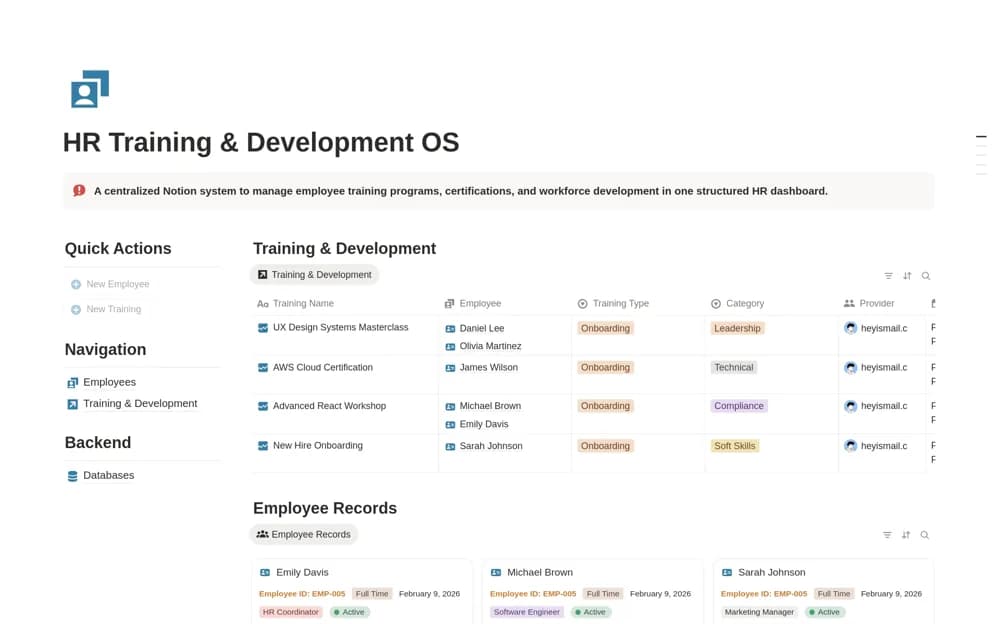
An HR learning hub for training programs, employee development records, certification dates, and learning progress.
 Free
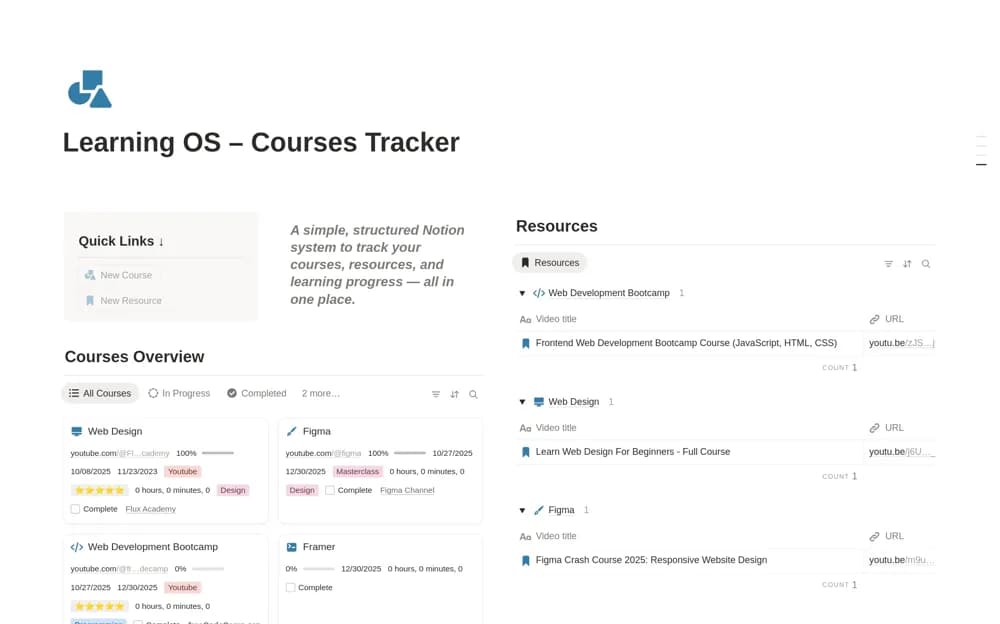
A learning dashboard linking courses, progress states, videos, tutorials, and other study resources.
 Free
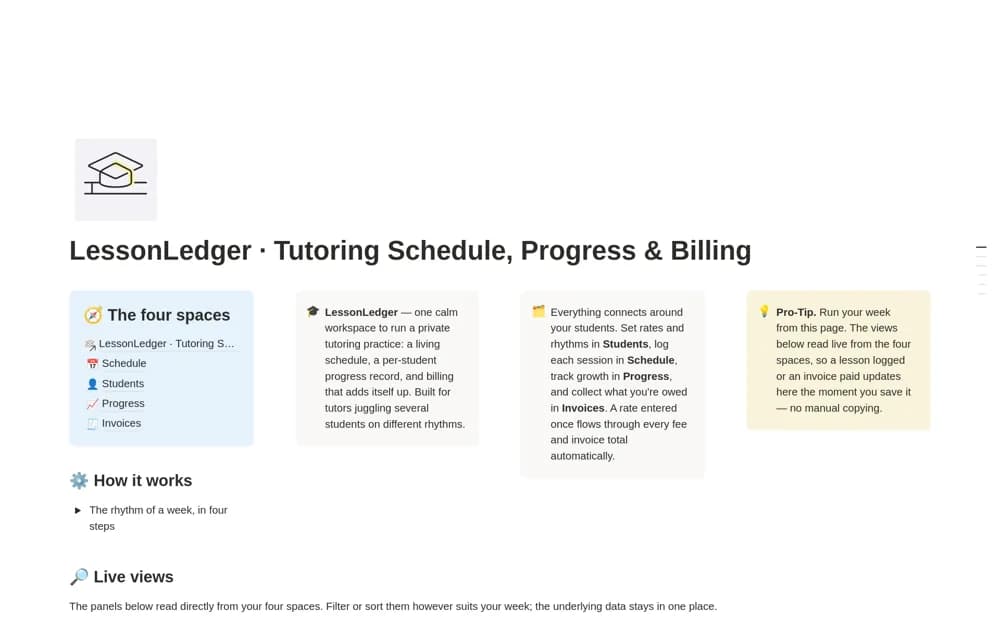
A tutoring system connecting student records, lesson schedules, learning progress, calculated fees, and invoices.
 Free
Save articles to read later in Notion, with a cover-image library, a To read, Reading, and Done queue, and star ratings for finished pieces.
 Free
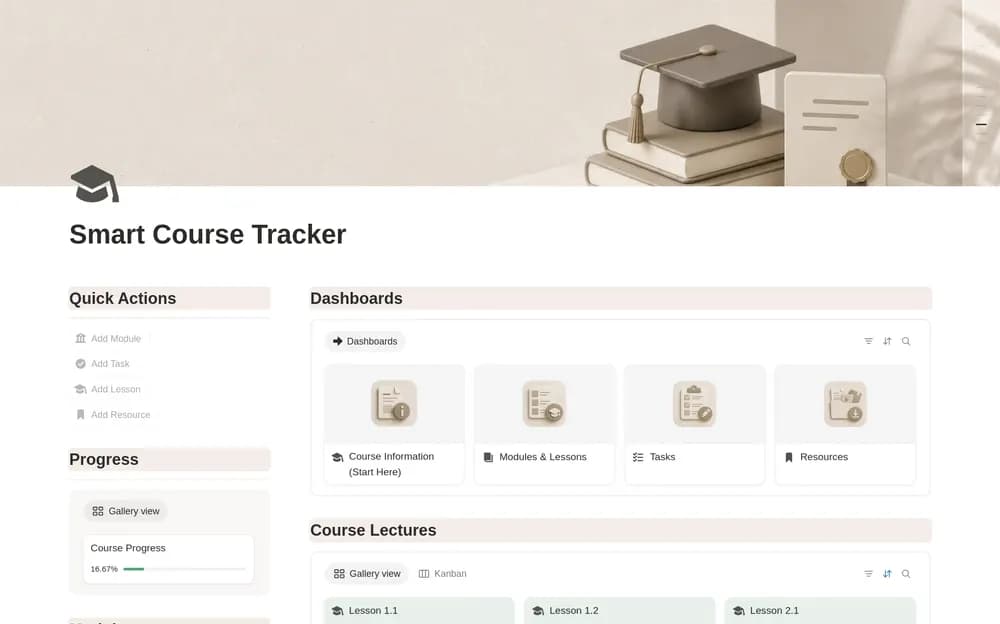
Map any course, class, or certification in Notion as modules and lessons, with linked coursework, deadlines, and a library of resources.
 Free
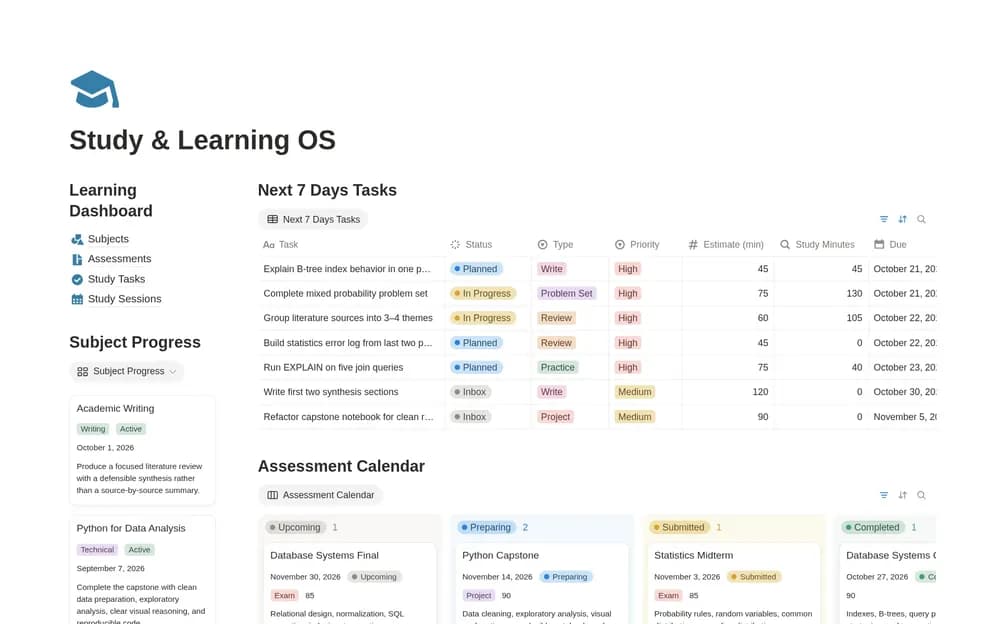
Connect subjects, assessments, study tasks, and logged study sessions in one Notion workspace for school, university, or self-directed learning.
Compare the purpose and included features before choosing a workspace.
Self-directed learners organizing several courses and their supporting materials.
Students, professionals, and lifelong learners following a structured course or certification.
Families looking for a visible, adaptable home-learning routine.
14 working templates from 12 creators: 13 free and 1 paid, with paid options from $9. Links last checked November 22, 2026.
| Template | Best for | Price | Creator |
|---|---|---|---|
| Learning OS – Courses Tracker | Self-directed learners organizing several courses and their supporting materials. | Free | heyismail |
| Smart Course Tracker | Students, professionals, and lifelong learners following a structured course or certification. | Free | Pablo Martinez |
| 2024 Homeschool Daily Routine & Checklist for Kids | Families looking for a visible, adaptable home-learning routine. | Free | kag |
| Aesthetic Flashcards | Students who prefer a visually quiet card layout for short, focused study sessions. | Free | mrpugo |
| Career Growth Plan | Employees preparing for growth conversations with a manager, or anyone planning their next career move. | Free | Cassia |
| Clinical Day Prep | Nursing and LPN students, plus newly licensed nurses, preparing for an assigned clinical day. | Free | Shift Ready Studio |
| Data Analyst | Aspiring analysts organizing a structured learning plan and examples of their own practice work. | Free | Manojeet Gamit |
| Exam Cram Dashboard | College students facing finals and high school students preparing for AP or IB exams. | Free | itsPurrfectt |
Choose a specific outcome and a small set of resources. Connect each learning session to a practical question or exercise rather than collecting links indefinitely. Record what still feels unclear and schedule a chance to use the material. Review the plan after a week; a shorter resource list with consistent practice is easier to maintain than a large unfinished curriculum.
A clear learning outcome
Practice alongside resources
Questions to revisit
About the directoryChoose a topic and describe what you want to understand or do. Keep resources connected to notes, exercises, and questions that remain unresolved. After a learning session, try explaining or applying the idea without relying on the source. Use that attempt to choose the next activity instead of measuring progress only by the number of resources collected.
Jump straight to any listing in the collection.
Hours can help plan time, while examples of recall or application show what the practice achieved. Use the information that helps choose the next learning step. A large completed-resource count is not by itself evidence of understanding.
It depends on the job you need it to do. Good starting points in this collection include Learning OS – Courses Tracker (self-directed learners organizing several courses and their supporting materials), Smart Course Tracker (students, professionals, and lifelong learners following a structured course or certification), 2024 Homeschool Daily Routine & Checklist for Kids (families looking for a visible and adaptable home-learning routine). Compare the included features below, then try your first choice with a week of real information before moving everything across.
Yes. This collection currently includes 13 listings with a confirmed free creator offer, alongside 1 paid or freemium option. Use the Free filter to compare them. A free version can have different features from a creator’s paid upgrade, so check the original listing and current access terms before adding it to your workspace.