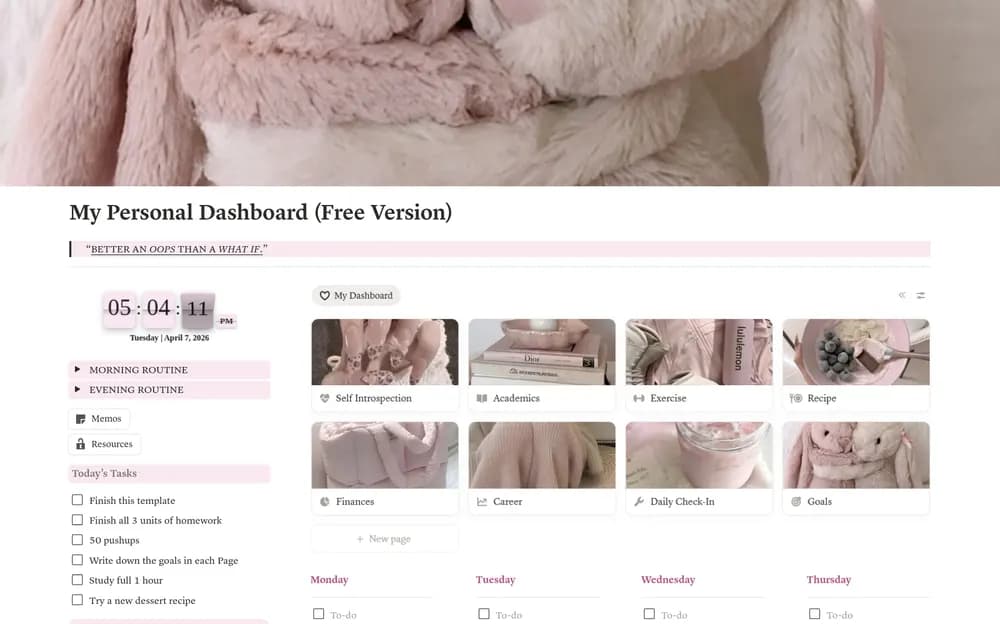
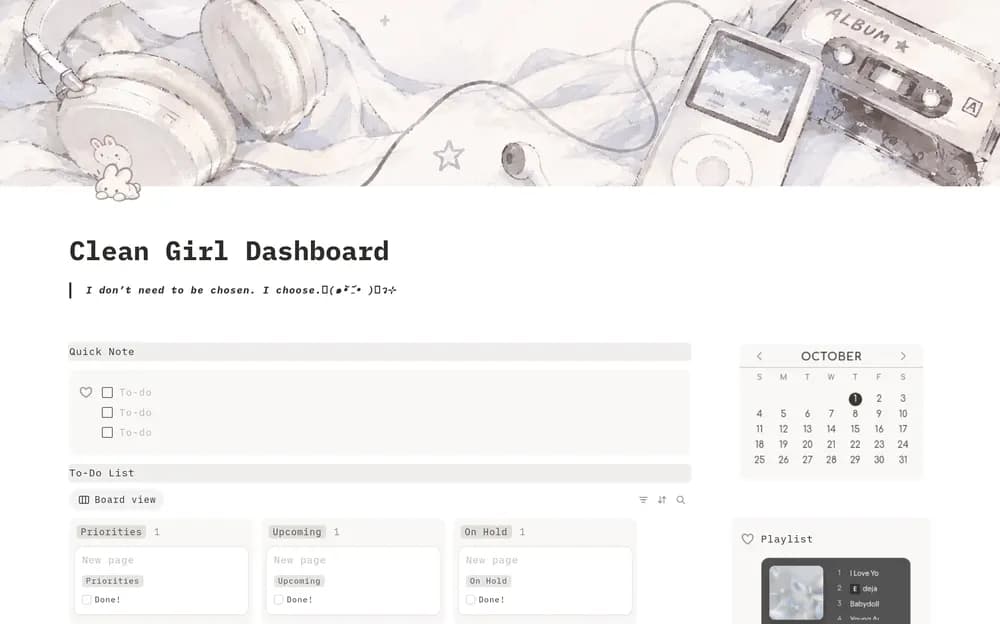
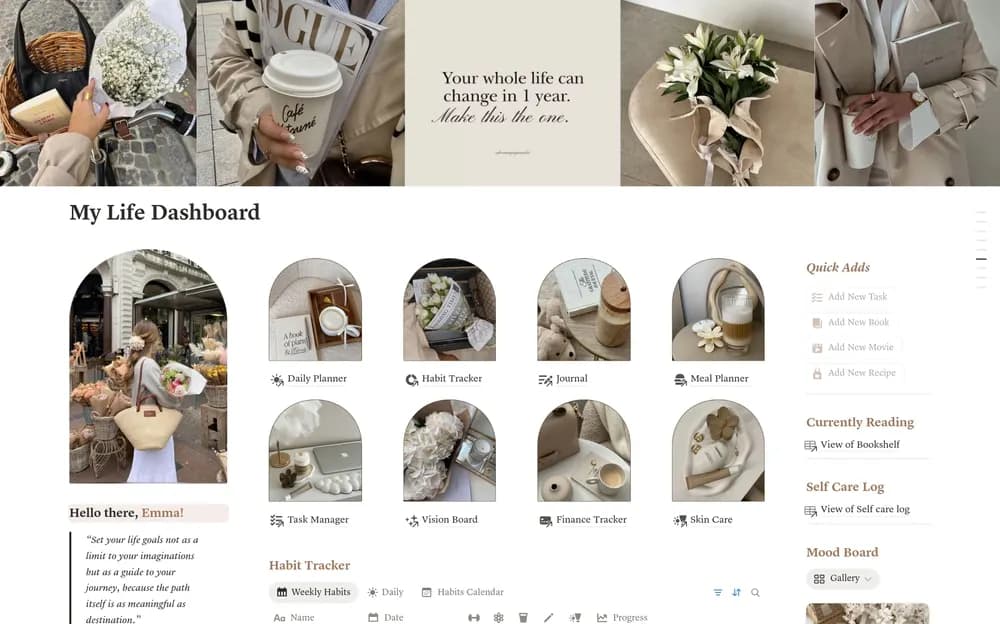
About Life OS: All-in-One Productivity System
Connect goals, projects, routines, habits, journaling, travel, reading, and finances in a Notion life operating system built around one dashboard.
What’s included
- Goals and vision with progress tracking
- Projects and tasks linked to goals
- Notes inbox and knowledge pages
- Morning, midday, and evening routines with habit tracking
- Journaling, trips and flights, vision board, reading tracker, and finance overview
How to use it in practice
Set one long-term goal and connect a project and a few tasks to it. Plan a simple morning and evening routine and track two habits for a week. Capture ideas in the notes inbox as they come up, and write a short weekly journal entry to judge which areas of the system you will keep.
Set it up in your workspace
- Open the original Notion Marketplace listing and add the template to your chosen workspace while signed in. Keep its example records until you understand how the pages connect.
- Set one long-term goal and connect a project and a few tasks to it.
- Try one complete example before adding a large backlog. Check that its views and any calculations show what you expect, then replace the sample content with your own.
Who it suits and what to consider
Students, creators, and freelancers who want every area of personal life in one workspace. With many modules, setup takes longer than a focused template, so start with a few areas. The finance section is described as a simple income and expense overview.