About Life Planner Dashboard
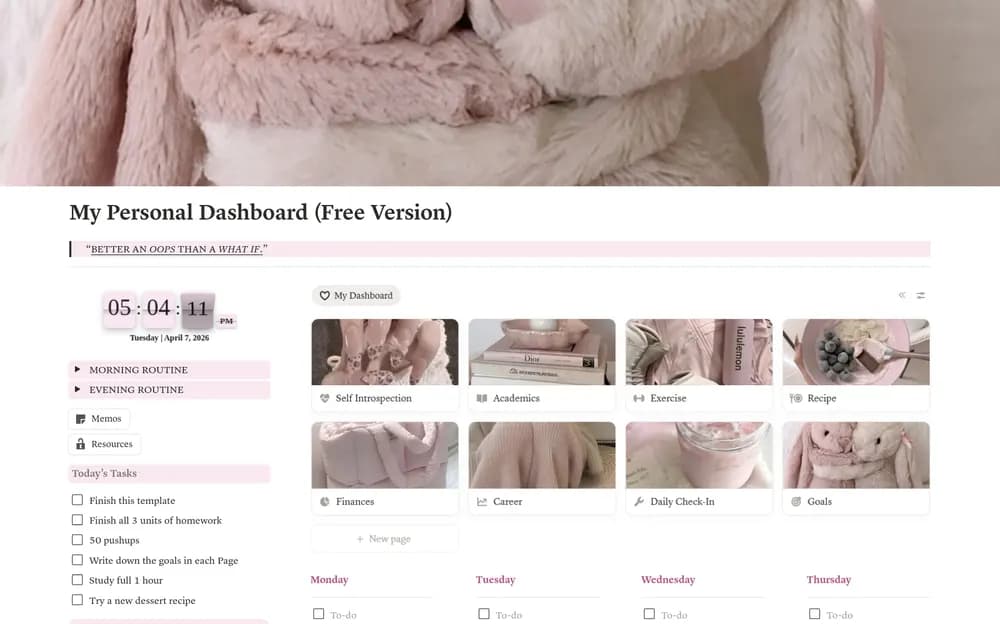
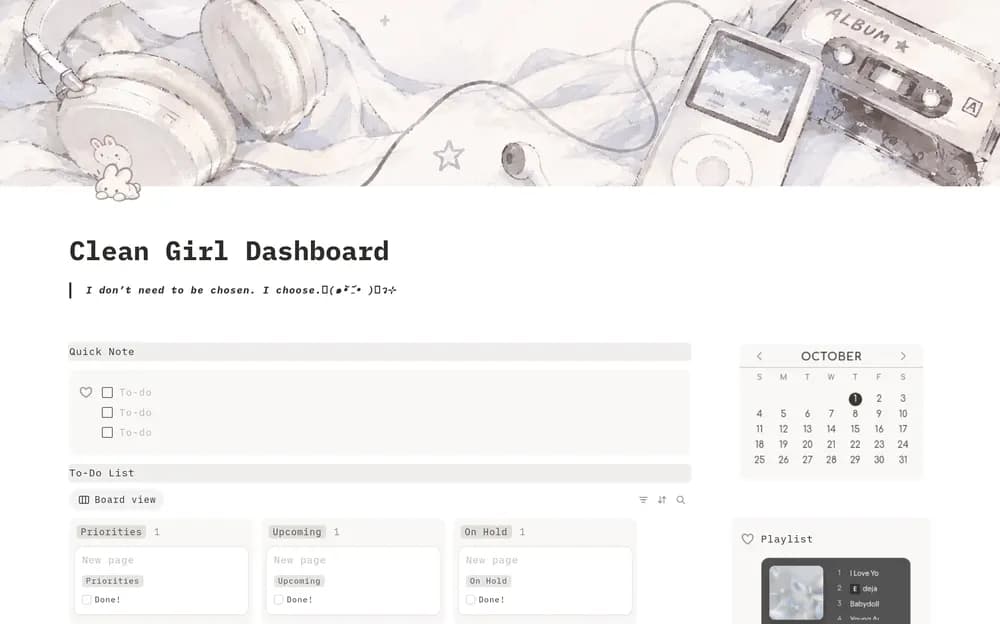
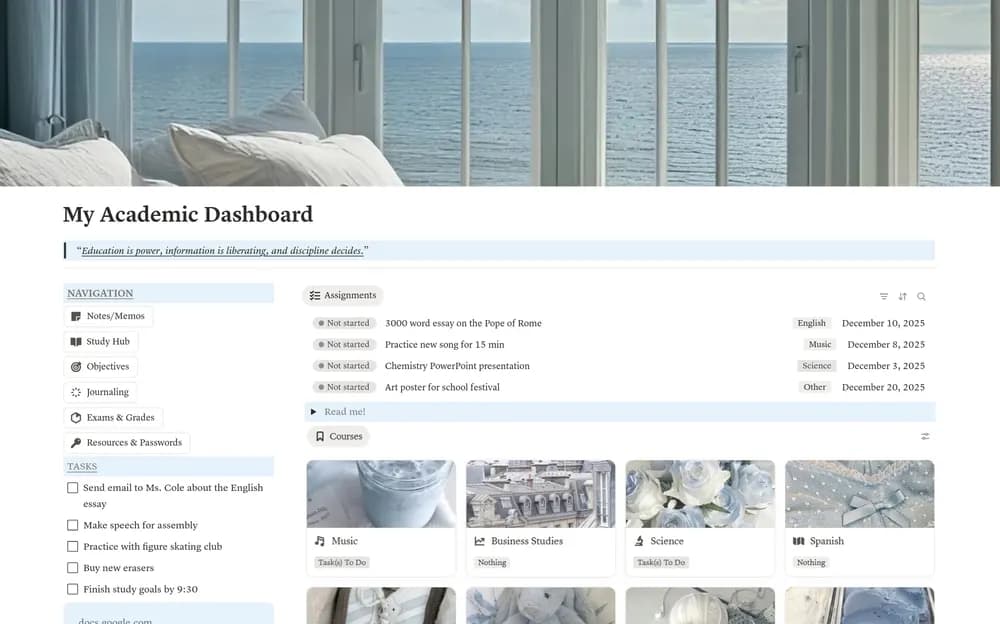
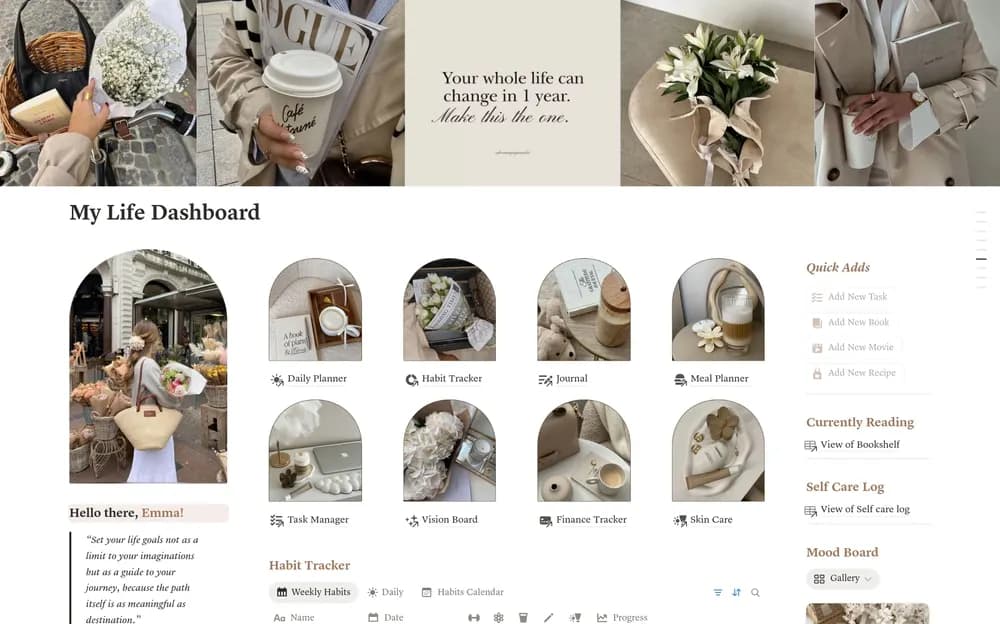
Run daily planning, tasks, habits, journaling, meals, finances, and self-care from one neutral-toned Notion life dashboard with quick navigation.
What’s included
- Daily planner and task manager
- Habit tracker and self-care log with automatic daily entries
- Journal and meal planner
- Finance tracker for expenses and savings
- Vision board, manifestation section, and monthly events calendar
How to use it in practice
Choose two areas to start with, such as tasks and habits, rather than filling every section at once. Add this week’s tasks and a few habits, and write a short journal entry each night. Log spending for the week in the finance tracker, then decide on the weekend which other sections you would actually maintain.
Set it up in your workspace
- Open the original Notion Marketplace listing and add the template to your chosen workspace while signed in. Keep its example records until you understand how the pages connect.
- Choose two areas to start with, such as tasks and habits, rather than filling every section at once.
- Try one complete example before adding a large backlog. Check that its views and any calculations show what you expect, then replace the sample content with your own.
Who it suits and what to consider
Students, professionals, and creatives who want most areas of personal life organized in one calm workspace. A dashboard covering this many areas takes ongoing upkeep, and the finance tracker relies on manual entries rather than bank connections. Remove sections you do not use so the dashboard stays manageable.