About Pink Personal Dashboard & Planner (Basic Version)
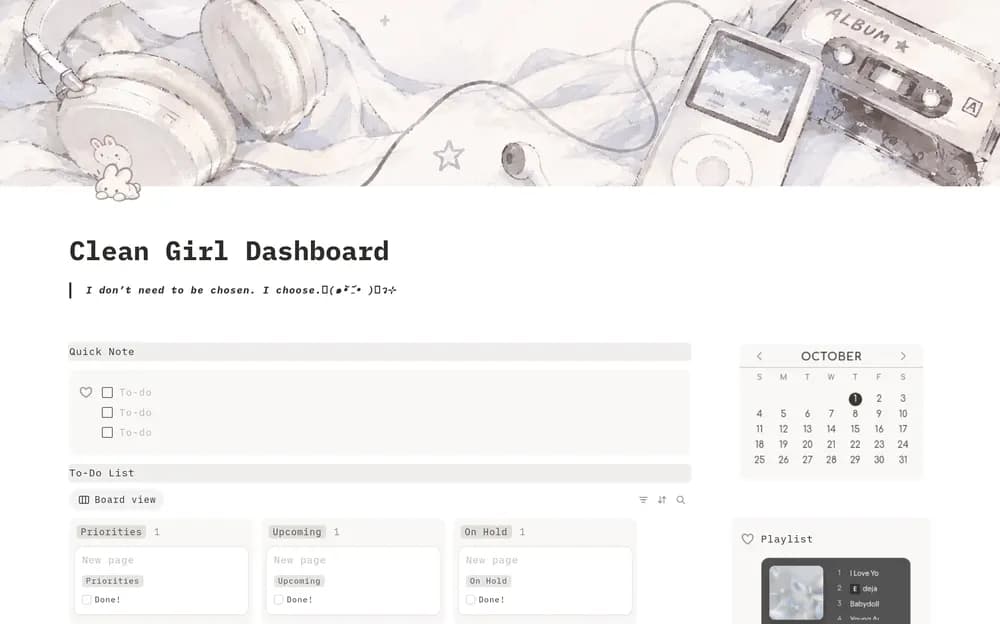
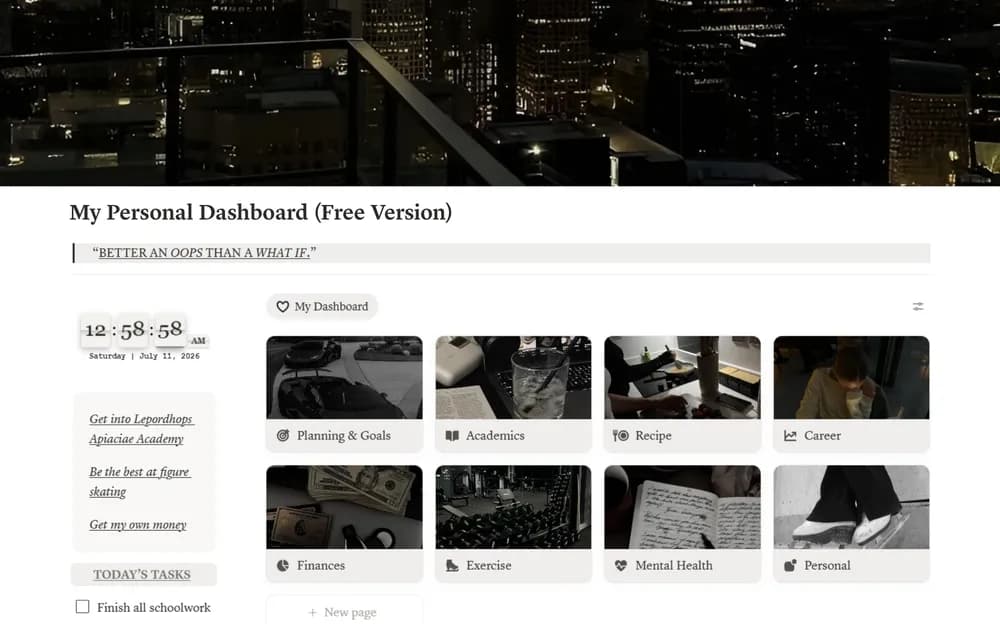
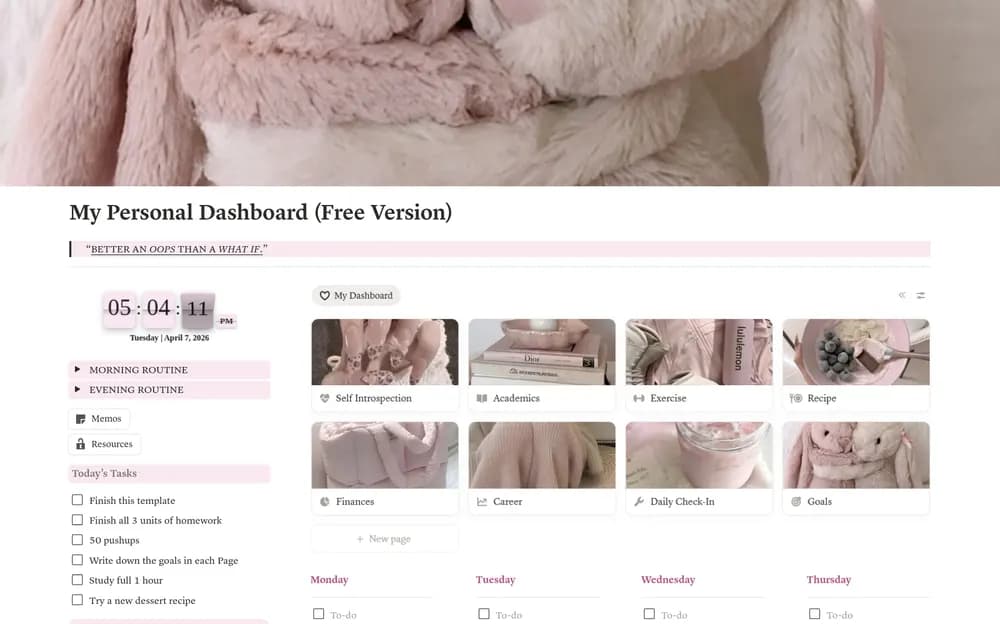
Bring daily goals, a habit tracker, a Pomodoro timer, and pages for school, fitness, money, and career together in one pink Notion dashboard.
What’s included
- Flip clock, Pomodoro timer, and calendar
- Today’s Goals list and weekly goals
- Habit tracker
- Notes, resources, and links sections
- Pages for academics, exercise, recipes, finances, career, daily check-ins, and self-introspection
How to use it in practice
Fill in today’s goals and two or three weekly goals before you start customizing. Add a small set of habits and check them off each evening for a week. Open only the subpages you need, such as Academics or Finances, and note which sections you actually used before deciding what to remove.
Set it up in your workspace
- Open the original Notion Marketplace listing and add the template to your chosen workspace while signed in. Keep its example records until you understand how the pages connect.
- Fill in today’s goals and two or three weekly goals before you start customizing.
- Try one complete example before adding a large backlog. Check that its views and any calculations show what you expect, then replace the sample content with your own.
Who it suits and what to consider
Students and young adults who want a decorative all-in-one homepage for daily planning. This is the creator’s basic version, and the listing names sections without describing how each page is structured. The clock and timer are likely embedded widgets, so check that they load on your devices.