About Meeting Prep Brief
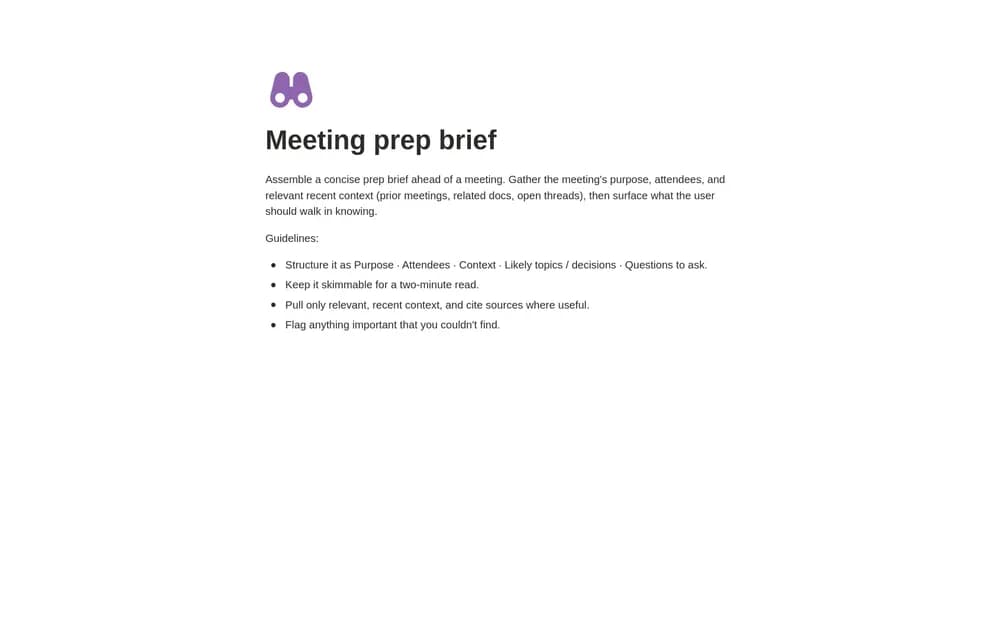
Assemble context about the people attending and the subject on the agenda into a brief pre-call summary with a Notion AI skill.
What’s included
- Attendee background summary
- Agenda-topic context
- Short prep brief for use before a call
How to use it in practice
Run the skill before two or three meetings this week, starting with one where you already know the background well. Check the brief for anything inaccurate or missing. Note whether it found the context you expected, and add a short agenda to the meeting page if the output feels too general.
Set it up in your workspace
- Open the original Notion Marketplace listing and add the template to your chosen workspace while signed in. Keep its example records until you understand how the pages connect.
- Run the skill before two or three meetings this week, starting with one where you already know the background well.
- Try one complete example before adding a large backlog. Check that its views and any calculations show what you expect, then replace the sample content with your own.
Who it suits and what to consider
People who move between calls and want quick context without searching through notes. The listing does not say which sources the brief draws on, so its usefulness likely depends on what your workspace already contains about the people and topic.