About Meeting Recap 2.0
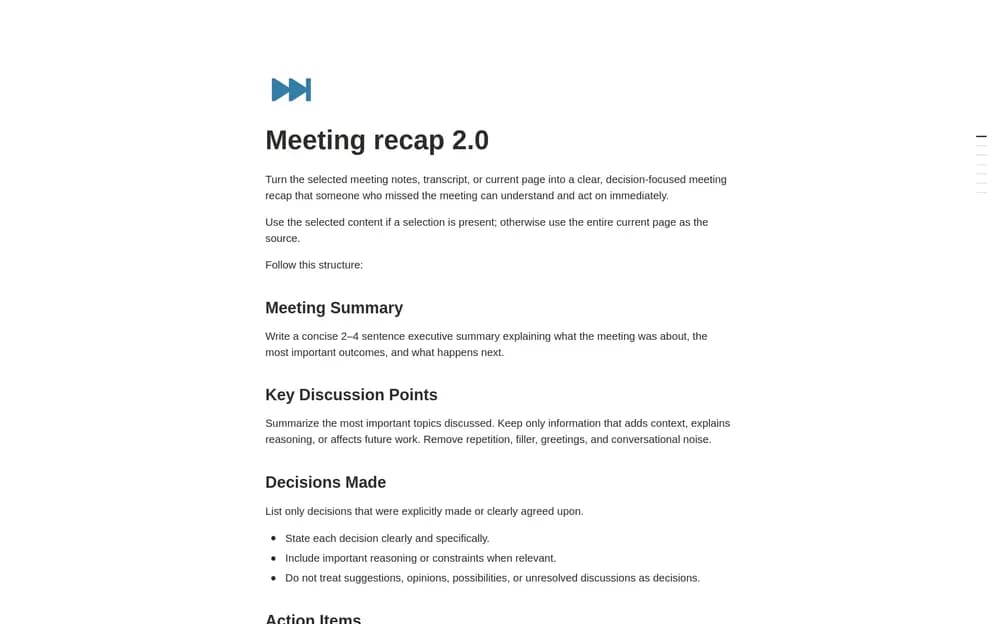
Turn meeting notes or transcripts into an actionable recap with a Notion AI prompt that separates decisions, tasks, open questions, and risks.
What’s included
- Executive summary and key discussion points
- Decisions separated from general discussion
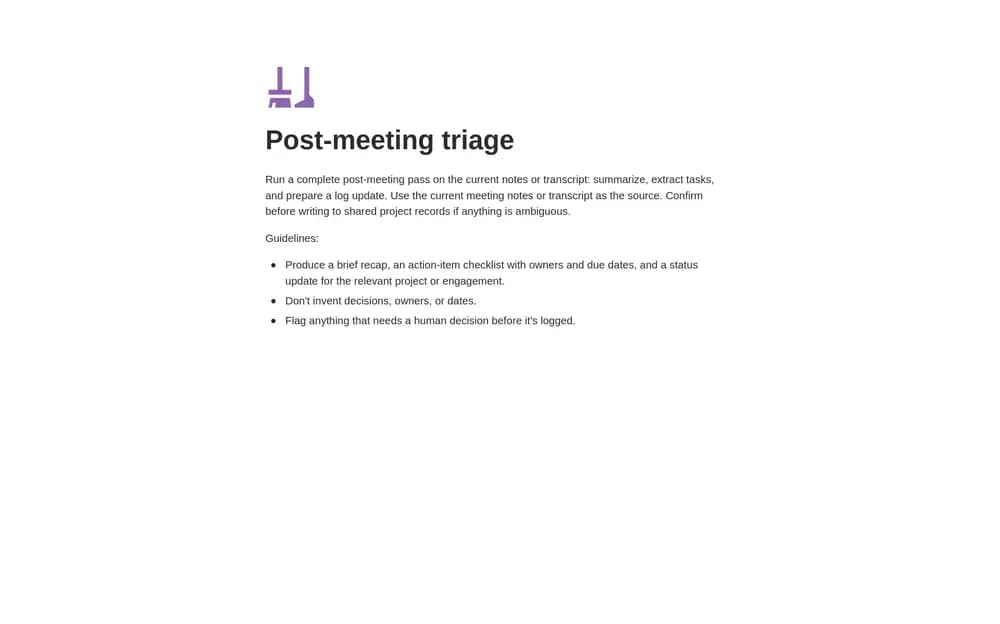
- Action items with owners and deadlines when stated
- Open questions, blockers, risks, and follow-up meetings
- Instruction not to invent owners, dates, or decisions
How to use it in practice
Run the prompt on notes from a meeting held this week where you already know the outcomes. Compare the recap with your own understanding, checking that each decision and owner was actually stated. Repeat with a messier transcript, and share one recap with attendees to see whether it answers their questions.
Set it up in your workspace
- Open the original Notion Marketplace listing and add the template to your chosen workspace while signed in. Keep its example records until you understand how the pages connect.
- Run the prompt on notes from a meeting held this week where you already know the outcomes.
- Try one complete example before adding a large backlog. Check that its views and any calculations show what you expect, then replace the sample content with your own.
Who it suits and what to consider
Teams and managers who run Notion AI on call notes and want consistent recaps. It requires Notion AI, and the recap can only be as accurate as the notes or transcript you provide; review owners and dates before distributing it.