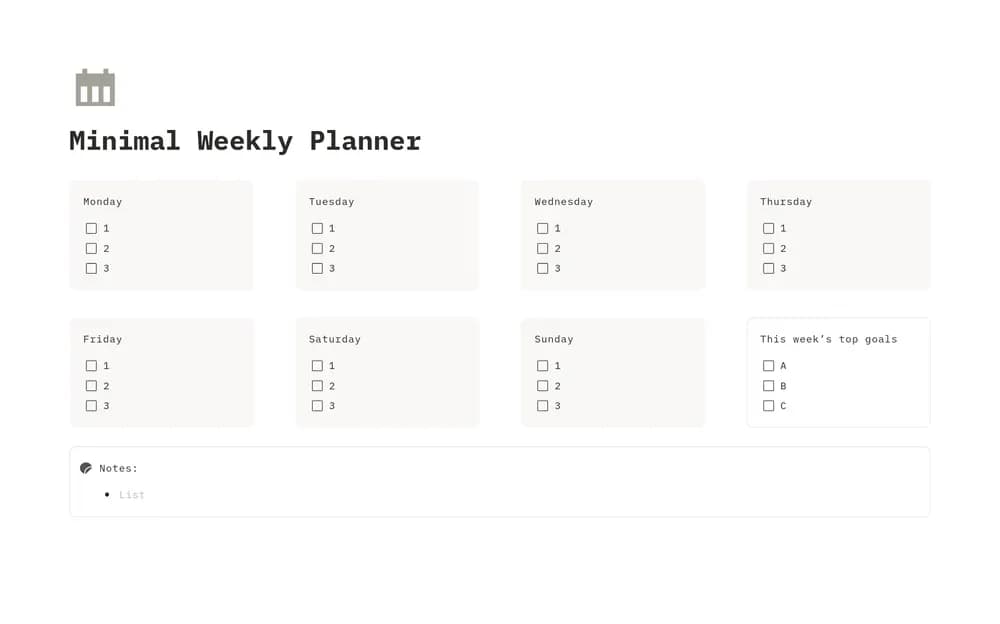
About Minimal Task System To-Do List
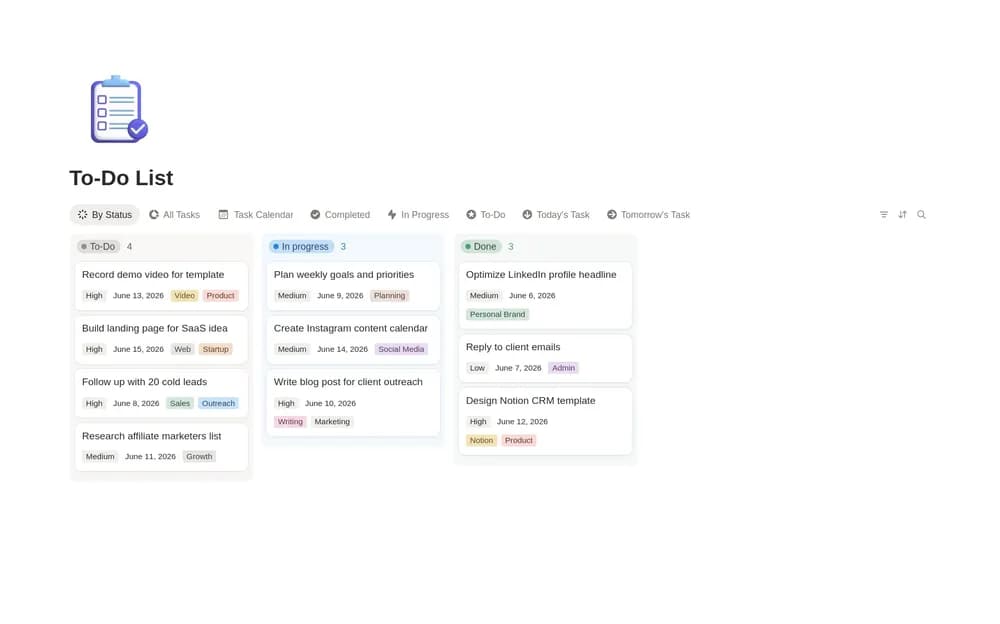
Run all tasks from a single Notion database with status, priority, due date, and tag properties, built for executing work rather than planning it.
What’s included
- Single Tasks database
- Status and Priority properties
- Due Date and Tags properties
How to use it in practice
Enter the tasks you need to do this week with a due date and priority. Use tags for areas like work, home, or study. If the views you need are not already there, create a Today view filtered by date, then check after a week whether a single database is enough.
Set it up in your workspace
- Open the original Notion Marketplace listing and add the template to your chosen workspace while signed in. Keep its example records until you understand how the pages connect.
- Enter the tasks you need to do this week with a due date and priority.
- Try one complete example before adding a large backlog. Check that its views and any calculations show what you expect, then replace the sample content with your own.
Who it suits and what to consider
People who keep overcomplicating productivity and want one plain task database. The listing focuses on properties and use cases rather than specific views, so you may need to build or adjust views yourself. Habit and goal tracking are mentioned as uses, not as dedicated sections.