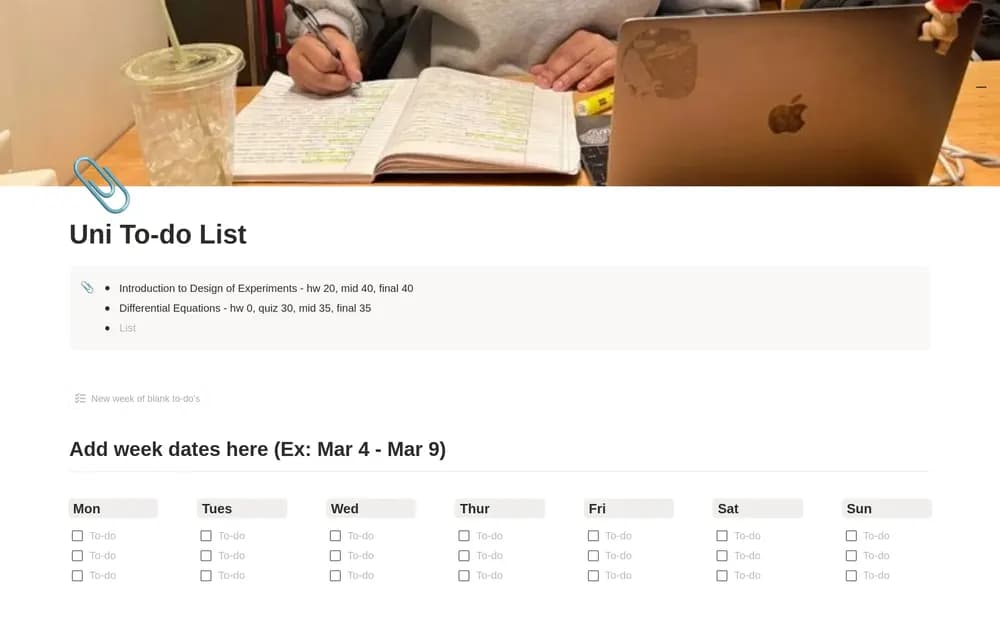
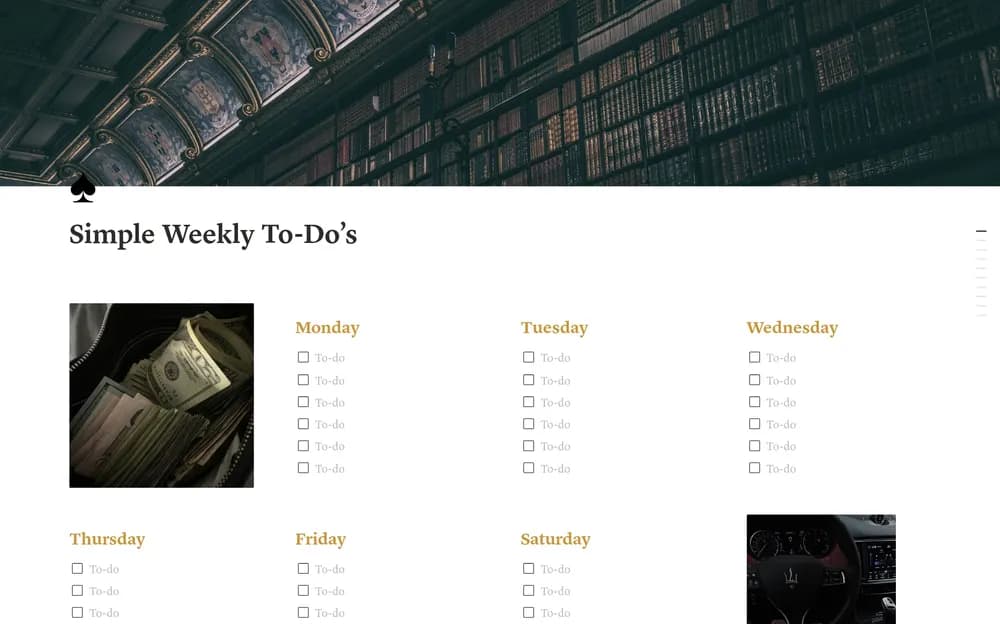
About Simple To-Do List with Checklist and Board
Write to-dos in a quick checklist, drag them onto a Notion status board as they progress, and let completed tasks hide themselves after a month.
What’s included
- Checklist for capturing to-dos
- Board view with status columns
- Drag-and-drop progress tracking
- Completed tasks hidden automatically after one month
How to use it in practice
List everything on your mind in the checklist, then drag the tasks you will start this week onto the board. Move cards to the right as they progress. After a week, check whether the board shows only current work and whether the to-do column needs trimming.
Set it up in your workspace
- Open the original Notion Marketplace listing and add the template to your chosen workspace while signed in. Keep its example records until you understand how the pages connect.
- List everything on your mind in the checklist, then drag the tasks you will start this week onto the board.
- Try one complete example before adding a large backlog. Check that its views and any calculations show what you expect, then replace the sample content with your own.
Who it suits and what to consider
People who like jotting tasks quickly and moving them across columns without much setup. The listing does not mention due dates, priorities, or calendar views. Hidden tasks are likely filtered out rather than deleted, so they remain in the database.