About To-Do Workspace with Board and Calendar Views
Capture action items in a flexible Notion to-do workspace with deadlines, project and context categories, priorities, Kanban boards, and calendars.
What’s included
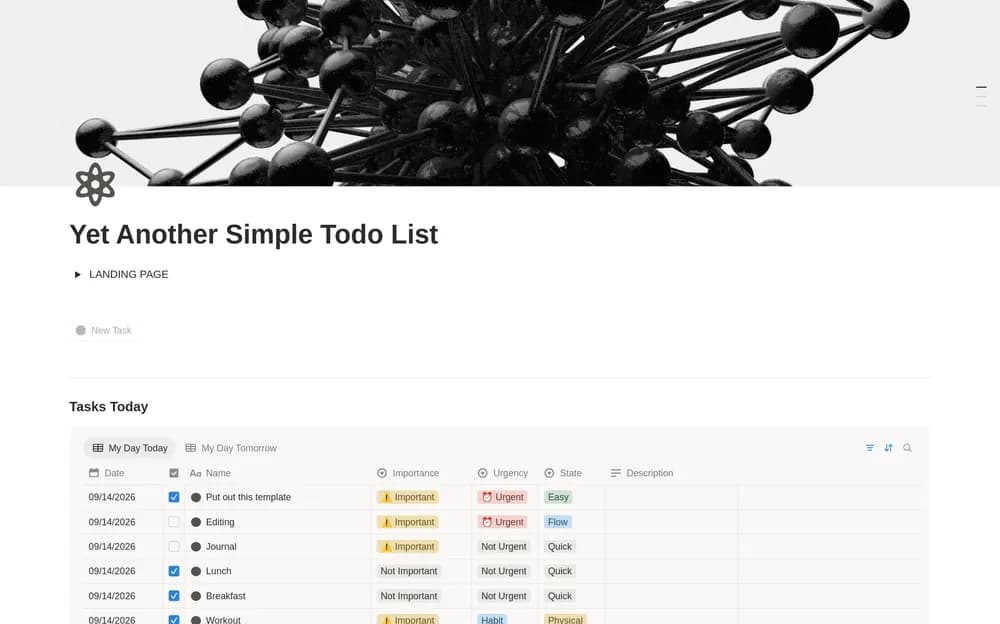
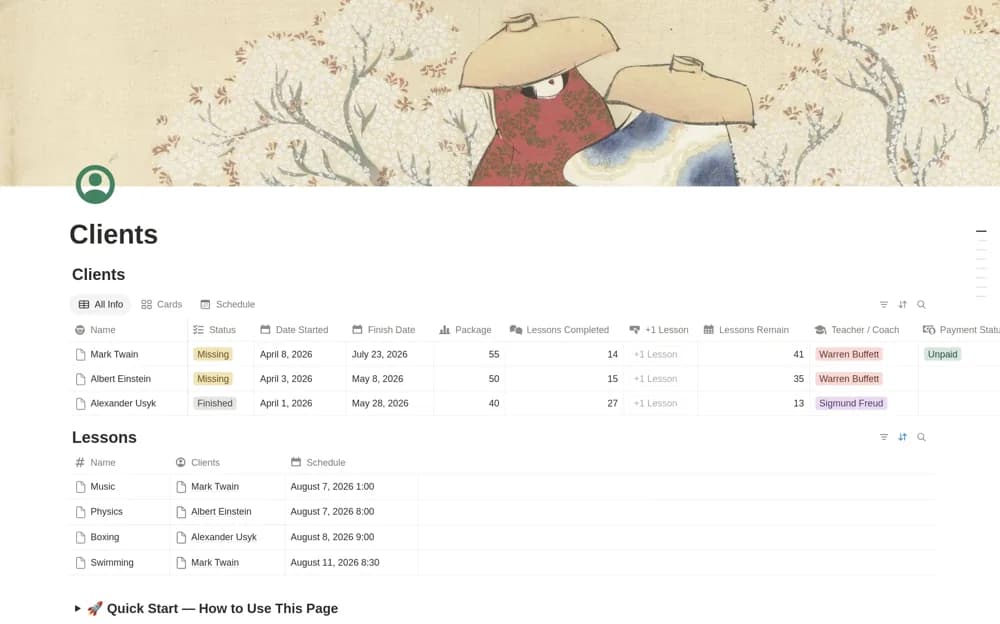
- Action items with deadlines
- Categories by project, context, or priority
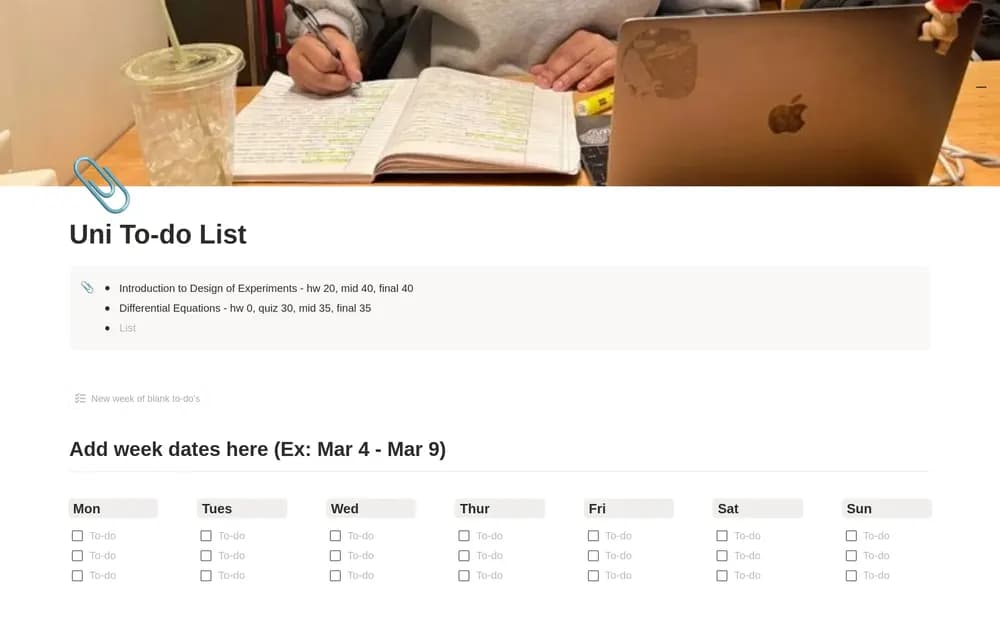
- Simple daily checklists
- Kanban board for pipeline tracking
- Calendar view of upcoming deadlines
How to use it in practice
Add the next two weeks of action items and assign each a project, context, and deadline. Try the checklist, board, and calendar layouts for a few days each. Keep the one you open most often as your default, and review overdue items at the end of the week.
Set it up in your workspace
- Open the original Notion Marketplace listing and add the template to your chosen workspace while signed in. Keep its example records until you understand how the pages connect.
- Add the next two weeks of action items and assign each a project, context, and deadline.
- Try one complete example before adding a large backlog. Check that its views and any calculations show what you expect, then replace the sample content with your own.
Who it suits and what to consider
Individuals or small teams who want personal, professional, and shared tasks in one dashboard. The listing is general and does not detail properties or views, so look over the structure before inviting a team. Task capture and updates are manual.