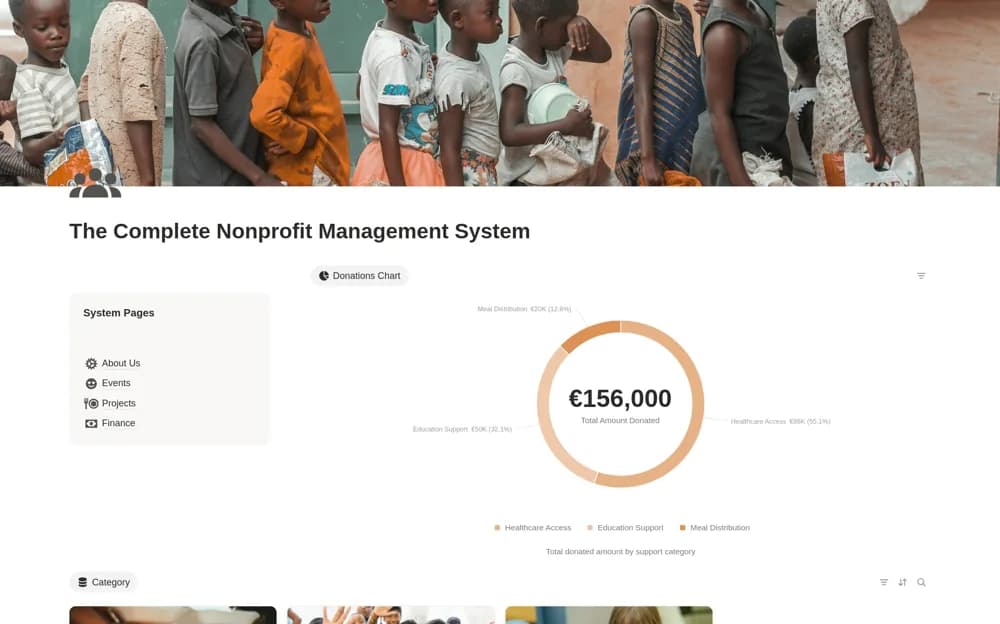
About The Complete Nonprofit Management System
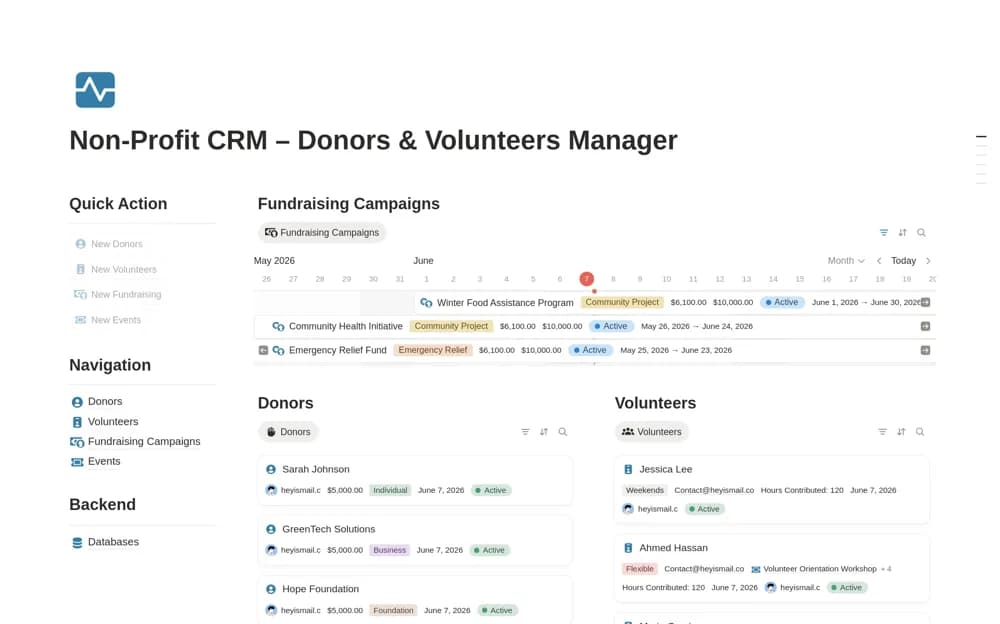
A paid nonprofit workspace linking donors, giving history, funding categories, projects, volunteers, events, and expenses, with calculated balances for recorded support categories.
What’s included
- Donor contacts and contribution records
- Donation categories and funding overview
- Project, volunteer, event, and expense organization
How to use it in practice
Enter a donation under the correct support category and connect an expense that genuinely belongs there. Compare the remaining balance with your finance records before using it in a program review. Keep donor follow-up and receipt status current, and restrict access to private supporter details.
Set it up in your workspace
- Open the original Notion Marketplace listing and add the template to your chosen workspace while signed in. Keep its example records until you understand how the pages connect.
- Enter a donation under the correct support category and connect an expense that genuinely belongs there.
- Try one complete example before adding a large backlog. Check that its views and any calculations show what you expect, then replace the sample content with your own.
Who it suits and what to consider
Nonprofit teams coordinating day-to-day delivery and the funding records associated with it. Calculated category balances reflect the entries you record. Confirm restrictions and reporting rules separately; the workspace does not establish an authoritative charitable-accounting system.