About Notion Aesthetic Dashboard
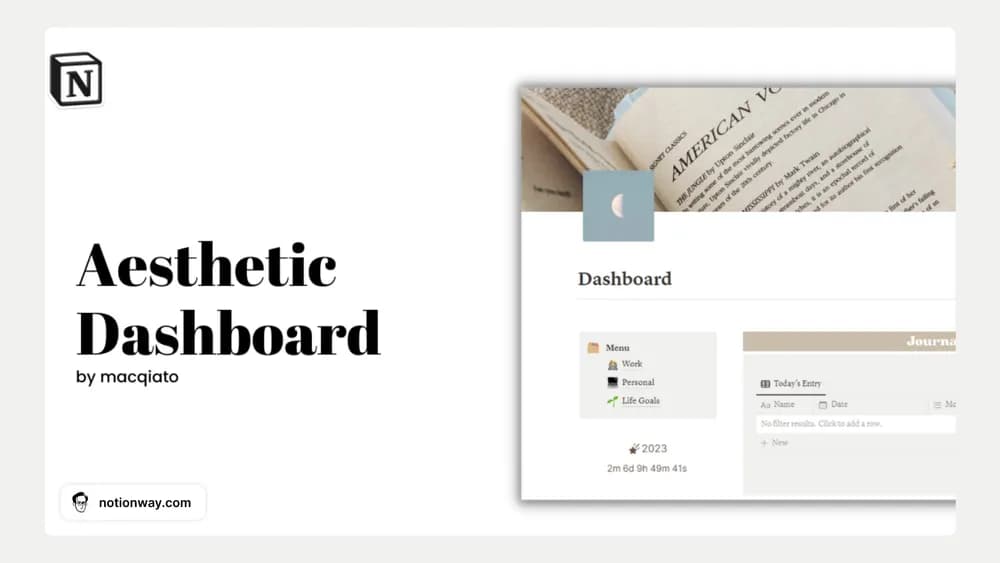
This dashboard uses a restrained visual style to bring different parts of life together. It is a starting point for people who prefer a single home page. The important test is whether you can find today’s work quickly without maintaining every page in the collection.
What’s included
- An aesthetic dashboard shown in the creator’s preview
- A duplicate-to-workspace access method
- A customizable Notion page whose detailed database structure is not explained in the public description
How to use it in practice
Inspect the preview for the pages you would actually open each morning. After adding your copy, replace the top links with your current planning and notes pages. Try the home screen on a phone before spending time adjusting covers. If a section has no clear role in your routine, keep it out of the main navigation.
Set it up in your workspace
- Follow the original creator’s checkout or access instructions to obtain the Notion page. Open that page while signed in, then duplicate it into the workspace you want to use.
- Add links to your active work and one current personal goal. Try a normal day before moving older information across.
- Try one complete example before adding a large backlog. Check that its views and any calculations show what you expect, then replace the sample content with your own.
Who it suits and what to consider
People who like a coordinated, neutral workspace. Choose primarily for its layout and appearance. The short creator description does not establish a detailed feature inventory, so confirm any must-have tracking tools in the preview first.