About Personal Blog
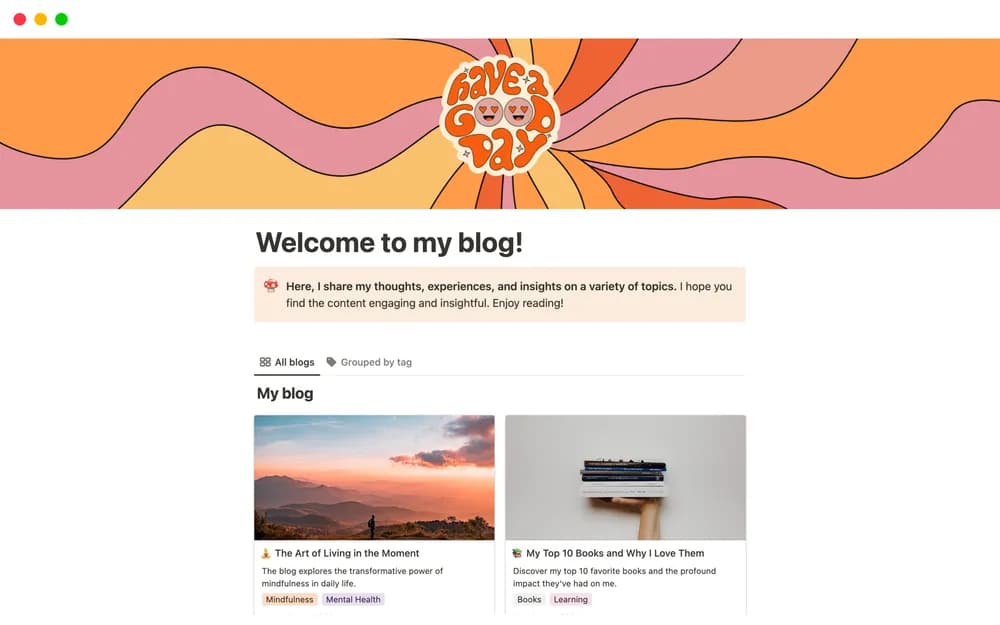
A personal blog gives finished writing a stable home outside a social feed. This template comes from Notion. Keep the navigation simple and review the published page on mobile. Check which publishing and domain features are available in your own Notion plan.
What’s included
- An adaptable Notion blog layout
- Pages for publishing personal or informative writing
- A web-publishing workflow through Notion
How to use it in practice
Publish one complete post with a clear title, short introduction, and readable structure. Check navigation and links from a signed-out browser, then view it on a phone. Keep source references close to factual claims and choose a publishing rhythm you can maintain. Review older posts when their information changes.
Set it up in your workspace
- Open the original Notion Marketplace listing and add the template to your chosen workspace while signed in. Keep its example records until you understand how the pages connect.
- Publish a sample post and review the public navigation. Add a short introduction that tells visitors what they will find.
- Try one complete example before adding a large backlog. Check that its views and any calculations show what you expect, then replace the sample content with your own.
Who it suits and what to consider
Writers and individuals sharing ideas publicly. A simple way to publish writing using Notion. Check current public-site, domain, and search settings if discoverability is part of your publishing plan.