About Design Portfolio
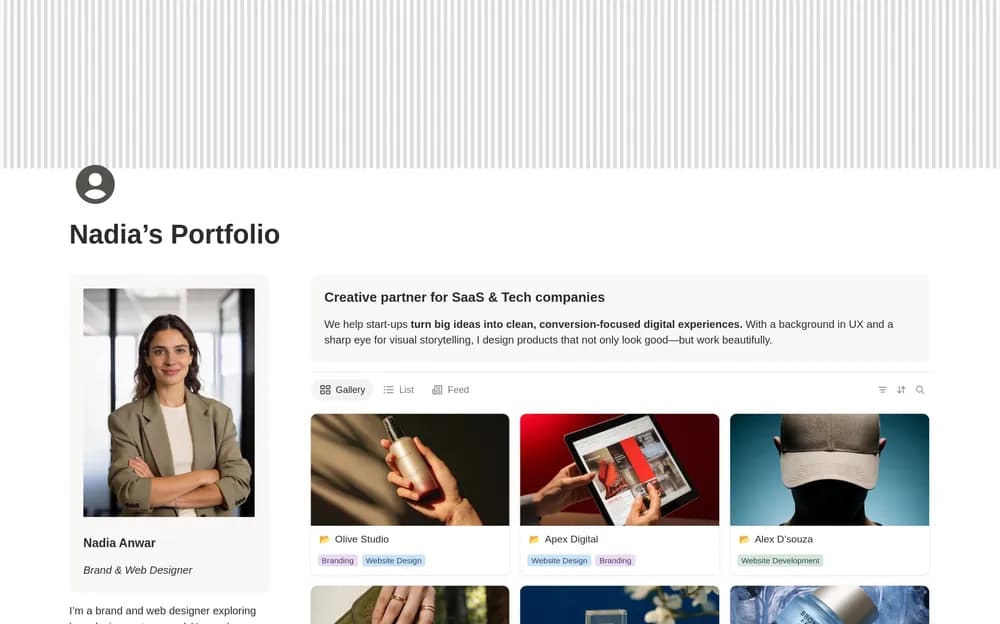
A design portfolio should help someone understand the problem, your contribution, and the result. Use this layout as a starting point for that story. A few well-explained projects can tell a visitor more than a large gallery without context.
What’s included
- A flexible two-column portfolio layout
- Space for project or case-study presentations
- About and service information for introducing your work
How to use it in practice
Choose a few representative projects and explain the problem, your role, and the design decisions behind the result. Put the strongest relevant example near the top. Check the published page on a phone and test the contact route while signed out. Keep captions useful for someone seeing the project without a verbal walkthrough.
Set it up in your workspace
- Open the original Notion Marketplace listing and add the template to your chosen workspace while signed in. Keep its example records until you understand how the pages connect.
- Choose three representative projects and write a short explanation for each. Check the public page on mobile.
- Try one complete example before adding a large backlog. Check that its views and any calculations show what you expect, then replace the sample content with your own.
Who it suits and what to consider
Designers presenting projects to clients or employers. Suited to designers who want an editable public work page. The layout becomes persuasive through specific project explanations and current links.