About Placement & Commission Tracker
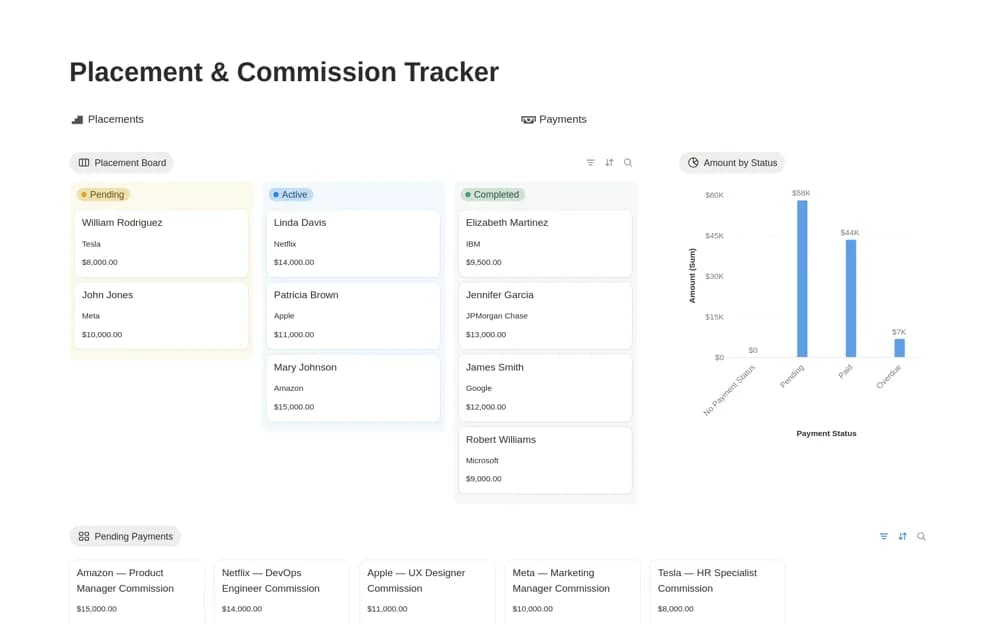
A recruitment placement tracker connecting candidate placements, client roles, commission totals, and payment status.
What’s included
- Placements database with candidate, client, position, and date
- Related payment records with due and paid dates
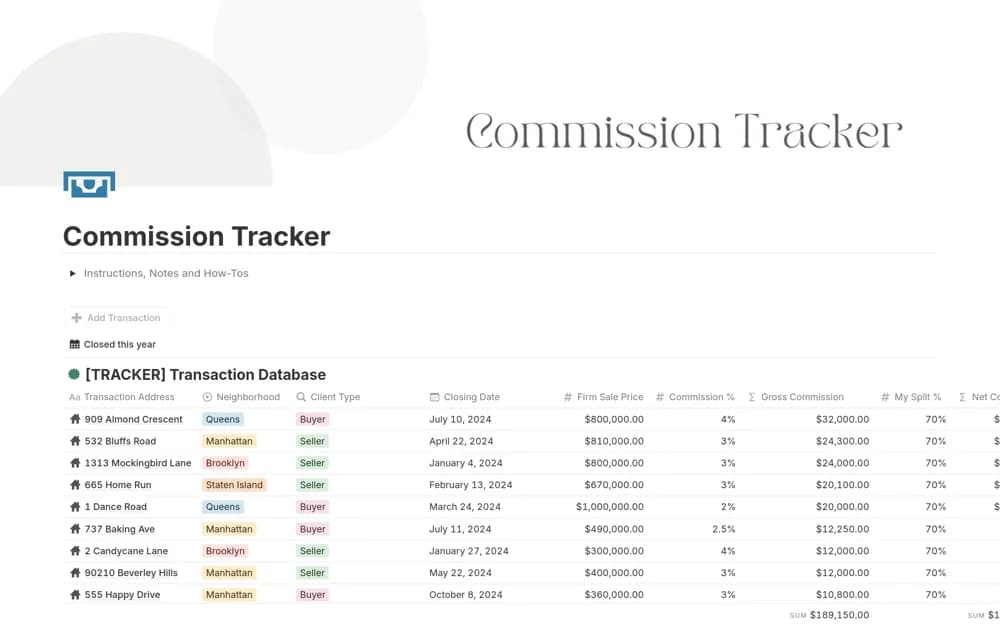
- Commission rollups, payment views, and revenue charts
How to use it in practice
Test a completed placement with its actual fee and payment evidence. Check how partial or delayed payments appear before adding the live pipeline. Review pending amounts against contractual terms, keeping candidate data and client commercial details appropriately restricted.
Set it up in your workspace
- Open the original Notion Marketplace listing and add the template to your chosen workspace while signed in. Keep its example records until you understand how the pages connect.
- Test a completed placement with its actual fee and payment evidence.
- Try one complete example before adding a large backlog. Check that its views and any calculations show what you expect, then replace the sample content with your own.
Who it suits and what to consider
Recruitment agencies and independent headhunters following placement revenue. Calculated totals reflect linked records; the template does not establish payment collection or contractual entitlement.