 Free
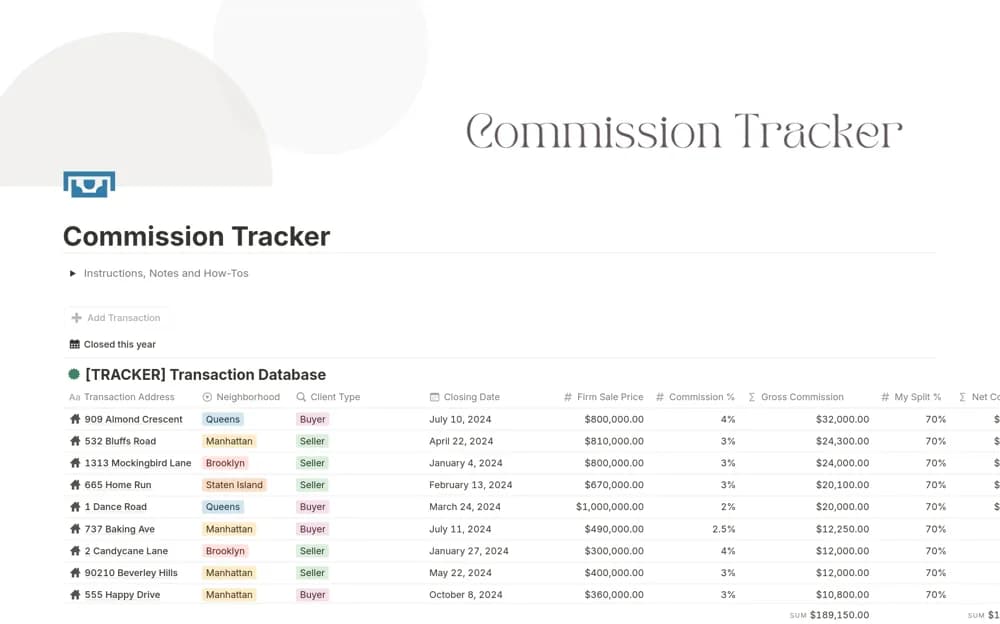
Commission Tracker
A real estate commission tracker with adjustable rates, broker splits, annual targets, and earnings charts.
Keep commission records and payment status organized. Explore Notion trackers for eligible sales, agreement references, calculation inputs, expected dates, and reconciling recorded amounts with payments.
Showing 1–3 of 3 templates
FreeA real estate commission tracker with adjustable rates, broker splits, annual targets, and earnings charts.
 Free
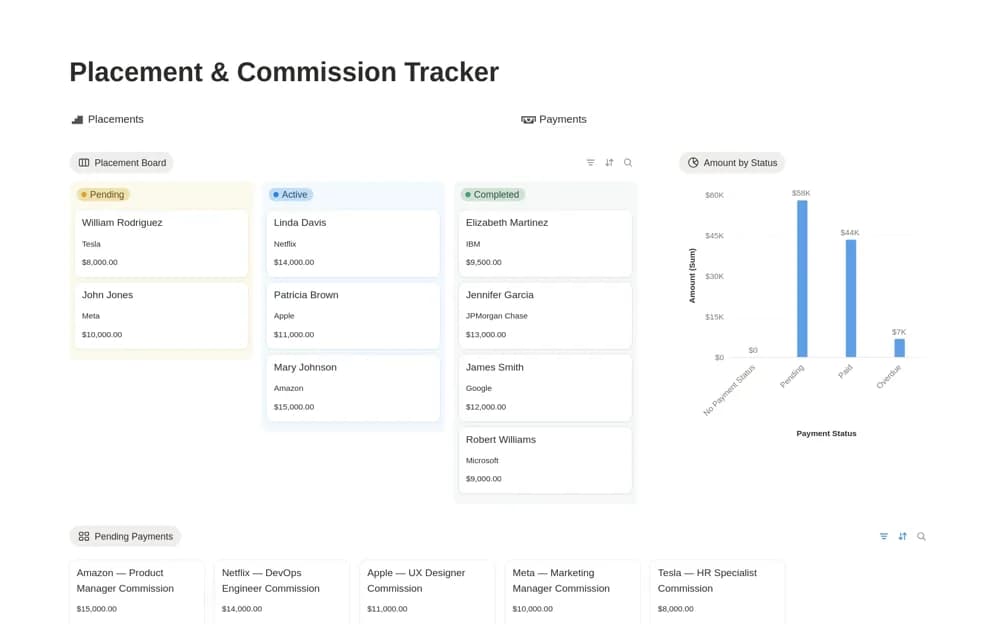
A recruitment placement tracker connecting candidate placements, client roles, commission totals, and payment status.
 Paid
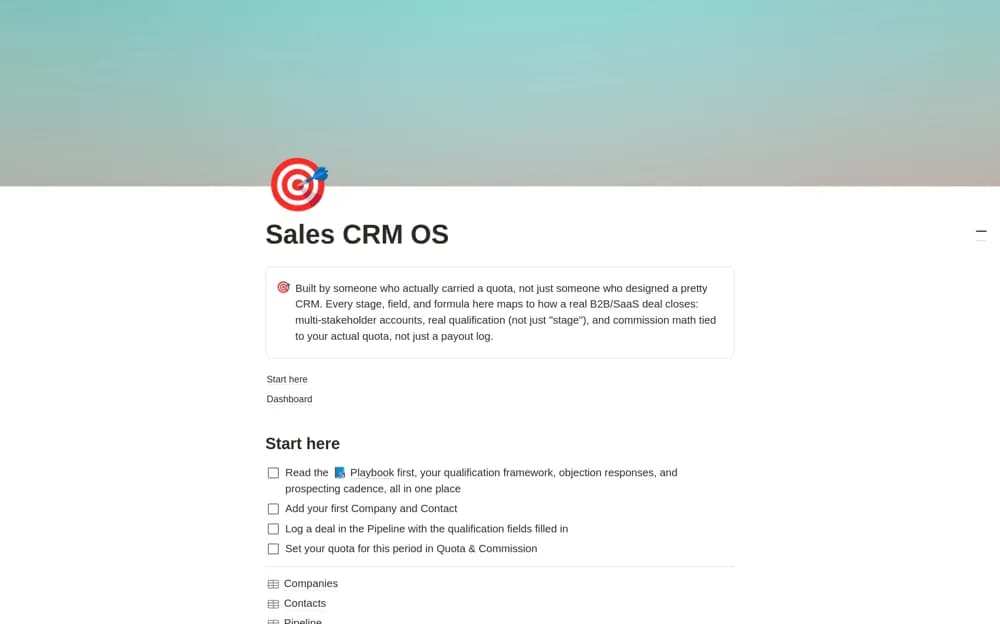
A B2B sales workspace linking company and contact roles to deal qualification, risk flags, prospecting cadence, quotas, and commission calculations with accelerator terms.
Compare the purpose and included features before choosing a workspace.
Real estate agents reviewing transaction commissions and progress toward targets.
Recruitment agencies and independent headhunters following placement revenue.
Account executives and sales managers reviewing opportunity quality as well as personal earnings.
3 working templates from 3 creators: 2 free and 1 paid, with paid options from $49. Links last checked October 11, 2026.
| Template | Best for | Price | Creator |
|---|---|---|---|
| Commission Tracker | Real estate agents reviewing transaction commissions and progress toward targets. | Free | Alex & Pumpkin |
| Placement & Commission Tracker | Recruitment agencies and independent headhunters following placement revenue. | Free | ZikoTemplates |
| Sales CRM OS - B2B Pipeline & Commission Tracker | Account executives and sales managers reviewing opportunity quality as well as personal earnings. | $49 | Sukrit |
Use the current compensation agreement as the source for rates, eligibility, and timing. Distinguish a calculated estimate from an approved amount and a payment received. Check an example with the responsible finance or payroll team before relying on totals. Keep adjustments and supporting records visible so discrepancies can be investigated rather than silently changing a previous figure.
Current agreement references
Estimated versus approved amounts
Payment reconciliation
About the directoryRecord the period, eligible sale, commission terms, and supporting source before checking a payout. Distinguish estimated, approved, and paid amounts. Test a sample with the actual plan's rates and exceptions, then preserve any question for the responsible reviewer. A formula result is not evidence that payroll has approved or transferred the amount.
Jump straight to any listing in the collection.
Only when the plans use the same definitions and rules. Quotas, accelerators, eligible revenue, timing, and adjustments can differ. Read the configured calculation and test examples against the official plan rather than assuming the template's defaults fit.
It depends on the job you need it to do. Good starting points in this collection include Commission Tracker (real estate agents reviewing transaction commissions and progress toward targets), Placement & Commission Tracker (recruitment agencies and independent headhunters following placement revenue) and Sales CRM OS - B2B Pipeline & Commission Tracker (account executives and sales managers reviewing opportunity quality as well as personal earnings). Compare the included features below, then try your first choice with a week of real information before moving everything across.
Yes. This collection currently includes 2 listings with a confirmed free creator offer, alongside 1 paid or freemium option. Use the Free filter to compare them. A free version can have different features from a creator’s paid upgrade, so check the original listing and current access terms before adding it to your workspace.