About Product Designer Workspace
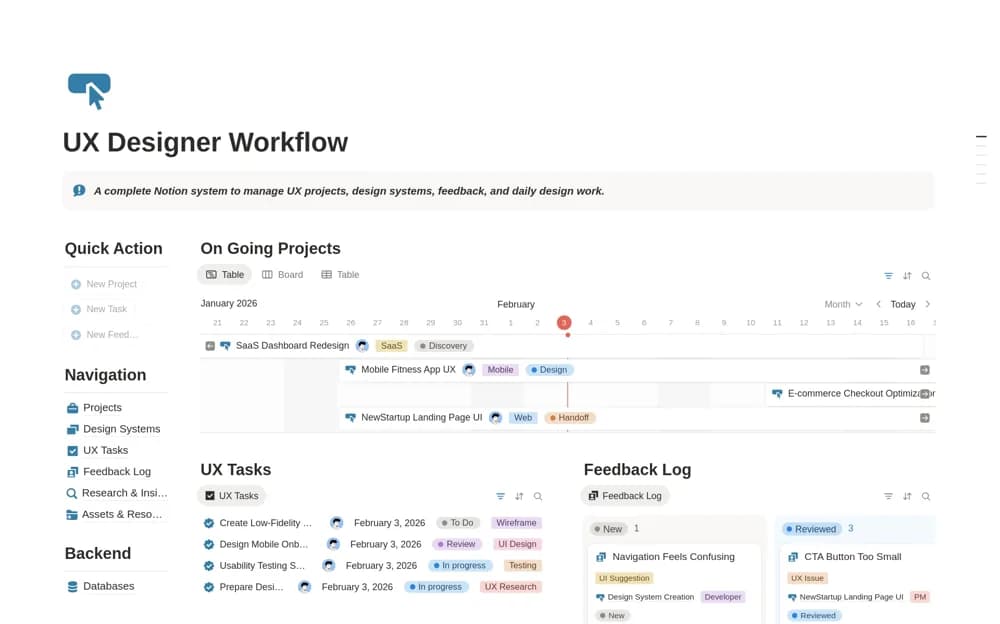
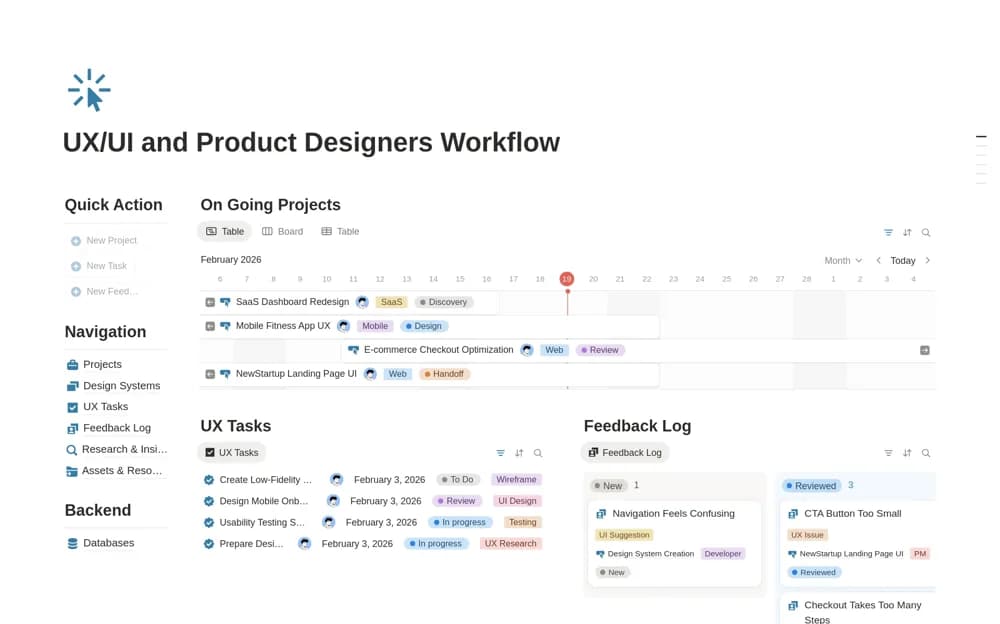
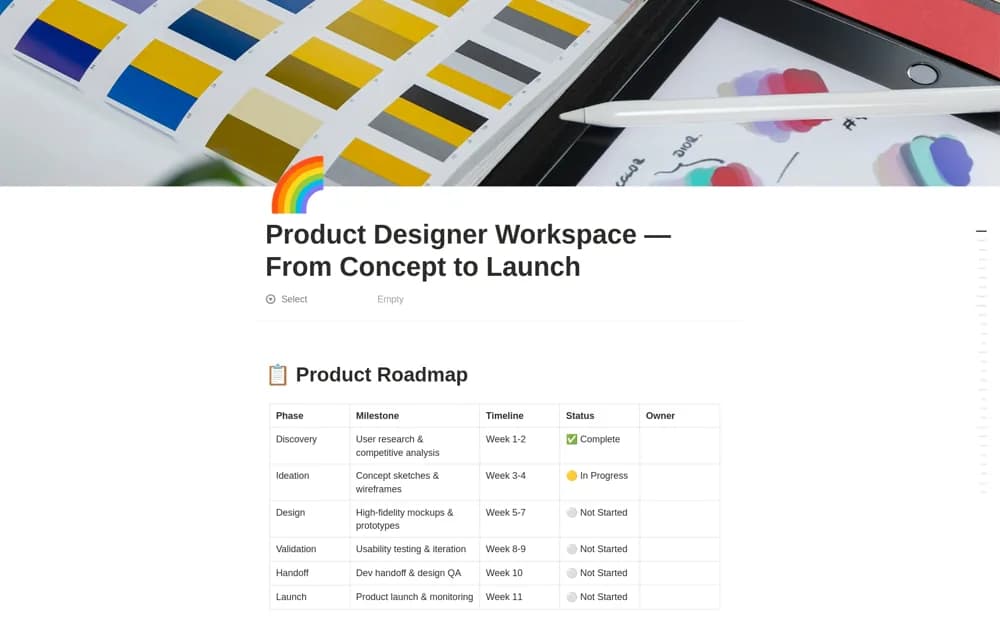
A product-design workspace spanning discovery, ideation, design, validation, handoff, and launch, with sprint planning, component documentation, user-story mapping, and an accessibility review checklist.
What’s included
- Six-phase product roadmap
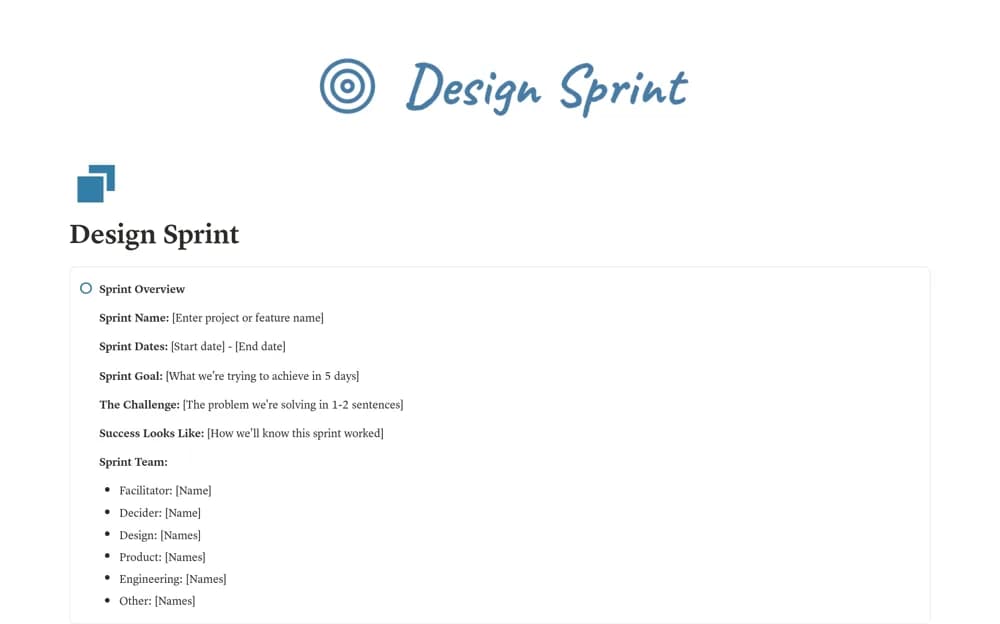
- Design Sprint and Component Library trackers
- User Story Map and accessibility checklist
How to use it in practice
Choose a current product feature and identify its next design decision before filling the roadmap. Link the relevant component files and user-story priority, then use a short validation task to test the proposed solution. Keep accessibility observations tied to concrete screens and follow them through the handoff.
Set it up in your workspace
- Open the original Notion Marketplace listing and add the template to your chosen workspace while signed in. Keep its example records until you understand how the pages connect.
- Choose a current product feature and identify its next design decision before filling the roadmap.
- Try one complete example before adding a large backlog. Check that its views and any calculations show what you expect, then replace the sample content with your own.
Who it suits and what to consider
Product and UX designers coordinating design decisions with implementation and release work. An accessibility checklist supports review but does not certify compliance. The supplied design-tool links and AI-related guidance do not establish automatic synchronization or guaranteed output quality.