About UX/UI and Product Designers Workflow
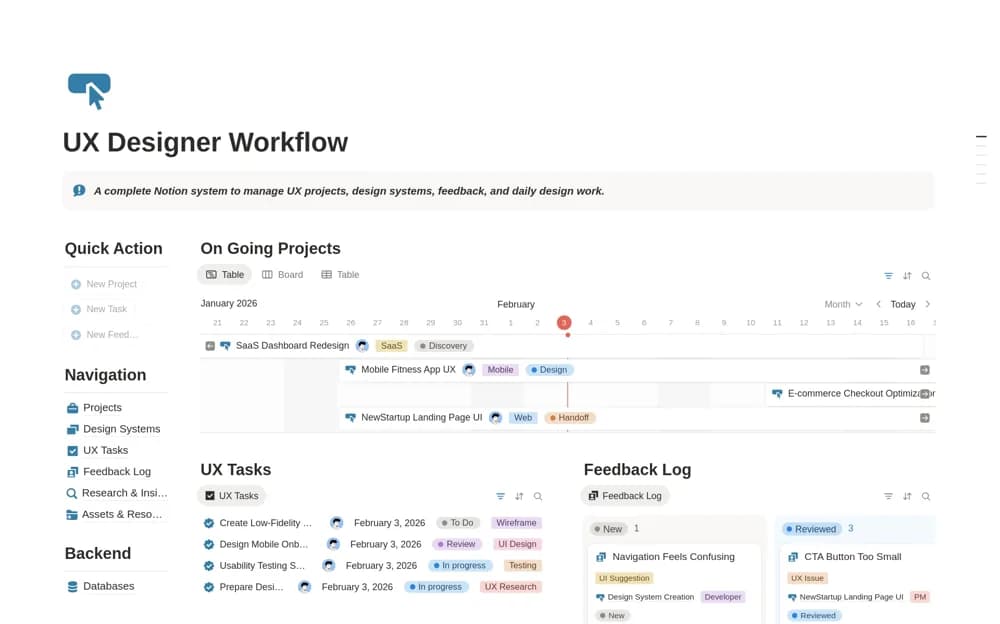
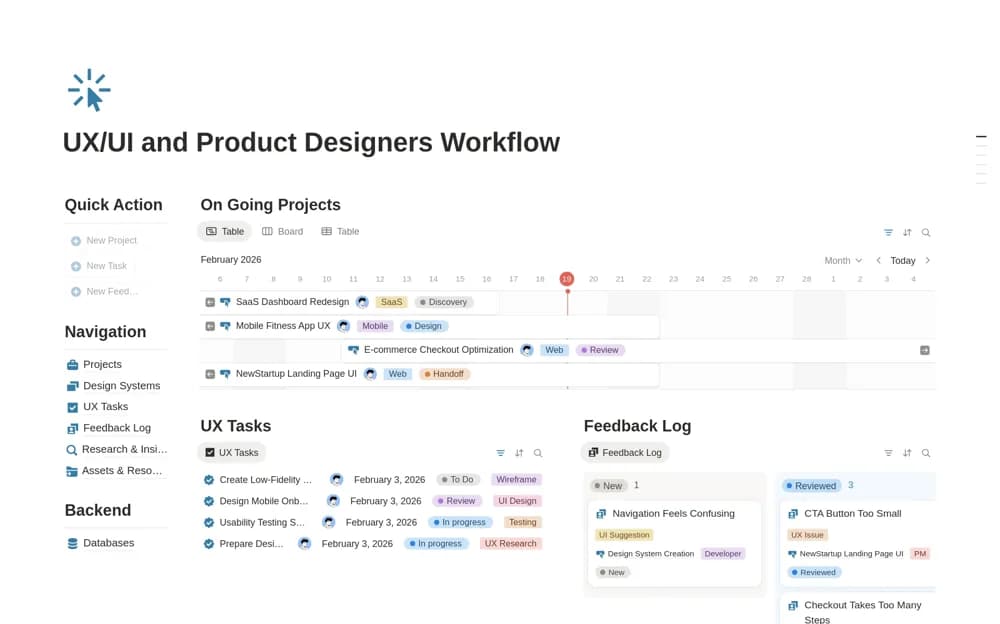
A product-design workflow for timelines, UX tasks, categorized feedback, research, assets, design systems, and handoff.
What’s included
- Project timeline and task tracking
- Research insights and feedback categories
- Design-system, asset, resource, and handoff organization
How to use it in practice
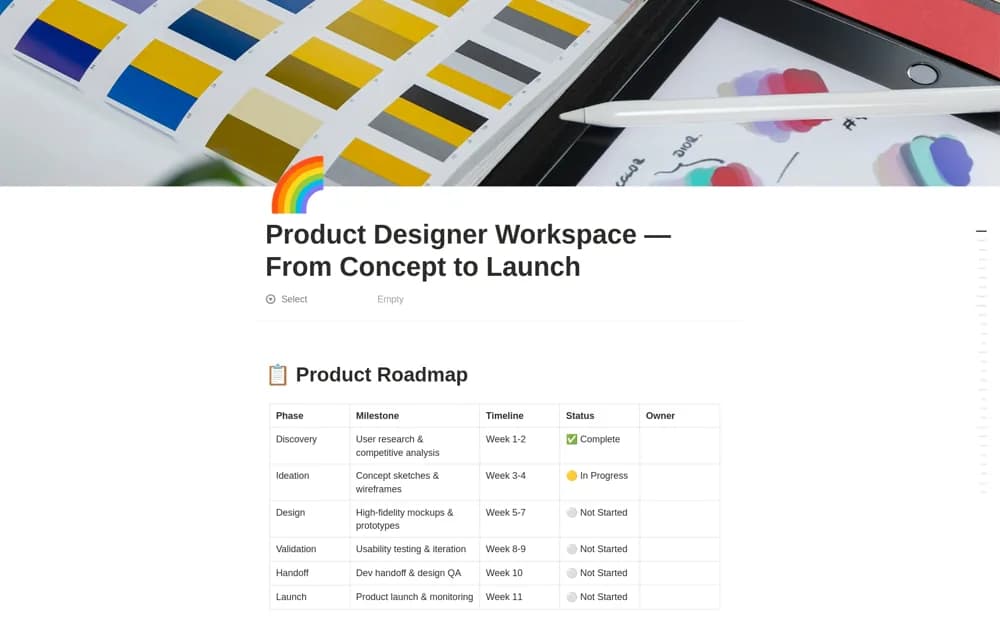
Trial a small design change from research context to handoff. Link the current design files and record the decision behind the solution. Agree what implementation needs from the handoff, then check follow-up feedback so the workflow continues beyond delivering a link.
Set it up in your workspace
- Open the original Notion Marketplace listing and add the template to your chosen workspace while signed in. Keep its example records until you understand how the pages connect.
- Trial a small design change from research context to handoff.
- Try one complete example before adding a large backlog. Check that its views and any calculations show what you expect, then replace the sample content with your own.
Who it suits and what to consider
Product designers and UX/UI teams coordinating work through implementation. The template organizes design operations; it does not generate or validate interface designs.