About UX Designer Workflow OS
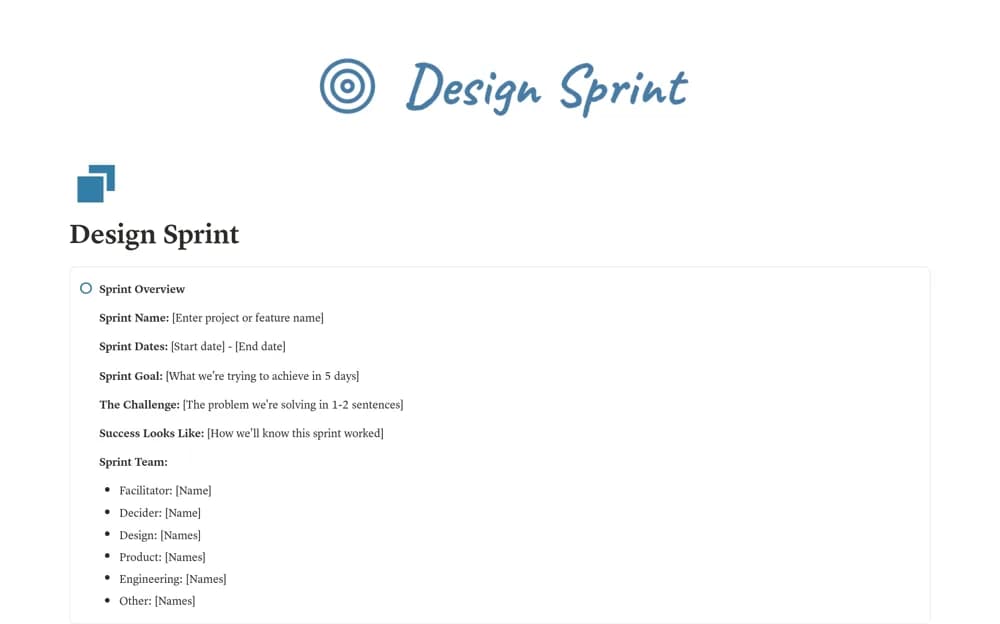
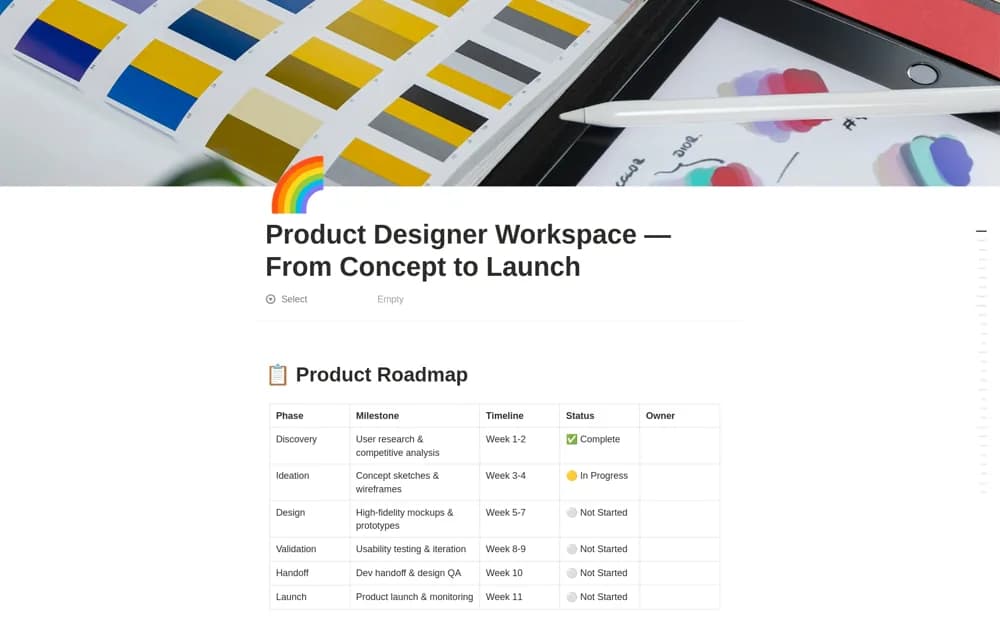
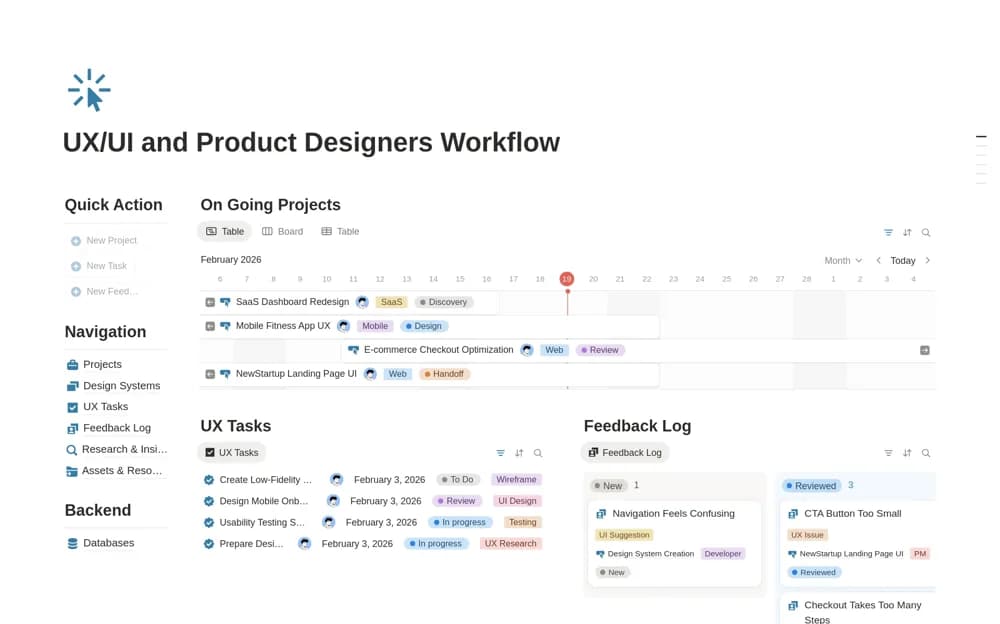
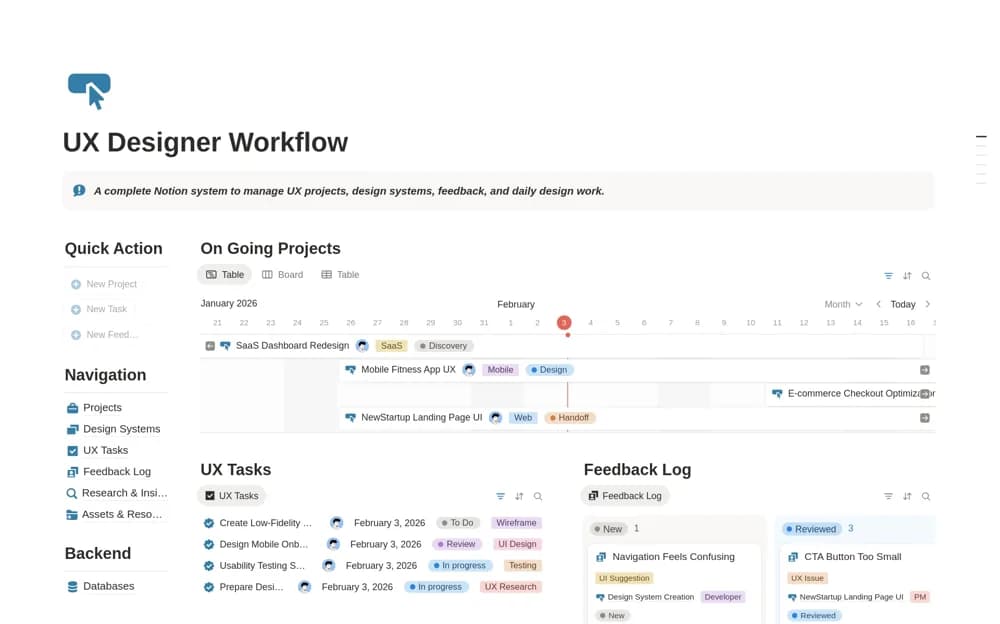
A UX project workspace organizing research insights, feedback, design tasks, resources, and design-system references.
What’s included
- Multi-project organization
- Feedback capture and prioritization
- Research, tasks, resources, and design-system context
How to use it in practice
Create a project and connect one research insight to a design task. Keep the evidence and current design-file link close to the decision. Review feedback with the team and make handoff expectations explicit instead of treating task completion as proof that a design is ready.
Set it up in your workspace
- Open the original Notion Marketplace listing and add the template to your chosen workspace while signed in. Keep its example records until you understand how the pages connect.
- Create a project and connect one research insight to a design task.
- Try one complete example before adding a large backlog. Check that its views and any calculations show what you expect, then replace the sample content with your own.
Who it suits and what to consider
UX designers managing discovery and delivery across several projects. The source does not establish design-file editing or live synchronization with specialist design tools.