About Public Brand Guidelines
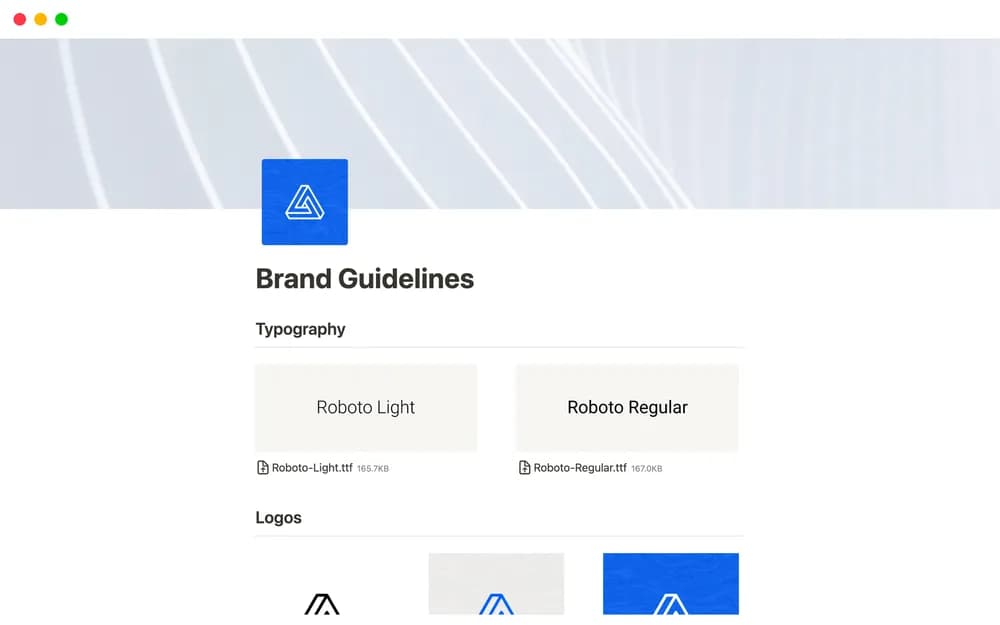
Brand guidelines are easier to follow when the current version is easy to find. This Notion-made template provides a public-page starting point. Keep approved assets and usage context together, then check that the published page exposes only the information you intend to share.
What’s included
- Public-facing brand-identity sections
- Visual-brand guidance
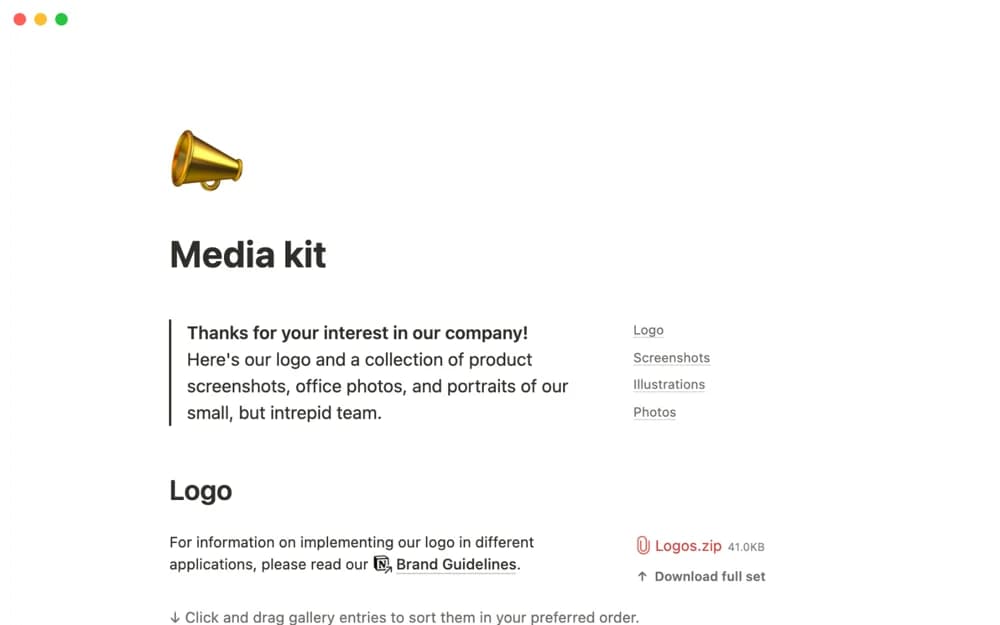
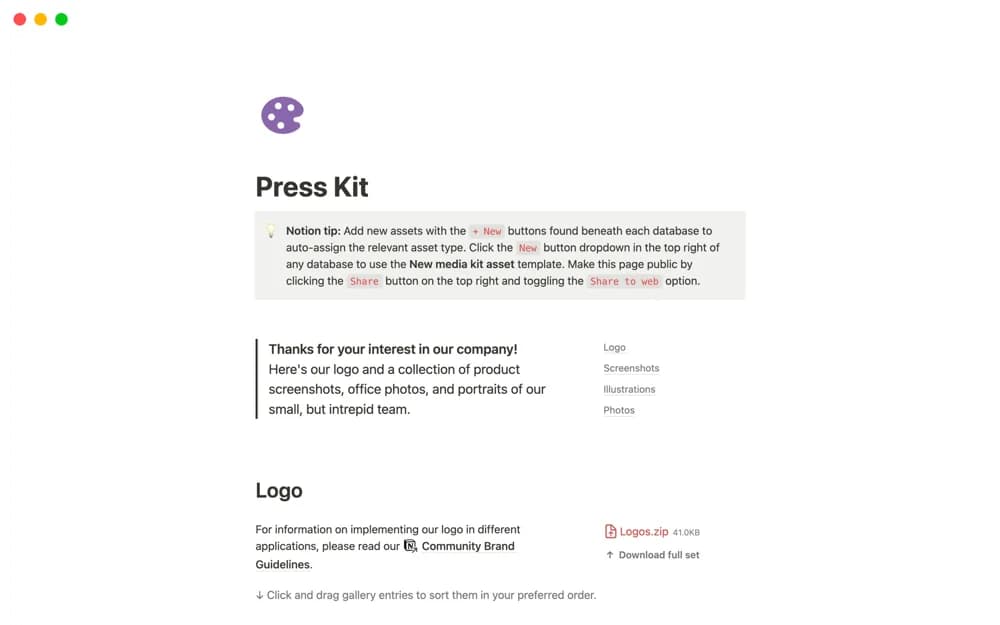
- A structured page for presenting a consistent brand reference
How to use it in practice
Add the current brand description and approved visual references first. Make the intended use of logos, colors, and type clear in your copy, linking downloadable assets where appropriate. Ask someone outside the design team to use the page for a simple task. Review it when the brand changes so outdated assets do not remain the easiest ones to find.
Set it up in your workspace
- Open the original Notion Marketplace listing and add the template to your chosen workspace while signed in. Keep its example records until you understand how the pages connect.
- Add a small set of approved brand details and links. Review the public page from a visitor’s perspective.
- Try one complete example before adding a large backlog. Check that its views and any calculations show what you expect, then replace the sample content with your own.
Who it suits and what to consider
Teams publishing approved brand information. Useful when partners and teammates need a shared brand reference. Publish only the guidance and assets intended for that audience.