About Read Later Library
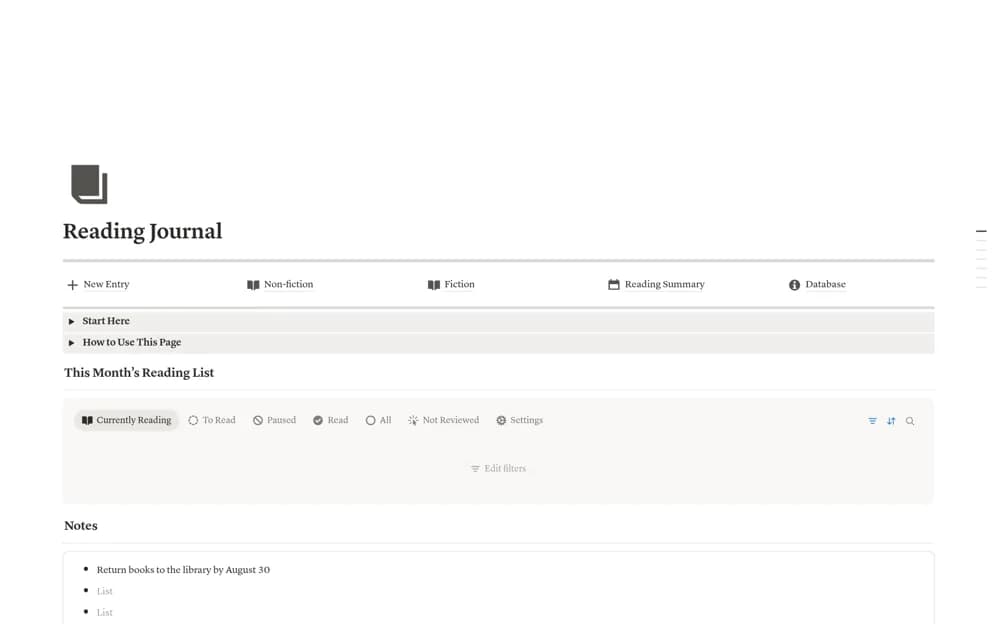
Save articles to read later in Notion, with a cover-image library, a To read, Reading, and Done queue, and star ratings for finished pieces.
What’s included
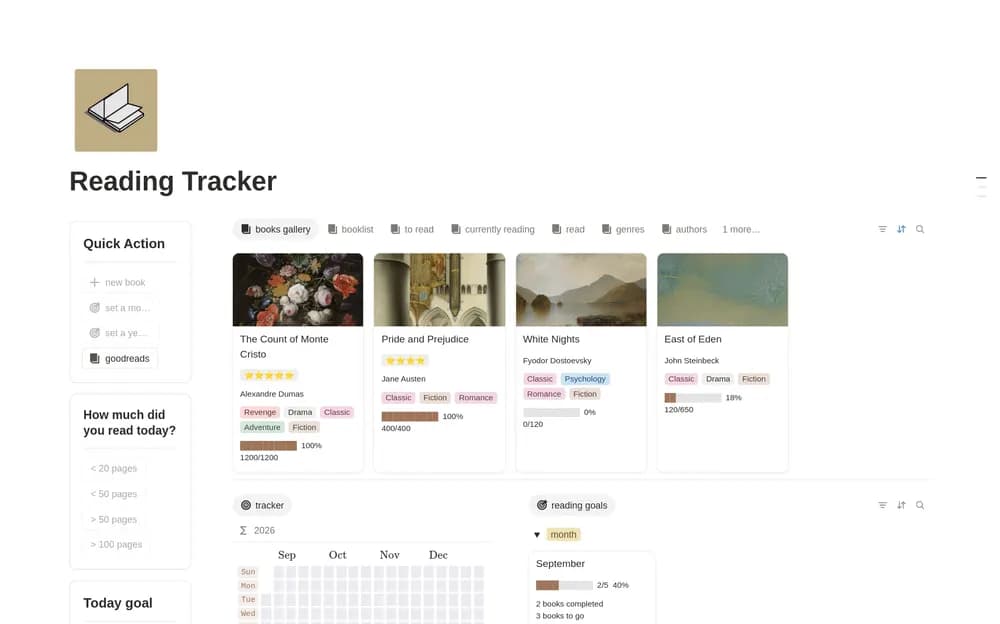
- Library gallery with cover images
- Queue board for To read, Reading, and Done
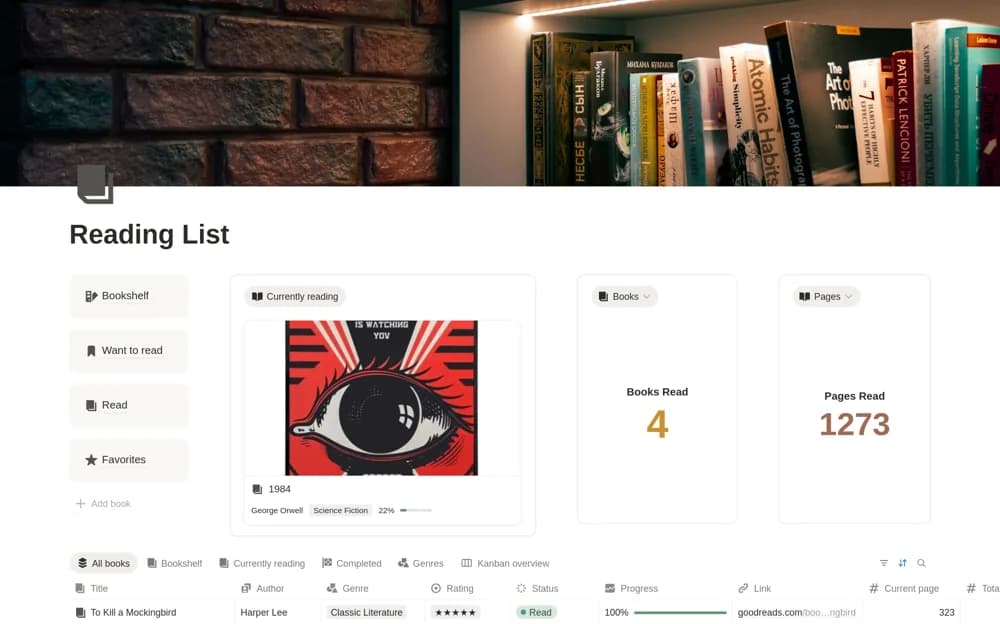
- Full table with author, site, type, and tags
- Reading time and star rating fields
- Example rows and a short how-to
How to use it in practice
Delete the example rows and save the five articles currently sitting in your browser tabs. Fill in the author, site, and an estimated reading time, then move one item to Reading. Check the queue board each evening for a week, and rate what you finish to see whether the library stays useful as it grows.
Set it up in your workspace
- Open the creator’s public Notion page while signed in to Notion, then use Duplicate in the top-right corner to copy it into the workspace you want to use.
- Delete the example rows and save the five articles currently sitting in your browser tabs.
- Try one complete example before adding a large backlog. Check that its views and any calculations show what you expect, then replace the sample content with your own.
Who it suits and what to consider
Readers moving off a read-later app such as Pocket who want saved articles and essays kept inside Notion. Entries are typed in by hand unless you install the optional Fieldclip Chrome extension, which fills author, date, tags, and cover when you save a page.